
Andy's Selective Grief Protection
Place a Protection Rune, set its radius, and protect only what matters — blocks, containers, entities, and explosions — while the surrounding world stays open for normal mining and building.

Project Information
- Developer
- Andy The Maker
- Platforms
- Bedrock
- Categories
- Gameplay, Utility, Quality of Life
- License
- All rights reserved
- CurseForge
- View on CurseForge
- Repository
- GitHub
- Player Guide
- Wiki
Overview
Most protection systems on Bedrock are all or nothing. Either the world is claimed and locked down, or a stray creeper takes out a wall you spent an evening placing.
Andy's Selective Grief Protection works at the scale of a single build. Craft a Protection Rune, place it at the center of what you want kept safe, and choose its radius and its rules. Everything outside that footprint stays ordinary Minecraft — still mineable, still buildable, still explorable.
Version 0.1.7 is achievement friendly, uses stable Script APIs, supports Bedrock Dedicated Server administration, declares Vibrant Visuals and PBR resources, and needs no experiments, beta APIs, or cheats.
Each rune has four distinct side glyphs, a soul-campfire-style flame, and floating rune particles — all independently toggleable.
Vanilla-friendly by design
The add-on preserves ordinary Minecraft systems and hands the choice of what to restrict to the world owner. It does not replace vanilla mobs, change gamerules, add factions, or require a companion add-on.
- No experiments, cheats, or Beta APIs
- No operator permission needed for normal play
- Standard graphics and Vibrant Visuals both supported
- Achievement-friendly
- No companion add-ons required
What a rune protects
Each Protection Rune controls a square footprint in its own dimension. A radius of 16 covers 33 × 33 blocks. Protection extends exactly 20 blocks below and 20 blocks above the rune, for 41 vertical layers — enough for a house, a storage floor, a workshop, or a village section without automatically locking every cave beneath it.
Every rune independently controls block placement and breaking, containers, ordinary block interaction, item use, entity interaction, attacks on non-player entities, PvP, explosion block damage by source, explosion entity damage by source, trusted players and their roles, boundary grids, and the rune's own visual and audio ambience.
When protected areas overlap, an action is allowed only when every containing rune allows it — the most restrictive applicable protection wins.
The illuminated grid marks the exact square footprint in one-block segments.
Quick start
- Craft a Protection Rune with the recipe below.
- Place it where the center of the protected area should be. The player who places it becomes its owner.
- Crouch and interact directly with the rune. No control stick is required.
- Choose the radius, explosion preset, player profile, and grid state.
- Add trusted members or adjust individual restrictions as needed.
Craft a Protection Rune
A shaped recipe: copper ingots in the four corners, a diamond on top, amethyst shards at the sides, chiseled deepslate in the center, and a redstone block at the bottom.
Top: Copper Ingot, Diamond, Copper Ingot. Middle: Amethyst Shard, Chiseled Deepslate, Amethyst Shard. Bottom: Copper Ingot, Redstone Block, Copper Ingot.
A newly crafted rune starts at Tier I, with a maximum radius of 16.
Place the rune on a stable block. Only the owner or an operator can break it — doing so removes its protection record and drops a fresh Tier I rune, so upgrades are not retained in the dropped item.
The rune menu
Crouch-interact with a placed rune to open its settings. The owner, a world operator, or a trusted player with the Manager role can open it. The header shows the owner, tier, effective radius and footprint, protected Y range, dimension, protection state, and explosion mode.
Rename, protection on/off, radius, and the persistent grid.
A 30-second grid preview, plus independent switches for floating runes, the soul flame, and its ambience.
Explosion and player controls.
Upgrades, ownership transfer, and per-source entity-damage protection.
Radius and tiers
The footprint is always a square measuring 2 × radius + 1 on each side. The menu rejects a change that would violate the world's overlap or minimum-distance rules.
| Tier | Maximum radius | Footprint |
|---|---|---|
| Tier I | 16 | 33 × 33 |
| Tier II | 32 | 65 × 65 |
| Tier III | 64 | 129 × 129 |
| Tier IV | 128 | 257 × 257 |
| Tier V | 256 | 513 × 513 |
The accepted range is capped by the rune's tier and by the world maximum.
Upgrading requires the owner or an operator to stand within 8 blocks of the loaded rune. The add-on verifies the complete cost before consuming anything.
| Upgrade | Standard cost |
|---|---|
| Tier II | 1 Diamond Block, 8 Crying Obsidian, 8 Amethyst Blocks |
| Tier III | 4 Netherite Ingots, 8 Diamond Blocks, 8 Echo Shards |
| Tier IV | 1 Nether Star, 2 Netherite Blocks, 16 Diamond Blocks, 16 Echo Shards |
| Tier V | 2 Nether Stars, 4 Netherite Blocks, 32 Diamond Blocks, 32 Echo Shards |
The Expensive cost mode doubles these; Free removes the material cost entirely. Administrators can also cap the highest available tier.
Explosion protection
Explosion protection filters blocks out of the explosion. It does not cancel the blast, its sound, or its particles.
Six presets apply a complete starting configuration, replacing the rune's current sources and block mode and resetting entity-damage switches to off:
| Preset | Protected sources | Blocks |
|---|---|---|
| Vanilla | none | — |
| Creeper Safe | Creeper, Charged Creeper | All |
| Mob Explosion Safe | Creeper, Charged Creeper, Ghast, Wither, Wither Skull | All |
| Survival Balanced | Creeper, Charged Creeper, Ghast | All |
| Build Safe | Creeper, Charged Creeper, Ghast | Critical |
| Full Protection | all built-in sources, including Unknown | All |
Applying a preset is a starting point — individual controls can be adjusted afterward.
Sources can also be switched one at a time: Creeper, Charged Creeper, Ghast fireball, TNT, TNT minecart, End crystal, Wither, Wither skull, and Unknown (which covers unattributed explosions including beds and respawn anchors).
The matching world-level source switch is a master control — a source an administrator has disabled cannot be re-enabled by an individual rune.
Which blocks get filtered is a separate choice: All, Critical (storage and redstone plus enchanting tables, anvils, beacons, lodestones, respawn anchors, spawners, and custom blocks), Storage, Redstone, or Custom.
Custom identifiers come from the administrator's list.
Entity damage is controlled separately, per source, and is off by default — so a build can be protected while ordinary explosion combat keeps behaving normally.
Off preserves vanilla damage and charged-creeper mob-head conditions. On cancels reported explosion damage to entities inside the rune.
Player restrictions and trusted members
Five profiles apply a starting set of restrictions: Open permits everything tracked, Build blocks placement and breaking, Storage adds containers, Base adds item use, entity interaction, and attacks on non-player entities, and Private blocks every tracked action except PvP.
Applying a profile replaces the current restriction set. Owners and authorized members retain their permissions regardless.
Each of the eight actions can then be switched individually — build, break, containers, block interaction, item use, entity interaction, attack entities, and PvP.
These switches define what visitors cannot do. Owners, operators with bypass enabled, and trusted members with the relevant permission are unaffected.
The remaining four actions.
The owner or an operator can add online players and assign a role: Visitor (block interaction), Friend (adds entity interaction), Builder (build, break, containers, interaction, item use, entity interaction), Technician (everything but build and break), Manager (all eight permissions plus routine rune configuration), or Custom.
Managers can configure routine settings, but breaking the rune, changing membership, upgrading, and transferring ownership stay with the owner or an operator.
Grids and visual effects
The illuminated grid is a visual aid only — a missing or unloaded grid helper never weakens protection. To avoid forcing chunks to stay loaded, the grid appears only around nearby loaded runes, uses no ticking areas, observes a world-wide helper limit, and draws horizontally near the rune rather than as a vertical wall.
The persistent grid can be left on, hidden entirely, or previewed for 30 seconds at a time.
A protected village section at night. The world beyond the boundary is untouched.
Personal settings
Rename a vanilla stick exactly PlayerGriefControl at an anvil. Use it — or interact with a block or entity while holding it — to open the player menu.
The stick is a convenience for personal settings and for finding every rune you can manage. It is not required to configure a nearby rune.
The player menu covers Explosion feedback (Off, Compact, or Detailed), Warnings (hides denial messages without ever changing enforcement), Personal grid preview, and Manageable runes — owned runes, all runes for operators, and runes where the player holds the Manager role.
World administration and the server console
Rename a second stick exactly AdminGriefControl to open the administration menu. Holding the named stick does not grant permission; the player must already be an operator.
Operators only.
World settings include the master enable switch, Explosion scope (Global, Ward, or Hybrid), rune and player-protection master switches, admin-only rune placement, upgrade availability, different-owner overlap, minimum rune distance (0–128), operator bypass, the grid master switch, and console logging.
Runes owned by the same player may overlap or stack. With different owners, overlap is rejected by default, and distance checks apply when rune centers are within 40 vertical blocks.
Administrators also control world-level feature switches for all eight player actions, world-level explosion source switches, independent Overworld/Nether/End explosion rules, default presets and limits (maximum tier, maximum radius, up to 64 runes per player, up to 48 trusted members, upgrade cost mode, default profile and preset), a Manage all runes browser, and lists of up to 128 custom protected blocks and custom explosion sources. The add-on has a hard storage limit of 512 registered runes per world.
On a dedicated server, the same controls are available from the console without a leading slash:
andys_sgp:admin status
andys_sgp:admin help
andys_sgp:admin list [filter]
andys_sgp:admin set KEY VALUE
andys_sgp:admin preset DIMENSION NAME
andys_sgp:admin runes FILTER
andys_sgp:admin inspect ID
andys_sgp:admin disable ID
andys_sgp:admin enable ID
andys_sgp:admin remove ID
andys_sgp:admin transfer ID ONLINE_NAME
andys_sgp:admin custom-blocks CSV
andys_sgp:admin custom-sources CSV
andys_sgp:admin reload
andys_sgp:admin reset confirm
Booleans accept on, off, true, and false; quote names containing spaces. Changes take effect immediately. Operators can run the same commands in game with a leading /. Ordinary players and command blocks cannot. Administrative changes are always logged; explosion summaries follow the Console logging setting.
Installation
- Open the downloaded
Andys_Selective_Grief_Protection_0.1.7.mcaddonwith Minecraft Bedrock and let both packs import. - Activate Andy's Selective Grief Protection Behavior Pack on the world. Its paired resource pack activates with it.
- Keep cheats and experiments off.
- Enter the world and craft or obtain a Protection Rune.
Existing worlds can adopt the add-on at any time after the packs are activated. Keep both packs enabled together.
Dedicated servers (BDS) — the native console commands configure every world setting without opening a form.
Compatibility & limitations
- Minecraft Bedrock 26.30 or newer, with both included packs active.
- Single-player, multiplayer, Realms, and BDS. All three dimensions.
- Standard graphics and Vibrant Visuals.
The add-on is built for selective protection rather than hostile land claiming, and its coverage is deliberately bounded. It does not comprehensively intercept:
- Piston movement or hopper transfer across a boundary
- Water, lava, and fire spreading into an area
- Blocks lost because an unprotected support block was destroyed
- Enderman block movement
- Wither dash and contact destruction outside reported explosions
- Direct world edits by commands, editors, or other add-ons
- Every unusual multi-block, replaceable-block, custom-item, projectile, or unattributed damage path
Protection records can survive a rune block removed by a command or editor; operators can clear stale records from the admin menu or console. When another add-on independently cancels the same event, the strictest result wins.
Troubleshooting
- A menu does not open — crouch and interact with the rune, or check the exact, case-sensitive control-stick name and interact while holding it.
- Admin access is refused — the account needs Operator permission. Renaming a stick does not grant it.
- Protection appears outside runes — switch the explosion scope to Ward instead of Global or Hybrid.
- A larger radius is unavailable — check the rune tier, world maximum radius, maximum tier, overlap rules, and minimum distance.
- A distant grid edge is missing — move closer so that section loads. Protection stays active even where a visual helper is absent.
- The rune or its textures are missing — confirm both 0.1.7 packs are active and check the Content Log for block, geometry, texture, or script errors.
When reporting a problem, include your Bedrock version, the add-on version, whether it is single-player, a Realm, or a dedicated server, exact reproduction steps, and the relevant Content Log or server-console lines.
Credits & license
Created by Andy The Maker. Copyright © 2026 Andy / AndyTheMakerMC — All Rights Reserved. Players may use an official, unmodified release in personal worlds, multiplayer worlds, Realms, and servers, and normal delivery to players joining an authorized world, Realm, or server is permitted. Content creators may showcase official, unmodified releases in videos, livestreams, screenshots, tutorials, reviews, articles, social posts, and original gameplay content, including monetized content — credit to AndyTheMakerMC and a link to the official project page are appreciated. Separate redistribution, rehosting, repackaging, published modifications, translation, adaptation, decompilation, reverse engineering, extraction, resale, sublicensing, and reuse of the add-on, branding, assets, documentation, or promotional artwork require prior written permission.
Promotional artwork is original AI-assisted concept art directed for this project, and is an illustration rather than an in-game screenshot.
Minecraft is a trademark of Microsoft Corporation. This project is not affiliated with, endorsed by, sponsored by, or associated with Microsoft or Mojang Studios.
Get Andy's Selective Grief Protection
Download the latest version from CurseForge — the authoritative source for supported Minecraft versions and files.
More
Related Addons
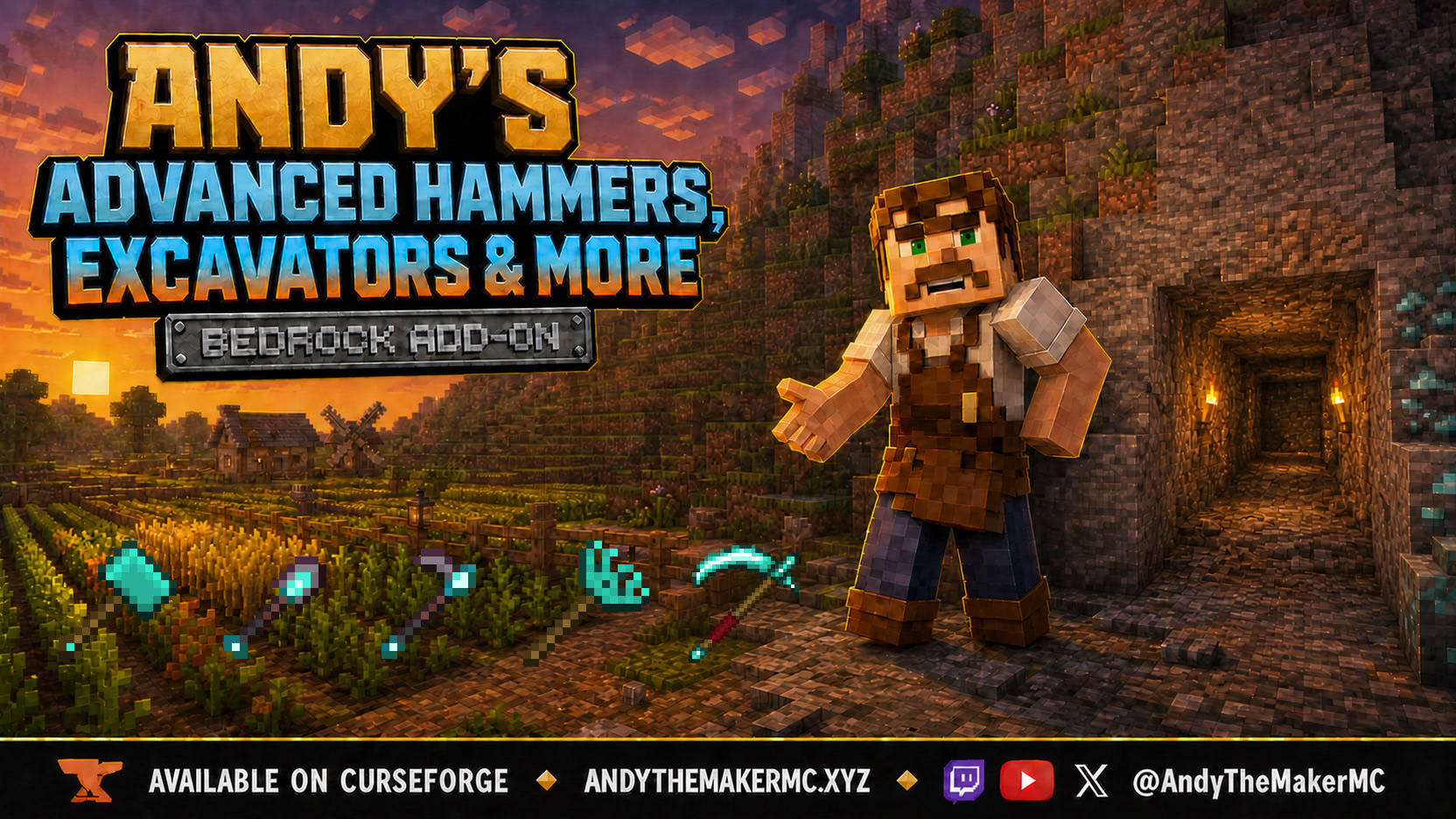
Andy's Advanced Hammers, Excavators & More
Five tool families across seven tiers — Hammers, Excavators, Tillers, Scythes, and Seeder Rakes — each drawing a wireframe preview of exactly which blocks the next swing will affect before you commit to it.
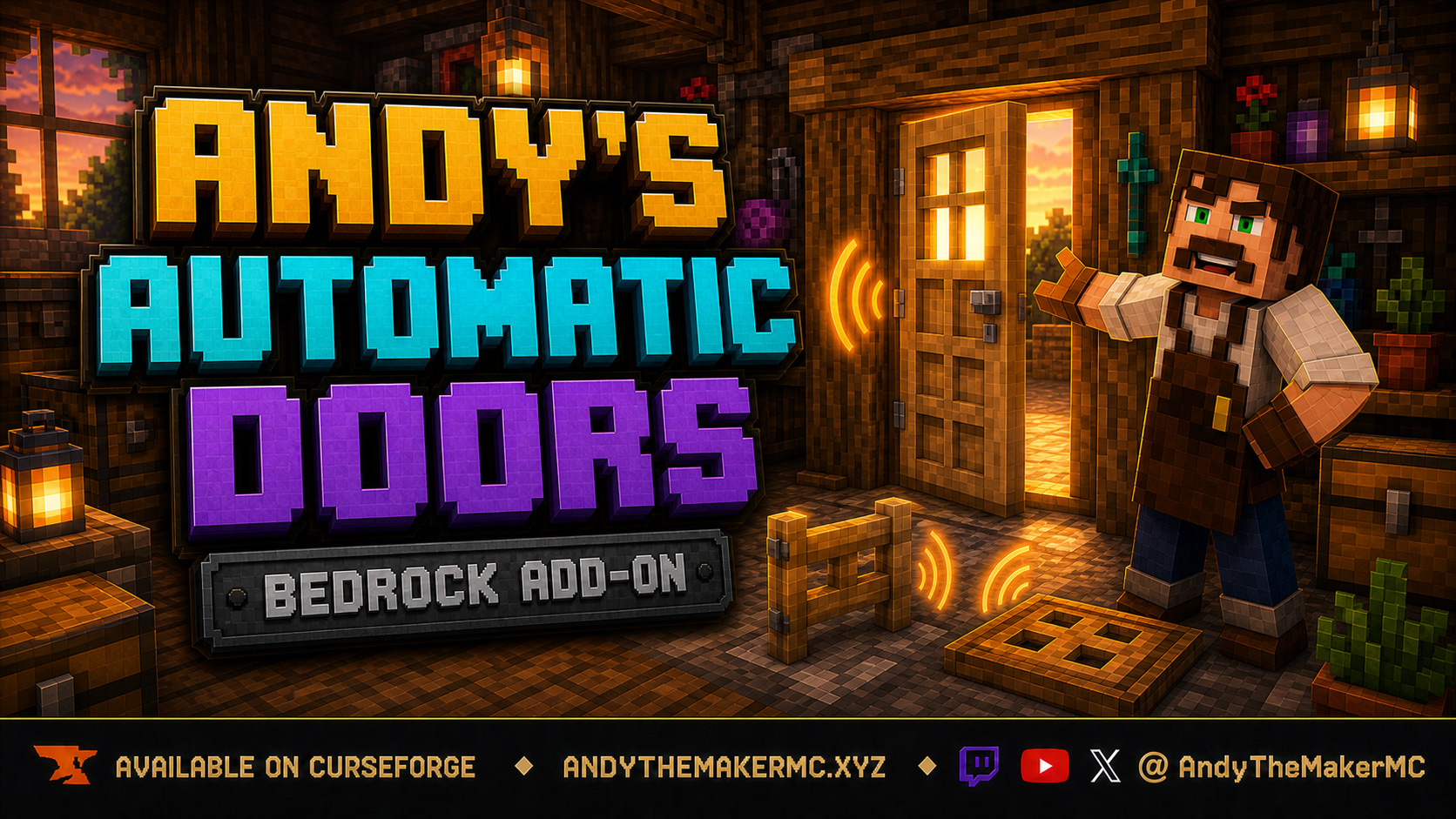
Andy's Automatic Doors
An opt-in proximity toggle for individual vanilla doors, fence gates, and trapdoors — walk up, the entrance opens once, and it closes behind you, with redstone taking precedence and no custom door blocks or experiments required.
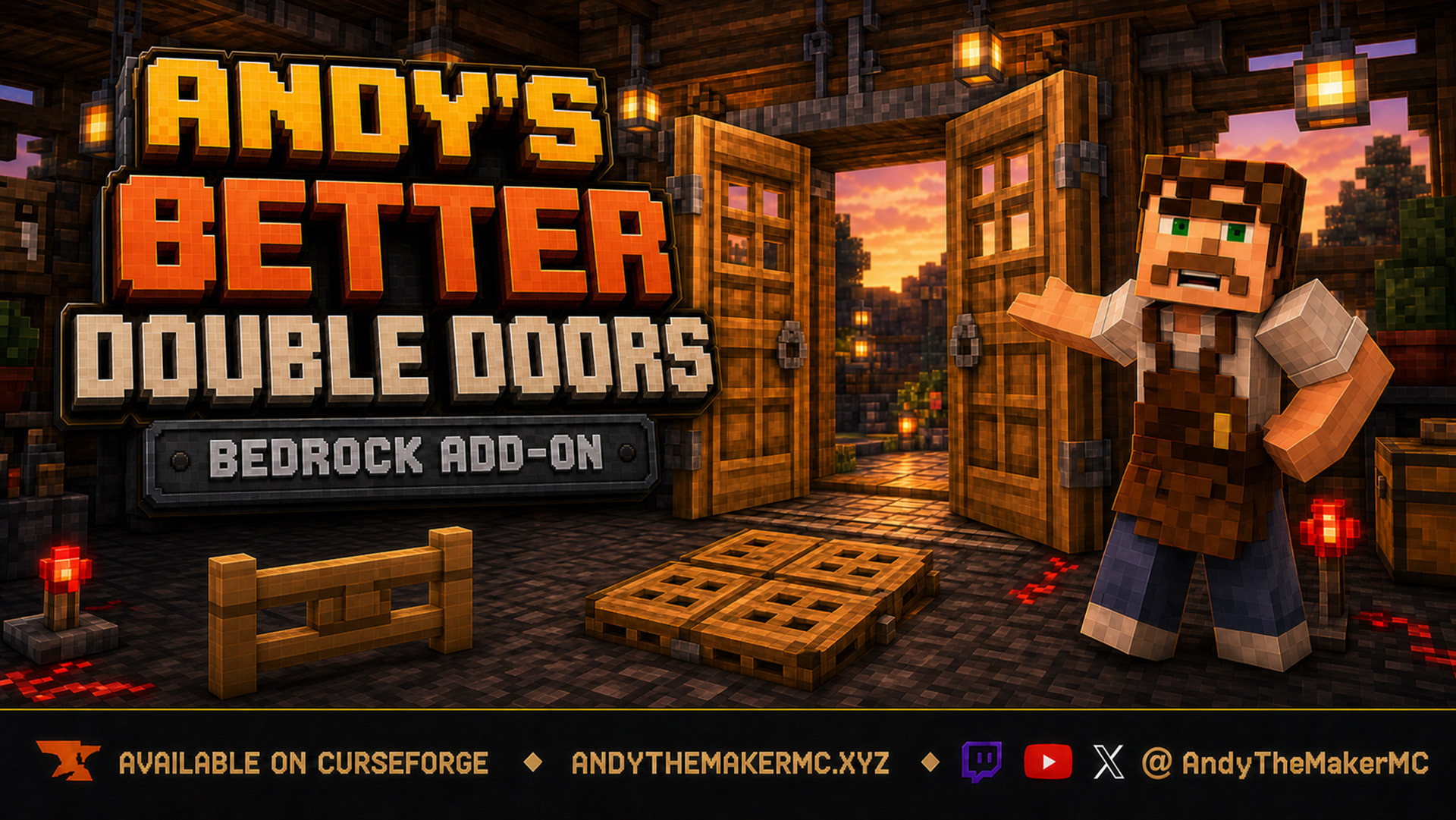
Andy's Better Double Doors
One interaction opens the whole entrance — matching vanilla double doors, double fence gates, double trapdoors, and 2×2 quad trapdoors move together, with optional proximity opening and redstone synchronization and no custom door blocks.