
Andy's Soulbound Inventory
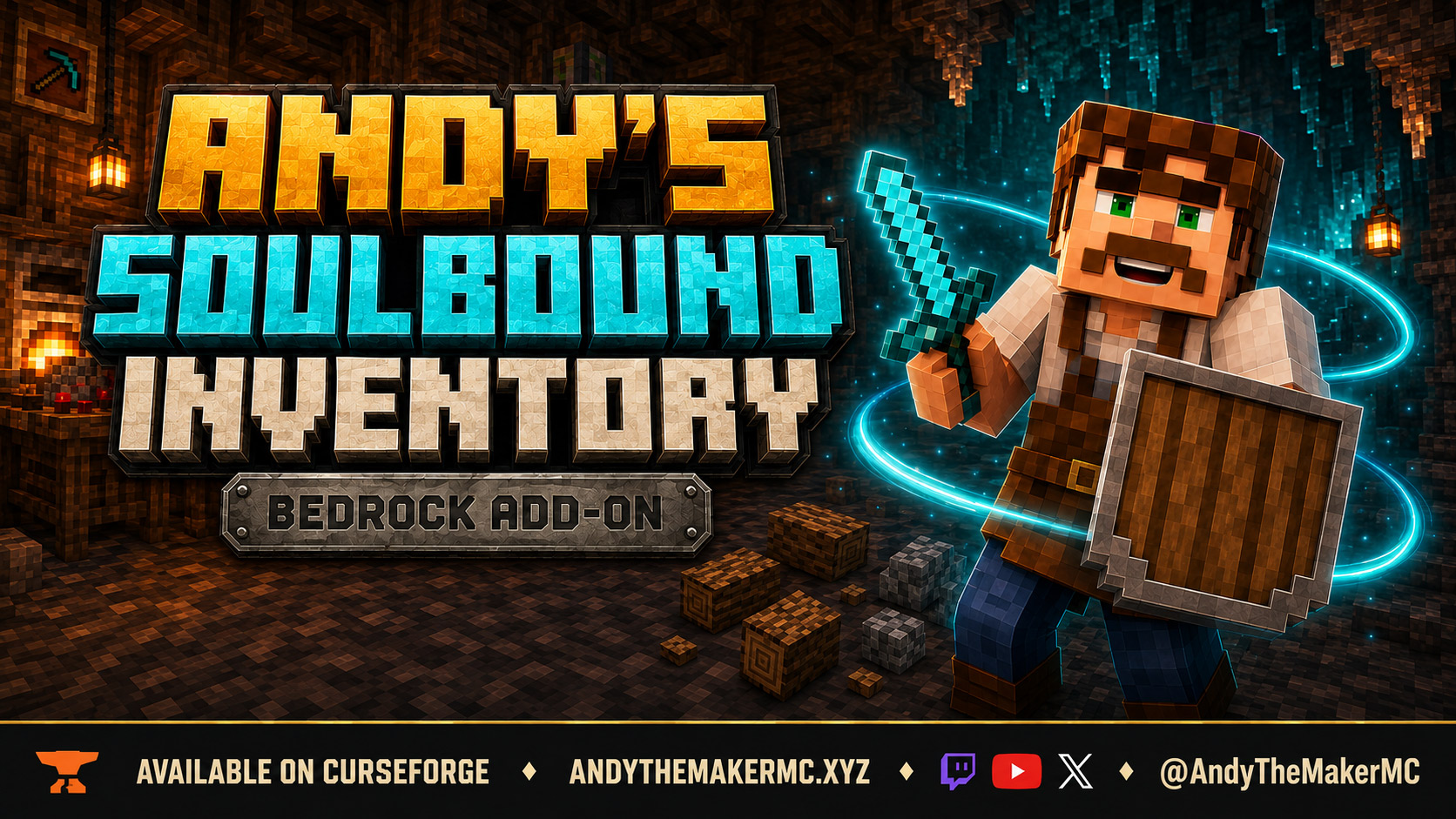
Per-player Keep Inventory for Bedrock. Every player picks how much gear survives death — nothing, equipment, hotbar, or everything — with XP as a separate choice and full world-owner control.
Project Information
- Developer
- Andy The Maker
- Platforms
- Bedrock
- Categories
- Gameplay, Utility, Quality of Life
- License
- All rights reserved
- CurseForge
- View on CurseForge
- Repository
- GitHub
- Player Guide
- Wiki
Overview
Keep Inventory is usually all or nothing, and it applies to the whole world. That forces one death rule on everyone playing in it.
Andy's Soulbound Inventory makes the choice per player. Each person picks how much survives their own death — nothing, worn equipment, the full hotbar, or everything — and picks separately whether they keep their XP. World owners decide which of those options are available and can lock individual players to a setting.
Two renamed sticks are the whole interface. No graves, no recovery teleports, no restoration menus.
Vanilla-friendly by design
The add-on uses normal items and two renamed sticks. There are no currencies, no inventory sorting, and no custom textures — plain wooden shields and every other vanilla item look exactly as they always have. Equipped gear and retained items keep their original data.
- No experiments, cheats, or Beta APIs
- No operator permission needed for normal play
- Standard graphics and Vibrant Visuals both supported
- Achievement-friendly, with addon declarations in both packs
- No companion add-ons required
Quick start
- Rename a normal stick exactly PlayerInvControl at an anvil.
- Use it on a block, or sneak while holding it for one second, to open your settings.
- Choose a death mode and an XP preference. The starting default is Keep Equipment with Vanilla XP.
- World owners and operators rename a second stick AdminInvControl for world defaults, available modes, and player locks.
Rename a normal stick PlayerInvControl to reach your personal settings. The name is case-sensitive.
Your effective death mode, XP behavior, whether you're following the world default, and whether player choice is enabled — all on one screen.
Four death modes
| Mode | What stays with you |
|---|---|
| Vanilla | No additional inventory protection. |
| Keep Equipment | Worn armor, offhand, and the currently selected hotbar item. |
| Keep Gear + Hotbar | Worn armor, offhand, and all nine hotbar slots. |
| Keep Everything | All inventory, hotbar, worn armor, and offhand. |
Pick one of the four retention modes, or follow whatever the world default happens to be.
Spare tools and armor sitting in your main inventory are ordinary inventory — Equipment mode only protects what you are actually wearing or holding, and it keeps the held stack even when that stack is a resource. Items with native keep-on-death behavior stay protected. Curse of Vanishing items that fall outside your mode vanish as normal; retained ones follow Keep Inventory behavior. Anything not retained can burn, despawn, be picked up by someone else, or be lost to the void exactly as it would in vanilla.
Experience is a separate choice
Keep XP preserves your levels and progress. Vanilla XP clears your experience and releases seven points per previous level, up to 100. You can protect your equipment while still taking the normal XP hit, or use any other combination the world owner permits.
XP loss is applied just after respawn. Recoverable orbs are released once, at the original death location, and only after the loss is verified. If that chunk is unloaded, the reward waits for it for up to five minutes from the death; the XP loss still applies either way. Keep XP creates no extra orbs. Whatever settings were active at the moment of death are the settings that apply to that death.
XP is chosen independently of the inventory mode.
Persistent player choices
Each player has their own saved settings. Personal choices survive death, logout, world reload, dimension travel, and server restart. Anyone without a personal override simply follows the world default.
Groups with different preferences can share a world without sharing one death rule — a hardcore-minded player can run Vanilla in the same world where someone else keeps everything.
World settings and server console
Operators control whether the add-on is on at all, which retention modes are available, whether Keep XP is allowed, the default mode and XP setting, whether players may choose for themselves, and per-player locks.
World restrictions override personal choices: a mode that has been disabled falls back to Vanilla, even for a player who had it assigned. Disabling player selection preserves the assignments already made. The mode switches control availability of the named modes — they are not separate armor or hotbar filters.
Operators rename a second stick AdminInvControl to reach world settings. Renaming the stick does not grant permission — the account still needs Operator.
Enable the add-on, allow self-selection, and control Keep Equipment worldwide.
The remaining retention modes, Keep XP availability, and the XP default.
Set the default mode and open online-player management.
Select an online player to assign their mode, XP setting, or a personal lock.
On a dedicated server, the same controls are available from the console without a leading slash:
asi:soulbound_help
asi:soulbound_status
asi:soulbound_set defaultMode equipment
asi:soulbound_set allowEverything off
asi:soulbound_set allowKeepXp on
asi:soulbound_set defaultKeepXp off
asi:soulbound_set allowPlayerChoice off
asi:soulbound_player "Player Name" mode hotbar
asi:soulbound_player "Player Name" keepXp on
asi:soulbound_player "Player Name" locked on
The other world keys are enabled, allowEquipment, and allowHotbar. Valid modes are vanilla, equipment, hotbar, and everything. Booleans take on / off, and a player's mode or XP accepts default to return them to the world defaults. Player selectors are supported, and assignment targets online players. Operators can run the same commands in game with a leading /. None of it requires cheats, and ordinary members, command blocks, and NPC dialogue cannot change admin settings.
Installation
- Download the latest release from CurseForge and open the
.mcaddonwith Minecraft Bedrock. - Activate Andy's Soulbound Inventory [BP] in the target world and confirm its linked Resource Pack.
- Keep cheats and experiments off.
Android and iOS — open or share the downloaded .mcaddon to Minecraft, then activate both packs in your world settings.
Xbox, PlayStation, and Nintendo Switch — import and prepare the world on Windows or mobile, upload it to a Realm, then join from the console.
Realms — the packs activated on the uploaded world are the ones that apply.
Dedicated servers (BDS) — extract the two included .mcpack archives into the server's behavior and resource pack folders, then activate their manifest UUIDs in the world's pack lists. The native console commands configure every setting without opening a form.
When updating, import the newer archive and activate the matching versions of both packs; saved choices stay associated with the same pack.
Before removing the packs, turn the add-on off first — either through AdminInvControl or with asi:soulbound_set enabled off — and save. That restores the world's previous Keep Inventory value.
Compatibility & limitations
- Single-player Survival, multiplayer, Realms, and BDS on Bedrock 26.30 and newer.
- All three dimensions.
- Standard graphics and Vibrant Visuals.
- Run one death-inventory manager per world. Andy's Soulbound Graves depends on vanilla player death drops, while Soulbound Inventory manages those drops itself — their Behavior Packs must not be active at the same time.
- Creative and Spectator players are exempt from scripted loss.
- If a drop fails to spawn, its original inventory slot is restored and an error is logged. An engine failure can therefore preserve more than the chosen policy would.
The current feature set and the corrected XP behavior passed the developer's smoke test. Multiplayer and BDS remain unverified because they cannot be tested locally; other compatibility checks are still open.
Troubleshooting
- The stick does nothing — use the exact, case-sensitive name. Close any other form or the chat first, then either use it on a block or hold sneak for a full second.
- Admin access is denied — the account needs Operator permission. Renaming a stick does not grant it.
- A player gets Vanilla instead of their chosen mode — check the world availability switches and personal locks. World restrictions win over stored assignments.
- Too much inventory stays after death — check the mode, whether the add-on is enabled, other death-related packs, the loaded version, and the Content Log for a failed transfer.
When reporting a problem, include your Bedrock version and platform, the add-on version, the world or server type, the cause of death, the mode and XP settings in play, any other active packs, and the relevant Content Log lines.
Graves or retention?
Both approaches solve the same problem in opposite ways. Andy's Soulbound Graves suits the return-and-recover style — you die, your gear waits for you, and getting it back is part of the trip. Soulbound Inventory skips the trip and simply decides how much you never lost in the first place.
Pick one death system per world. Do not activate both Behavior Packs together.
Credits & license
Created by Andy The Maker. Copyright © 2026 Andy / AndyTheMakerMC — All Rights Reserved. Players may use an official, unmodified release in personal worlds, multiplayer, Realms, and servers, and normal delivery to players joining an authorized world, Realm, or server is permitted. Creators may showcase official, unmodified releases in original videos, livestreams, screenshots, tutorials, reviews, guides, and social content, including monetized content — credit and an official project link are appreciated. These limited permissions do not allow redistribution, rehosting, repackaging, modification and publication, translation, decompilation, reverse engineering, extraction, resale, sublicensing, or reuse of project content without prior written permission.
Promotional artwork is original AI-assisted concept art directed for this project, and is an illustration rather than an in-game screenshot.
Minecraft is a trademark of Microsoft Corporation. This project is not affiliated with, endorsed by, sponsored by, or associated with Microsoft or Mojang Studios.
Get Andy's Soulbound Inventory
Download the latest version from CurseForge — the authoritative source for supported Minecraft versions and files.
More
Related Addons
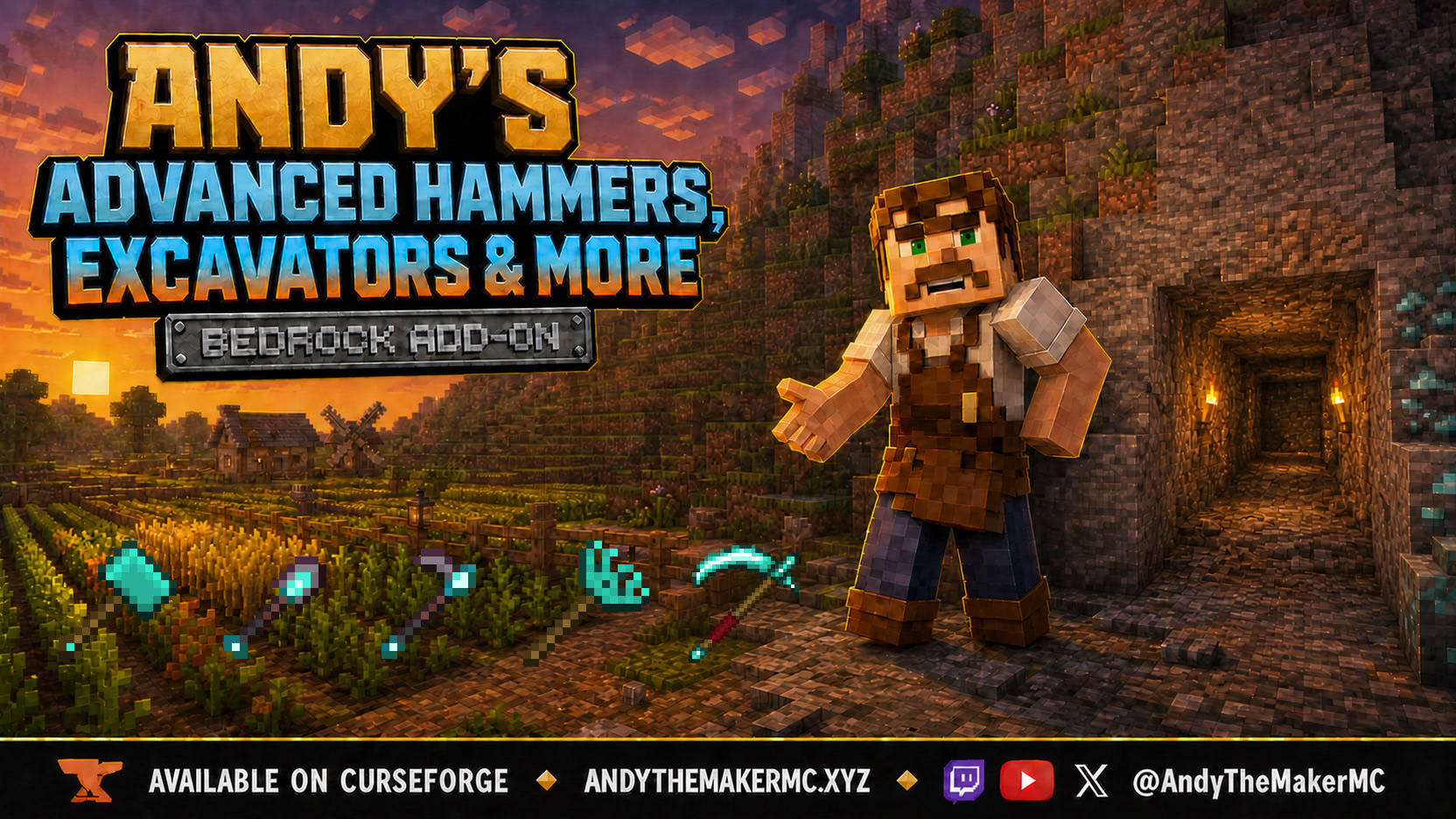
Andy's Advanced Hammers, Excavators & More
Five tool families across seven tiers — Hammers, Excavators, Tillers, Scythes, and Seeder Rakes — each drawing a wireframe preview of exactly which blocks the next swing will affect before you commit to it.
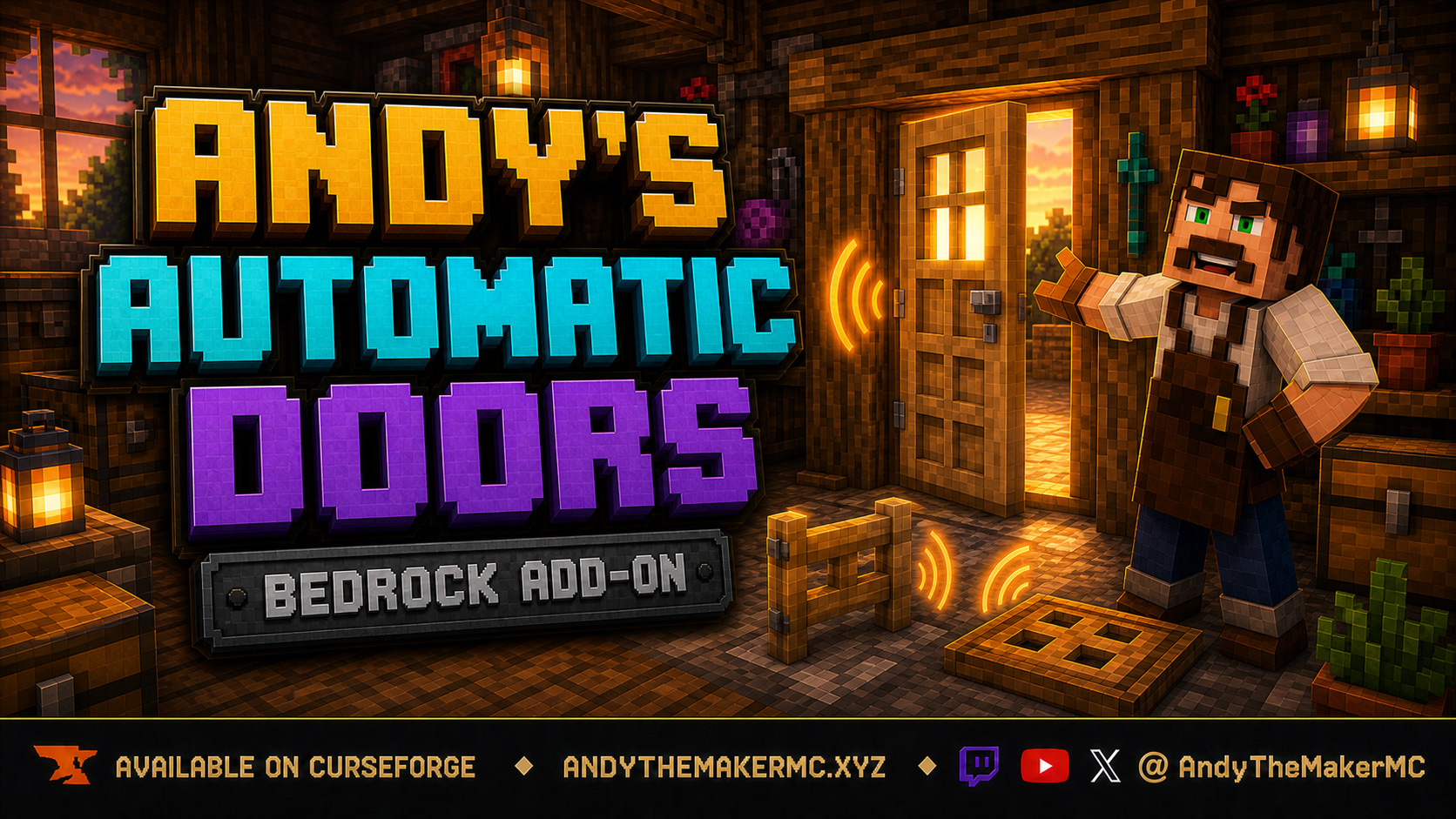
Andy's Automatic Doors
An opt-in proximity toggle for individual vanilla doors, fence gates, and trapdoors — walk up, the entrance opens once, and it closes behind you, with redstone taking precedence and no custom door blocks or experiments required.
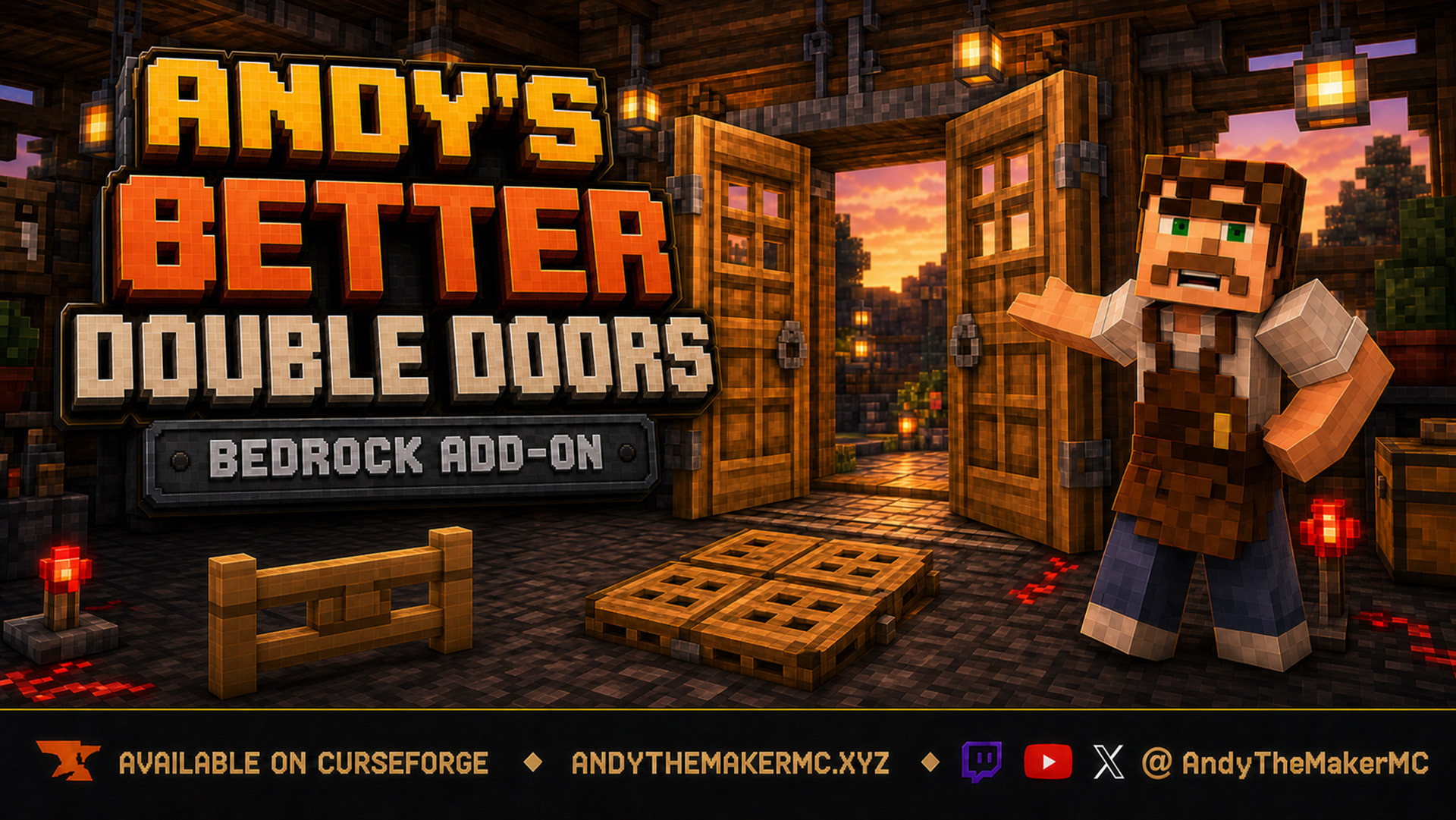
Andy's Better Double Doors
One interaction opens the whole entrance — matching vanilla double doors, double fence gates, double trapdoors, and 2×2 quad trapdoors move together, with optional proximity opening and redstone synchronization and no custom door blocks.