
Andy's Inventory & Storage Organizer
A crafted Organizer Wand that sorts, restacks, and quick-stacks your inventory and vanilla storage on demand — eight sorting rules, per-slot pins, saved layouts, and guarded transfers that refuse to guess when a hopper or lock is in the way.
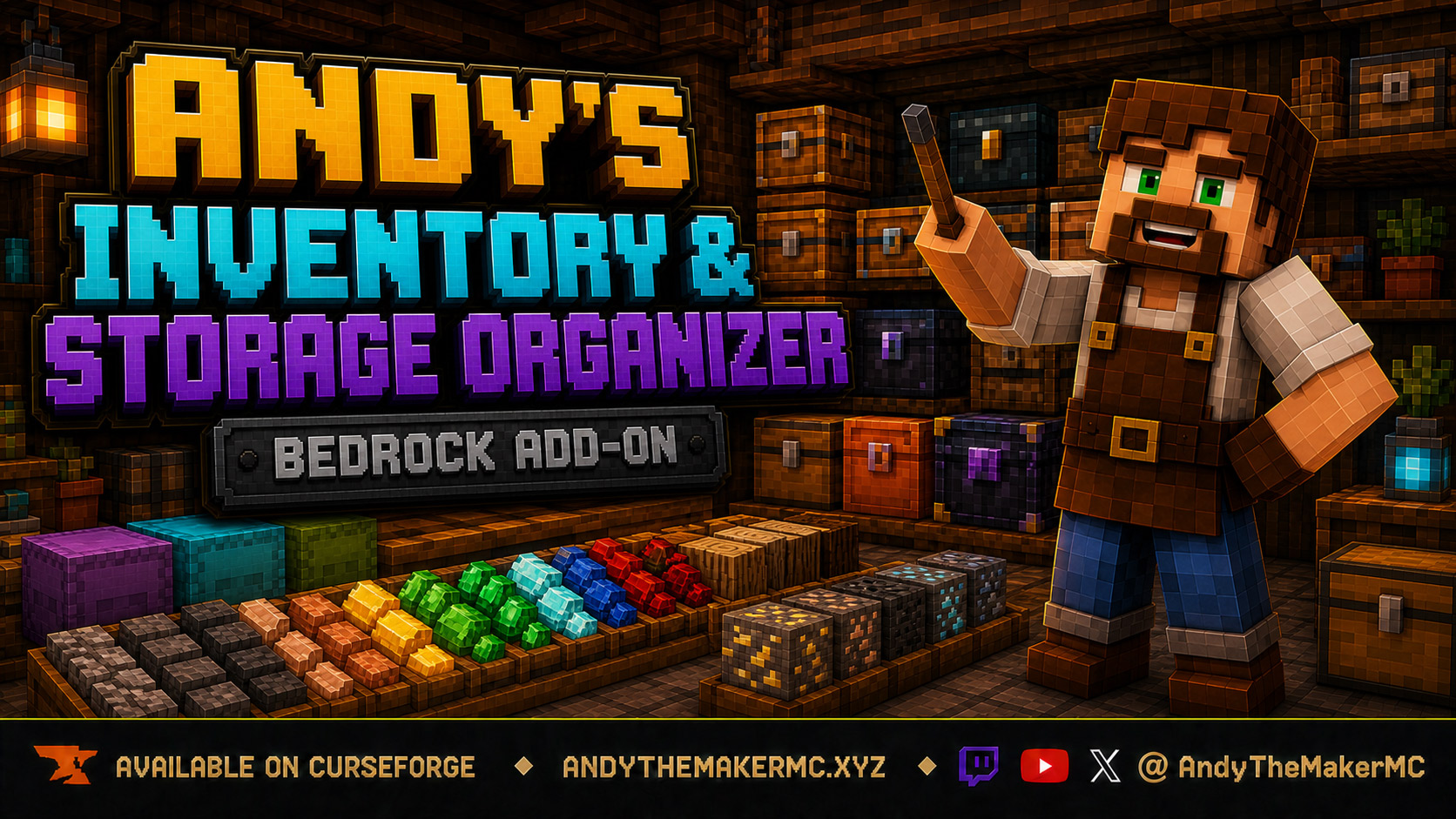
Project Information
- Developer
- Andy The Maker
- Platforms
- Bedrock
- Categories
- Quality of Life, Utility, Gameplay
- License
- All rights reserved
- CurseForge
- View on CurseForge
- Repository
- GitHub
- Player Guide
- Wiki
Overview
Andy's Inventory & Storage Organizer gives every player a crafted Organizer Wand for safe, configurable cleanup of their personal inventory and supported vanilla storage — on demand, after inventory changes settle, or when a container closes.
The add-on sorts only items that already exist. It uses native whole-stack slot swaps for rearrangement and guarded debit-before-credit transfers when combining stacks. It never generates kits, summons missing supplies, or silently replaces valuable items.
Vanilla-friendly by design
- Works with the familiar personal inventory and vanilla storage containers.
- Adds one purpose-built Organizer Wand with a simple charcoal-and-stick recipe.
- Does not replace vanilla inventory screens or reserve a permanent inventory control slot.
- Does not modify vanilla blocks, loot tables, entities, or unrelated recipes.
- No cheats, commands, or experimental gameplay toggles.
- Standard graphics and Vibrant Visuals compatible.
- Personal preferences are stored per player; storage preferences per container coordinate.
- Refuses risky operations rather than guessing when a hopper, lock, concurrent change, or unsupported state is detected.
Crafting the Organizer Wand
Use a Crafting Table and place the ingredients vertically:
| Top | Middle | Bottom |
|---|---|---|
| Charcoal | Stick | Stick |
The recipe unlocks after obtaining Charcoal and produces one Organizer Wand. The wand stacks to one and has its own item texture.
Opening the menus
- Hold the Organizer Wand, crouch + use in open air to open Personal Inventory Settings.
- Hold the Organizer Wand, crouch + use on a supported storage container to open Storage Organizer for that container.
The wand is the only control item. No Organize button occupies a permanent hotbar or inventory slot.
Personal inventory
Organize Now runs the selected sorting rule immediately. Whole stacks move through native slot swaps, and reserved hotbar positions, manual pins, and compatibility-protected positions stay put. If the inventory changes between planning and execution, the operation stops and reports the change rather than continuing from a stale snapshot.
Restack Only combines compatible partial stacks without the later sorting pass. Items must be natively stack-compatible — different custom names, lore, enchantments, or durability data are not merged. Transfers debit the source first and verify the result before crediting the destination, restoring both sides if Minecraft refuses the write.
Always Organize starts off. When enabled, the Organizer waits about 1.5 seconds after inventory changes settle, then performs one pass using the same rules as Organize Now. New activity replaces the pending request, so rapid pickups don't start overlapping sorts.
Undo Last Sort is intentionally narrow: available only for a recent pure rearrangement while the inventory still exactly matches the post-sort snapshot. Restacking and Quick Stack change amounts or cross a container boundary, so they create no undo record.
Sorting rules
| Rule | Behavior |
|---|---|
| Blocks First | Blocks, then resources, tools, food, redstone, and general utility |
| Vanilla Categories | Blocks, then tools, food, resources, redstone, and general utility |
| Resources First | Ores, raw materials, ingots, gems, and nuggets before other groups |
| Tools First | Tools, weapons, bows, shields, shears, fishing rods, brushes, and similar |
| Food First | Food-component items first |
| Redstone First | Redstone, rails, hoppers, levers, buttons, plates, pistons, observers, torches |
| Alphabetical | Sorts by item identifier and custom name |
| Largest Stacks | Larger stacks first, then stable item and original-slot ordering |
Hotbar control
Preserve is the default: all nine hotbar positions stay fixed, including empty ones, so organizing the rest of the inventory can't pull an item into an empty slot or move a deliberately placed tool.
Sort lets occupied hotbar positions join the whole-inventory sort. Empty positions still stay reserved unless Compact Hotbar is switched on — a separate toggle that starts off and applies only in Sort mode. Always Organize never enables it automatically.
Pins and saved layouts
Every personal inventory position can be pinned, including hotbar slots and empty slots. A pinned occupied position keeps its stack; a pinned empty position stays empty. Pins apply on top of hotbar and compatibility protection, and the edit menu shows the current item in every slot.
Save up to five named layouts for mining, building, combat, exploration, farming, or redstone loadouts. Arrange the inventory, save it under a recognizable name, and activate it later before running Organize Now. A layout records a target for each non-empty saved position; empty saved positions remain sortable. While a layout is active, automatic restacking is skipped so the saved arrangement isn't collapsed.
Layouts rearrange only matching items the player already carries. They never create missing supplies, pull from nearby containers, or delete unmatched items.
Storage containers
Supported storage covers Chests, Trapped Chests, Barrels, every Copper Chest oxidation and waxed variant, and standard plus all colored Shulker Boxes. Third-party custom storage blocks are not promised for this release.
- Organize Now sorts the selected container using its own rule, pins, and active layout — storage settings never replace personal settings.
- Restack Only combines compatible partial stacks inside that container.
- Quick Stack From Inventory moves carried items only into compatible, non-full stacks already present in the container. It deliberately won't seed a new item type into an empty slot.
- Sort on Close starts off per container. When enabled, closing that container schedules one pass using its stored rule, pins, and layout.
Storage offers the same eight sorting rules, so an ore chest can run Resources First while a kitchen barrel runs Food First. Every exposed position can be pinned, and each container coordinate stores up to five named layouts.
Storage configuration is tied to the block's dimension and coordinates. Breaking or moving a container does not carry its settings to a new coordinate — review the settings after replacing storage at a configured location.
Safety boundaries
- Hopper protection — if a hopper is detected above, below, or beside a supported container, organization is refused rather than racing automation between snapshot and commit.
- Locked-container protection — when Andy's Locks & Keys exposes a coordinate lock at the selected location, the Organizer refuses the operation. It never bypasses the lock, infers ownership, or weakens access rules.
- Concurrent changes — sorts compare live contents against the planned snapshot and stop instead of writing an outdated result.
- Item identity — whole-stack sorting preserves native ItemStacks by swapping slots. Filled Shulker Boxes, named items, enchanted equipment, books, maps, and add-on items are never reconstructed as generic replacements.
Companion add-on compatibility
- Andy's Handy Hotbar Reloader — when Handy is enabled and managing at least one hotbar slot, the Organizer protects the entire hotbar from its own movement while still sorting the main inventory.
- Andy's Palette Paver — a vanilla stick named
Palette Pavercauses the complete nine-slot working hotbar to be protected. - Andy's Explorer's Backpack — the Organizer does not target the Backpack's off-hand slot or custom storage entity; the Backpack's own sorting, Magnet, Vacuum, and pockets remain separate.
- Andy's Portable Campsite — separate pack UUIDs and namespaces; use storage sorting only after the campsite container is fully open and stable.
- Andy's Locks & Keys — locked vanilla storage fails closed, as above.
The Organizer uses its own item and dynamic-property namespaces and does not overwrite vanilla UI files. Other inventory automation can still race for the same slots — disable overlapping automatic behavior when two systems have different goals.
Diagnostics
Diagnostics begins off. When enabled, the Organizer writes [AIO-DIAG] entries to the Creator Content Log covering organize start and completion totals, personal inventory change events, and nearby spawned item entities. Use it only while reproducing a problem, then turn it off — diagnostic logging does not alter items.
Installation
- Download the latest release from CurseForge and open the
.mcaddonwith Minecraft Bedrock. - Wait for both packs to import, then create or edit the target world.
- Activate the add-on under Behavior Packs and confirm the linked Resource Pack is active.
- Enter the world, obtain Charcoal, and craft the Organizer Wand over two Sticks.
Xbox, PlayStation, and Nintendo Switch — consoles generally cannot import local .mcaddon files directly. Import and activate on Windows or mobile, upload the prepared world to a Realm, then join that Realm from the console.
Back up an important world before installing or updating an add-on, and test unusual third-party items in a copy first. CurseForge is the authoritative source for supported versions and files.
Troubleshooting
- The wand recipe is missing — obtain Charcoal to trigger the unlock, use a Crafting Table rather than the 2×2 grid, and place Charcoal above two vertical Sticks.
- Crouch-use in air does nothing — confirm the held item is the custom Organizer Wand rather than a renamed ordinary stick, crouch before using, and close any other open screen.
- Crouch-use opens the container instead — keep crouching and use the wand directly on the supported block; third-party custom storage is not promised.
- An empty hotbar position was filled — set Hotbar Mode to Preserve, or in Sort mode confirm Compact Hotbar is off.
- Items do not restack — different names, enchantments, lore, or damage data can prevent merging, and active layouts skip restacking by design.
- Storage reports automation attached — a hopper is adjacent; disconnect it before sorting. This is an intentional safety boundary.
- Storage reports that it is locked — Andy's Locks & Keys holds a coordinate lock there; change it through Locks & Keys.
- Undo is unavailable — undo requires the inventory to remain exactly as the Organizer left it. Any later change invalidates it, by design.
Credits & license
Created by Andy The Maker. Copyright © Andy — All Rights Reserved. Players are welcome to use Andy's Inventory & Storage Organizer in personal worlds, multiplayer worlds, Realms, and servers, and content creators are welcome to use, review, stream, and showcase the add-on in videos, livestreams, screenshots, articles, and social posts, including monetized content. No one may modify, reverse engineer, extract, repackage, re-upload, sell, mirror, or redistribute the add-on or any of its files without prior written permission — link viewers and players to the official CurseForge release.
The promotional artwork is original AI-assisted concept artwork directed for this project; it is not an in-game screenshot.
Minecraft is a trademark of Microsoft Corporation. This project is not affiliated with, endorsed by, or sponsored by Microsoft or Mojang Studios.
Get Andy's Inventory & Storage Organizer
Download the latest version from CurseForge — the authoritative source for supported Minecraft versions and files.
More
Related Addons

Andy's Advanced Hammers, Excavators & More
Five tool families across seven tiers — Hammers, Excavators, Tillers, Scythes, and Seeder Rakes — each drawing a wireframe preview of exactly which blocks the next swing will affect before you commit to it.
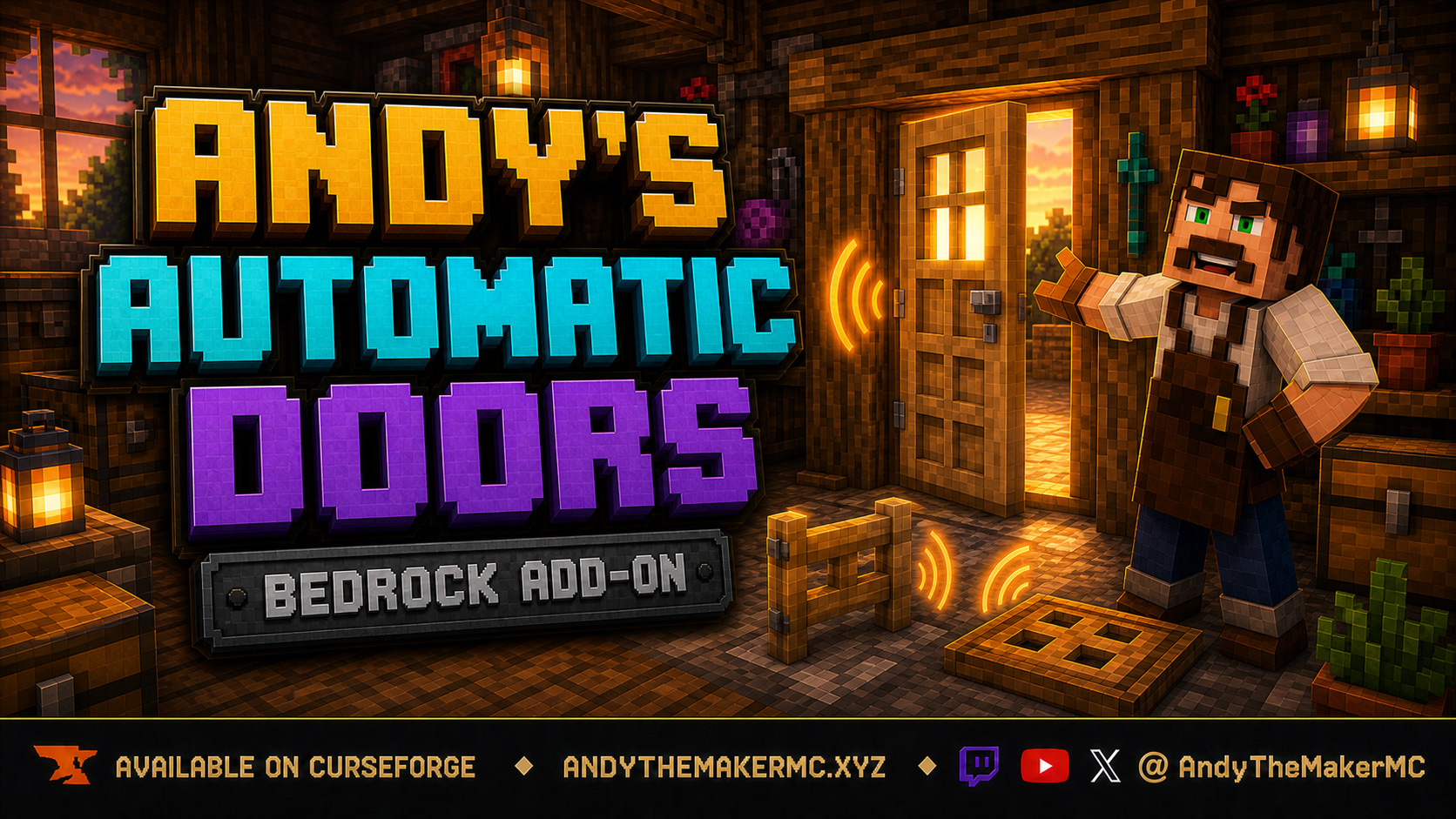
Andy's Automatic Doors
An opt-in proximity toggle for individual vanilla doors, fence gates, and trapdoors — walk up, the entrance opens once, and it closes behind you, with redstone taking precedence and no custom door blocks or experiments required.
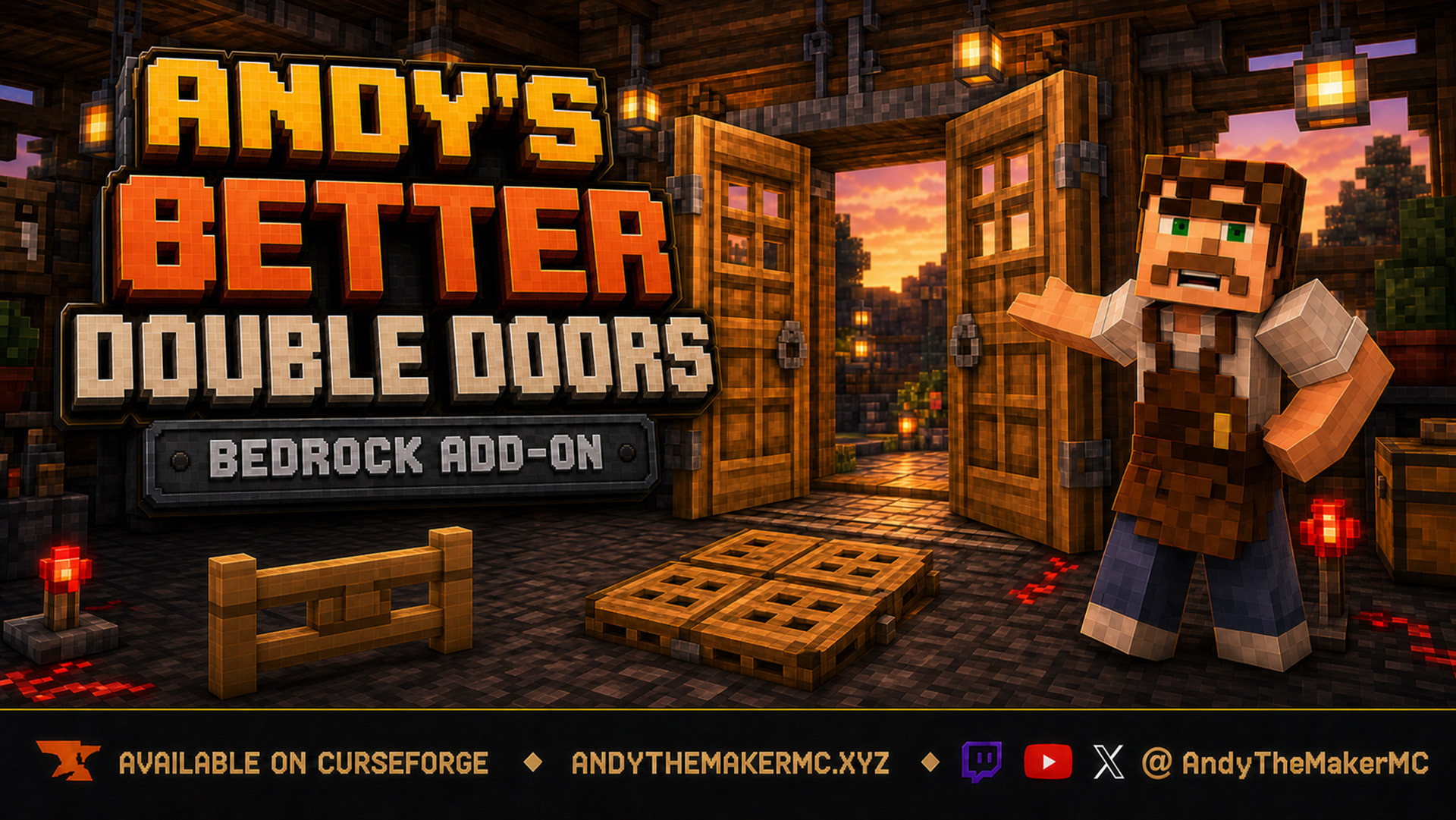
Andy's Better Double Doors
One interaction opens the whole entrance — matching vanilla double doors, double fence gates, double trapdoors, and 2×2 quad trapdoors move together, with optional proximity opening and redstone synchronization and no custom door blocks.