Andy's Locks & Keys
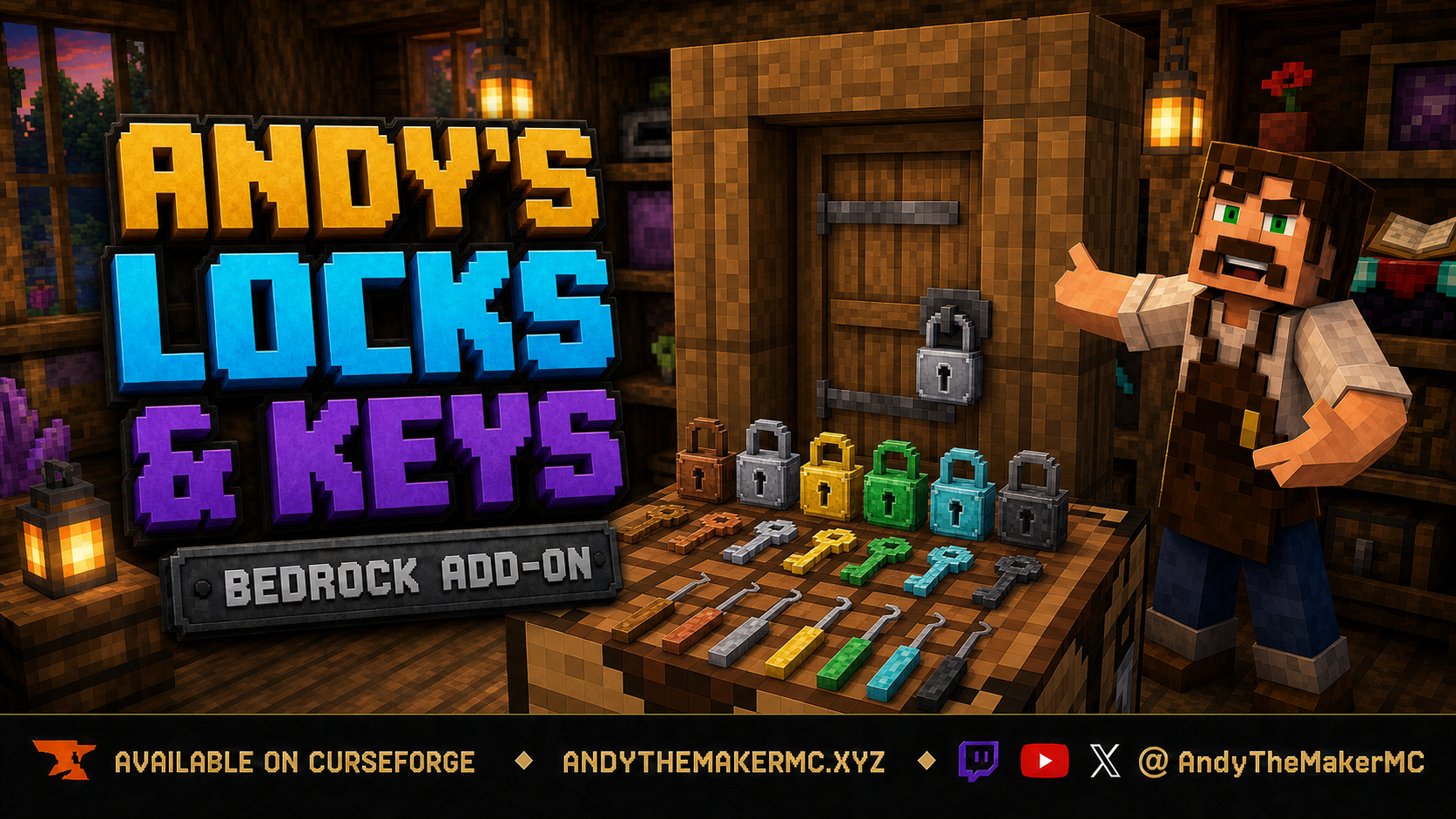
Lock the vanilla doors, trapdoors, fence gates, chests, and barrels you already build — six lock materials, bound and master keys, shared and group access, lockpicking, upgrades, and a visible padlock hasp, with no custom blocks or experiments required.
Project Information
- Developer
- Andy The Maker
- Platforms
- Bedrock
- Categories
- Utility, Gameplay, Quality of Life
- License
- All rights reserved
- CurseForge
- View on CurseForge
- Repository
- GitHub
- Player Guide
- Wiki
Overview
Andy's Locks & Keys secures the entrances and containers you already build. Craft a lock, crouch, and use it on a door, trapdoor, fence gate, chest, or barrel — the lock is consumed, a visible padlock hasp appears on the block, and you become the owner. Other players cannot open it unless you share access, bind them a key, or they succeed at picking or smashing a Simple lock.
It's built for survival bases, shops, multiplayer towns, Realms, and servers. Only stable Script APIs are used: no cheats, no experimental toggles, no required dependencies. Standard graphics and Vibrant Visuals both work.
Features
- Lock any vanilla door, trapdoor, fence gate, normal/trapped/Ender chest, every Copper Chest variant, or barrel.
- Wood, Copper, Gold, Iron, Diamond, and Netherite lock / key / lockpick families.
- Visible padlock hasp that follows the closed and open leaf.
- Crouch-use a lock item to install; crouch-use again for settings.
- Bound Keys for a specific Lock ID; Blank Keys for owner copying.
- Master Key that opens every lock you own — an operator holding one can open every lock in the world.
- Access modes: Owner Only, Key Holders, Shared, Group, and Public.
- Simple, Reinforced, and Advanced lock upgrades.
- Lockpicking with material odds and pick durability.
- Netherite pickaxe brute force on Simple locks.
- Locked blocks cannot be broken until the lock is removed.
- Security redstone snap-close, or Redstone Allowed / Advanced wiring.
- Double doors, paired fence gates, and double chests share one lock.
- Overworld, Nether, and End; single-player, multiplayer, Realm, and supported Bedrock servers.
Chests & barrels
Locks aren't limited to entrances. Normal Chests, Double Chests, Trapped Chests, Double Trapped Chests, Ender Chests, every Copper Chest oxidation and waxed variant, and Barrels all use the same ownership, keys, sharing, groups, lockpicking, upgrades, repair, and brute-force systems as doors.
- Locked chests and barrels cannot be opened by unauthorized players, or destroyed with tools in Survival or Creative.
- Double Chests share one lock across both block coordinates and show a single padlock at the front seam.
- Chests display one compact outward-facing padlock at the front latch.
- Barrels display one compact padlock only on the face used during installation — including the top and bottom.
- Container padlocks are 20% smaller than entrance padlocks; door, trapdoor, and fence gate geometry is unchanged.
- Trapped Chests keep their normal authorized redstone behavior, and denied interactions never open them.
Hoppers can still transfer items, because the stable Bedrock Script API doesn't provide a cancellable hopper-transfer event.
Crafting
All recipes are unlocked in the recipe book from the start — you don't have to find the material first.
Locks are shapeless: the matching material plus an iron nugget.
| Lock | Craft |
|---|---|
| Wooden Lock | Oak planks + iron nugget |
| Copper Lock | Copper ingot + iron nugget |
| Gold Lock | Gold ingot + iron nugget |
| Iron Lock | Iron ingot + iron nugget |
| Diamond Lock | Diamond + iron nugget |
| Netherite Lock | Netherite ingot + iron nugget |
Blank keys are shapeless: matching material plus a stick. Bound keys have no recipe — bind a blank key on a lock you own.
| Blank key | Craft |
|---|---|
| Wooden Blank Key | Oak planks + stick |
| Copper Blank Key | Copper ingot + stick |
| Gold Blank Key | Gold ingot + stick |
| Iron Blank Key | Iron ingot + stick |
| Diamond Blank Key | Diamond + stick |
| Netherite Blank Key | Netherite ingot + stick |
Lockpicks are shaped vertically — two sticks over the matching material.
| Lockpick | Craft |
|---|---|
| Wooden Lockpick | 2 sticks + oak planks |
| Copper Lockpick | 2 sticks + copper ingot |
| Gold Lockpick | 2 sticks + gold ingot |
| Iron Lockpick | 2 sticks + iron ingot |
| Diamond Lockpick | 2 sticks + diamond |
| Netherite Lockpick | 2 sticks + netherite ingot |
The Master Key is crafted from an emerald, a netherite ingot, and a gold ingot.
Installing a lock
- Place a vanilla door, trapdoor, fence gate, chest, Copper Chest variant, or barrel.
- Hold the lock item.
- Crouch and use it on the block.
- The lock item is consumed, a padlock hasp appears on the leaf, and you become the owner.
A standing click still opens the entrance or container for an authorized player — only crouch-use installs. Side-by-side matching doors, fence gates, or double-chest halves share one lock, and removing it from either side unlocks the pair.
As the owner you simply use the entrance normally; no key needs to be in hand.
Keys & sharing
Crouch-use a blank key on a lock you own and it binds to that Lock ID. Standing-click with the bound key opens that lock and spends one use; a wrong bound key fails and still wears. Only the owner can copy keys onto blanks. Unbreaking adds extra uses, and Mending restores uses as you gain XP.
Crouch-use an unbound Master Key on a lock you own and it opens all of your locks. An operator holding a Master Key can open every lock in the world. It does not let other people copy your keys.
Access modes are set from the lock's settings menu:
- Owner Only — only you, plus admin/master. Bound keys are rejected.
- Key Holders — you plus matching bound keys. This is the default.
- Shared — listed players as well.
- Group — members of the assigned group.
- Public — anyone can use the entrance. A wrong bound key still fails.
Upgrades, lockpicking & brute force
Upgrades are applied to an installed lock from its settings:
- Reinforced — 4 Amethyst Shards. Diamond or Netherite lockpicks only, and no netherite smash.
- Advanced — Redstone Block + Clock. Same as Reinforced, plus redstone is Allowed.
Anvil enchantments applied to a lock item before installing also matter: Unbreaking III makes it immune to netherite smash (still pickable), and Mending divides pick chance by three.
To pick a lock, aim a lockpick at someone else's locked entrance — no crouch needed. Success opens an entrance once, or grants three seconds to open a container; the lock stays either way. Failure still spends an attempt. Wood picks have 2 attempts and Netherite picks have 12, stronger lock materials are harder, and a wood pick against a Reinforced lock snaps immediately.
Brute force requires crouching with a Netherite Pickaxe and swinging at a Simple lock for a random 30–50 seconds. Stop swinging, stand up, look away, or switch items and progress resets. The pickaxe wears like mining obsidian. A smashed lock stays attached and the block still can't be broken until the lock is removed — repair it from settings with iron nuggets and an iron ingot. No other tool advances brute force, and Reinforced, Advanced, or Unbreaking III locks can't be smashed at all.
Redstone
Security is the default: if something unauthorized opened the entrance, it closes again. Buttons usually lose, and a lever left on can flicker.
Redstone Allowed — set in settings, or granted by the Advanced upgrade — lets wiring operate the entrance while unauthorized players still can't click it open. When you're allowed to open one leaf of a locked pair, the other leaf matches.
Settings & removal
Crouch and use a lock item — or an empty hand or Master Key on a scuffed lock — on an entrance you own to open its settings. From there you can change access mode, manage shared players and groups, toggle public access, switch between Redstone Security and Allowed, apply upgrades, repair damage, and remove the lock. Removing returns the lock item including its upgrade stamp, and the hasp disappears.
Installation
- Download the latest release from CurseForge and open the
.mcaddonwith Minecraft Bedrock. - Wait for both included packs to import, then create or edit the target world.
- Activate Andy's Locks & Keys [BP] under Behavior Packs, and confirm Andy's Locks & Keys [RP] is active under Resource Packs — Minecraft normally activates the linked pack automatically.
- Enter the world, place a supported entrance or container, and crouch-use a lock item on it.
Xbox, PlayStation, and Nintendo Switch — consoles generally cannot import local .mcaddon files directly. Import and activate on Windows or mobile, upload the prepared world to a Realm, then join that Realm from the console; members receive the required packs through normal world-pack delivery.
Cheats, commands, and experimental toggles are not required. Back up an important world before installing or updating. When updating, close the world, import the newer .mcaddon, verify both packs show the newest version, and remove obsolete copies. CurseForge is the authoritative source for supported versions and files.
Troubleshooting
- The padlock is missing or floating — confirm the resource pack is active and matches the behavior pack version, remove older Locks & Keys packs, and re-import. If you updated from an older test build, break the door, place it again, and lock it fresh.
- I can't lock the block — crouch; a standing click opens the door instead. Aim at the supported entrance or container itself, and hold a lock item in the selected hotbar slot.
- The door opens from a button — default Security mode snaps unauthorized opens closed after a moment. A constantly powered lever can flicker; use a button, or set Redstone Allowed if you want wiring to work.
- My bound key doesn't open the lock — bind it with crouch-use on a lock you own. Owner Only mode rejects bound keys, and a key bound to a different Lock ID is simply a wrong key.
- Lockpicking does nothing or snaps immediately — you can't pick your own lock, and Reinforced or Advanced locks reject wood, copper, and gold picks.
- Brute force does nothing — crouch, hold a Netherite Pickaxe, and keep swinging. Only Simple locks smash this way, and Unbreaking III on the lock blocks it.
- Pack versions don't match — delete both packs from global resources and re-import the matching
.mcaddon.
Credits & license
Created by Andy The Maker. Copyright © Andy — All Rights Reserved. Players are welcome to use Andy's Locks & Keys in personal worlds, multiplayer worlds, Realms, and servers, and content creators are welcome to use, review, stream, and showcase the add-on in videos, livestreams, screenshots, articles, and social posts, including monetized content. No one may modify, reverse engineer, extract, repackage, re-upload, sell, mirror, or redistribute the add-on or any of its files without prior written permission — link viewers and players to the official CurseForge release.
Minecraft is a trademark of Microsoft Corporation. This project is not affiliated with, endorsed by, or sponsored by Microsoft or Mojang Studios.
Get Andy's Locks & Keys
Download the latest version from CurseForge — the authoritative source for supported Minecraft versions and files.
More
Related Addons
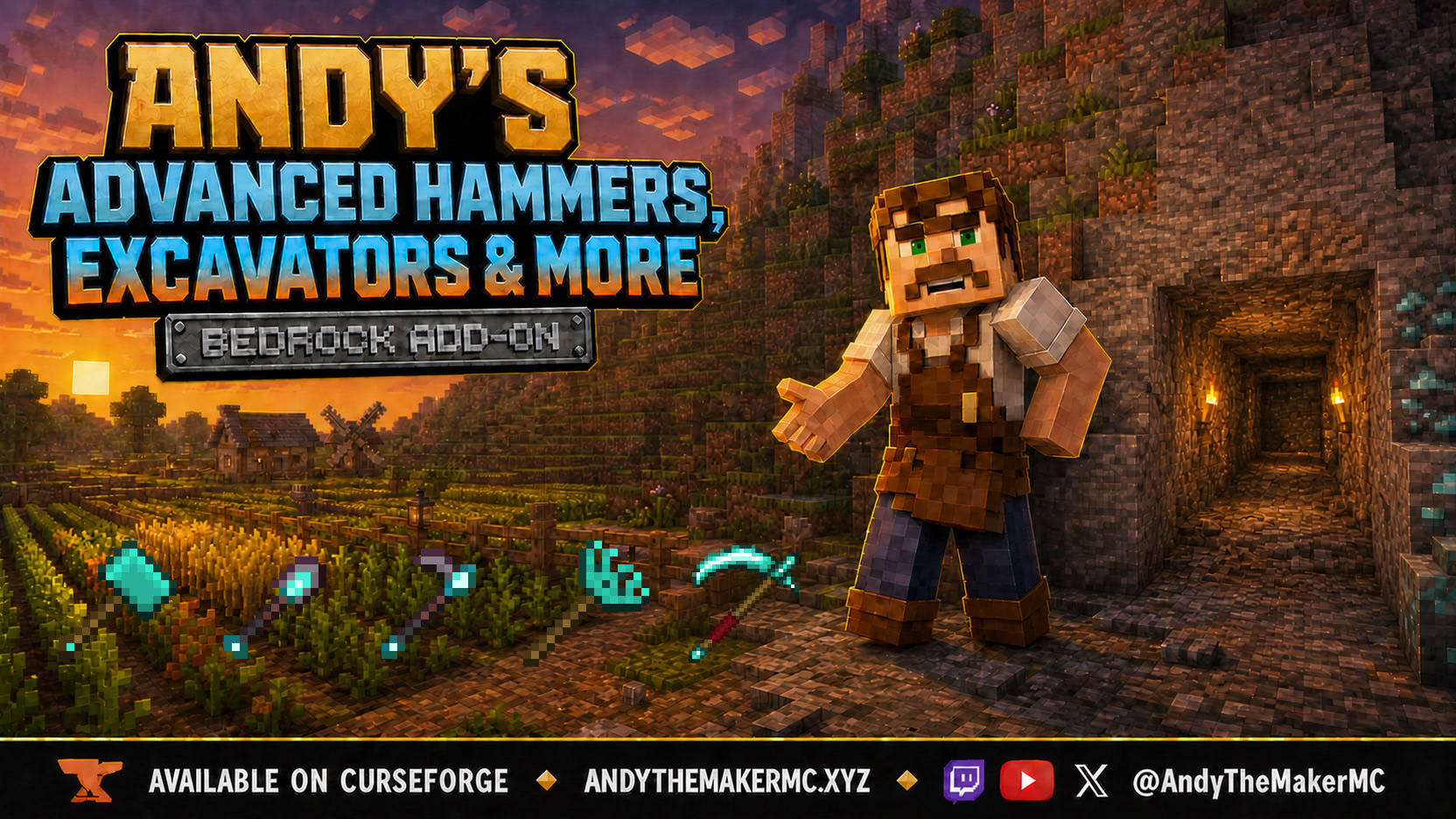
Andy's Advanced Hammers, Excavators & More
Five tool families across seven tiers — Hammers, Excavators, Tillers, Scythes, and Seeder Rakes — each drawing a wireframe preview of exactly which blocks the next swing will affect before you commit to it.
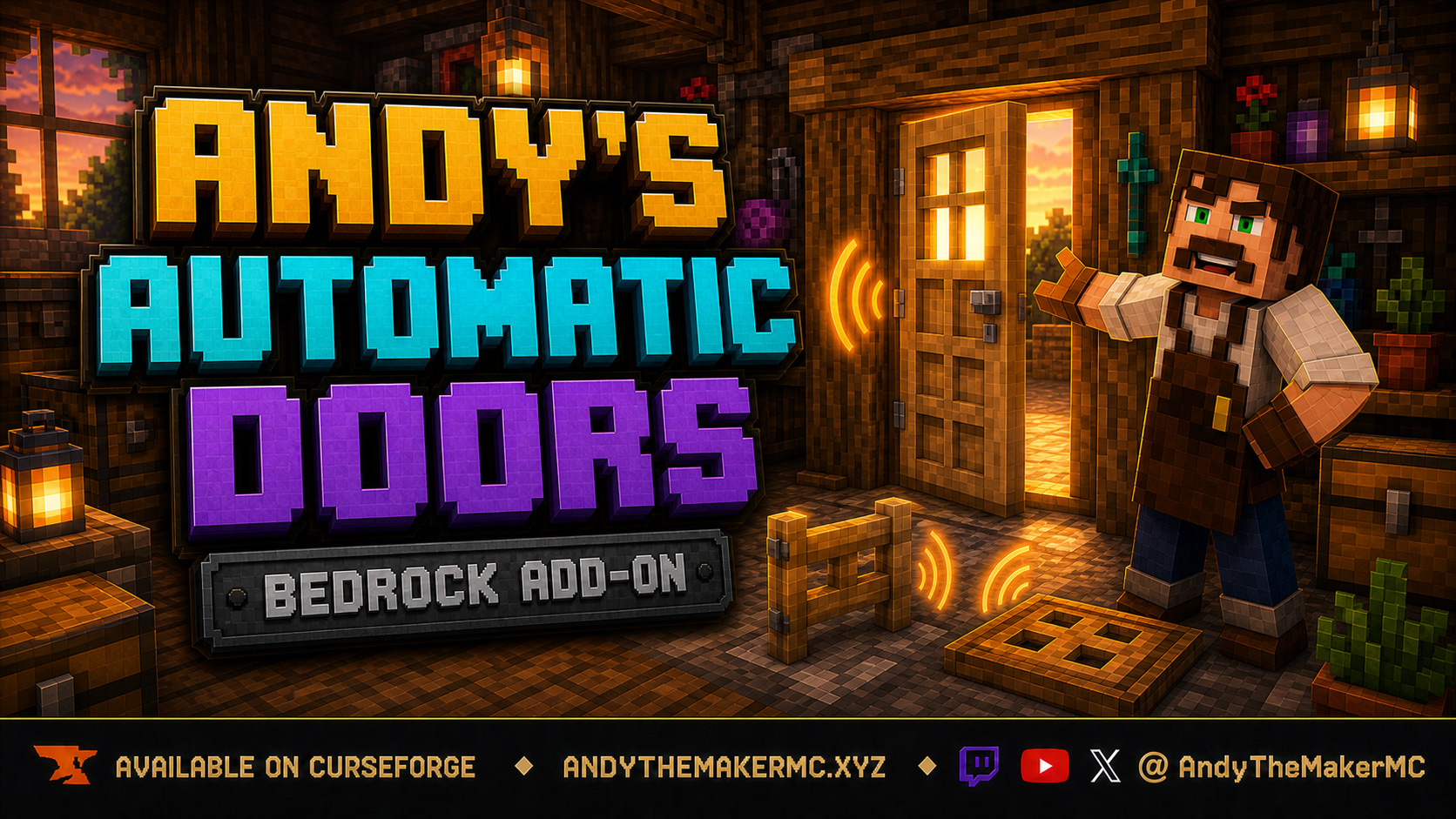
Andy's Automatic Doors
An opt-in proximity toggle for individual vanilla doors, fence gates, and trapdoors — walk up, the entrance opens once, and it closes behind you, with redstone taking precedence and no custom door blocks or experiments required.
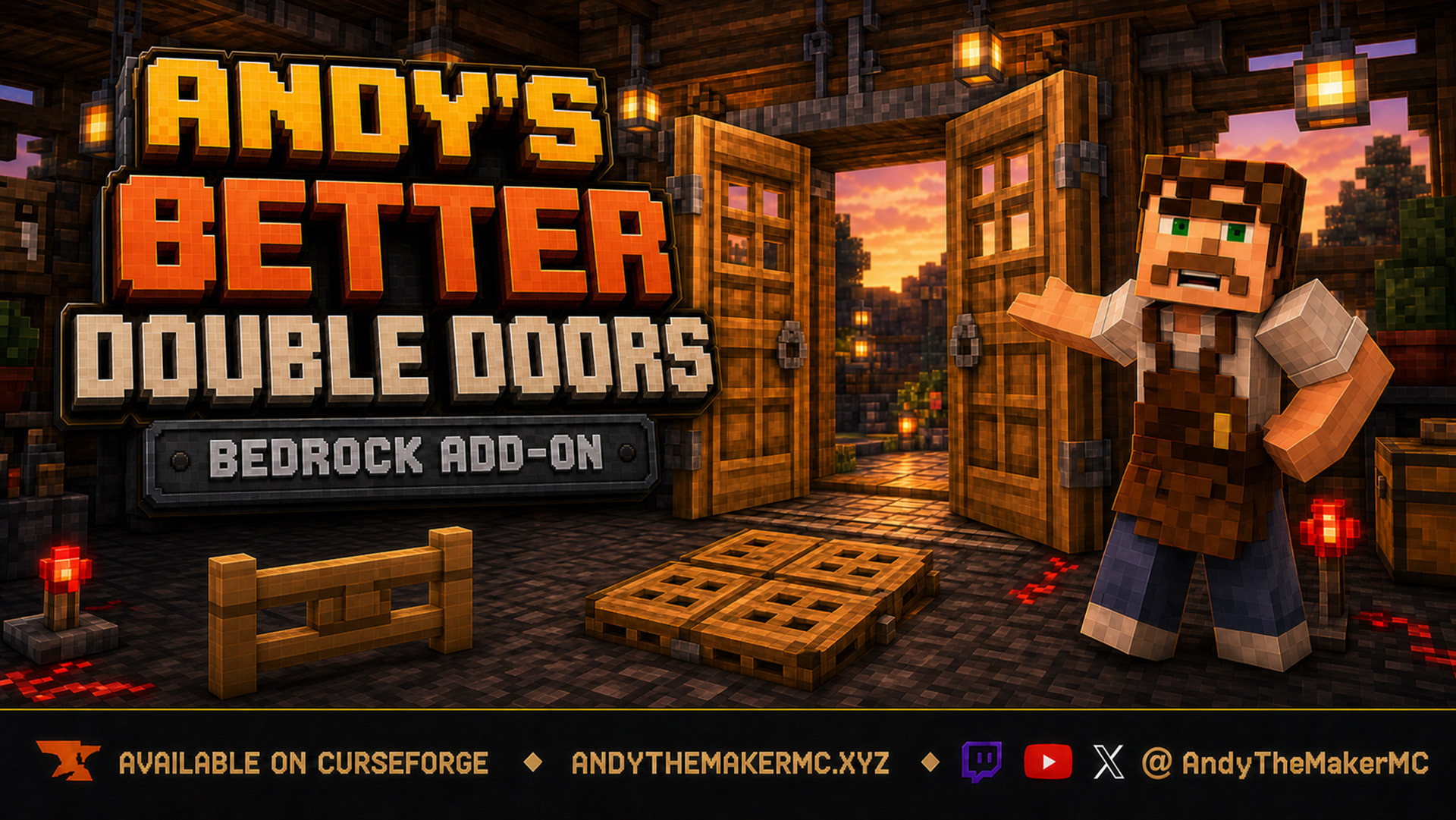
Andy's Better Double Doors
One interaction opens the whole entrance — matching vanilla double doors, double fence gates, double trapdoors, and 2×2 quad trapdoors move together, with optional proximity opening and redstone synchronization and no custom door blocks.