
Andy's Automatic Doors
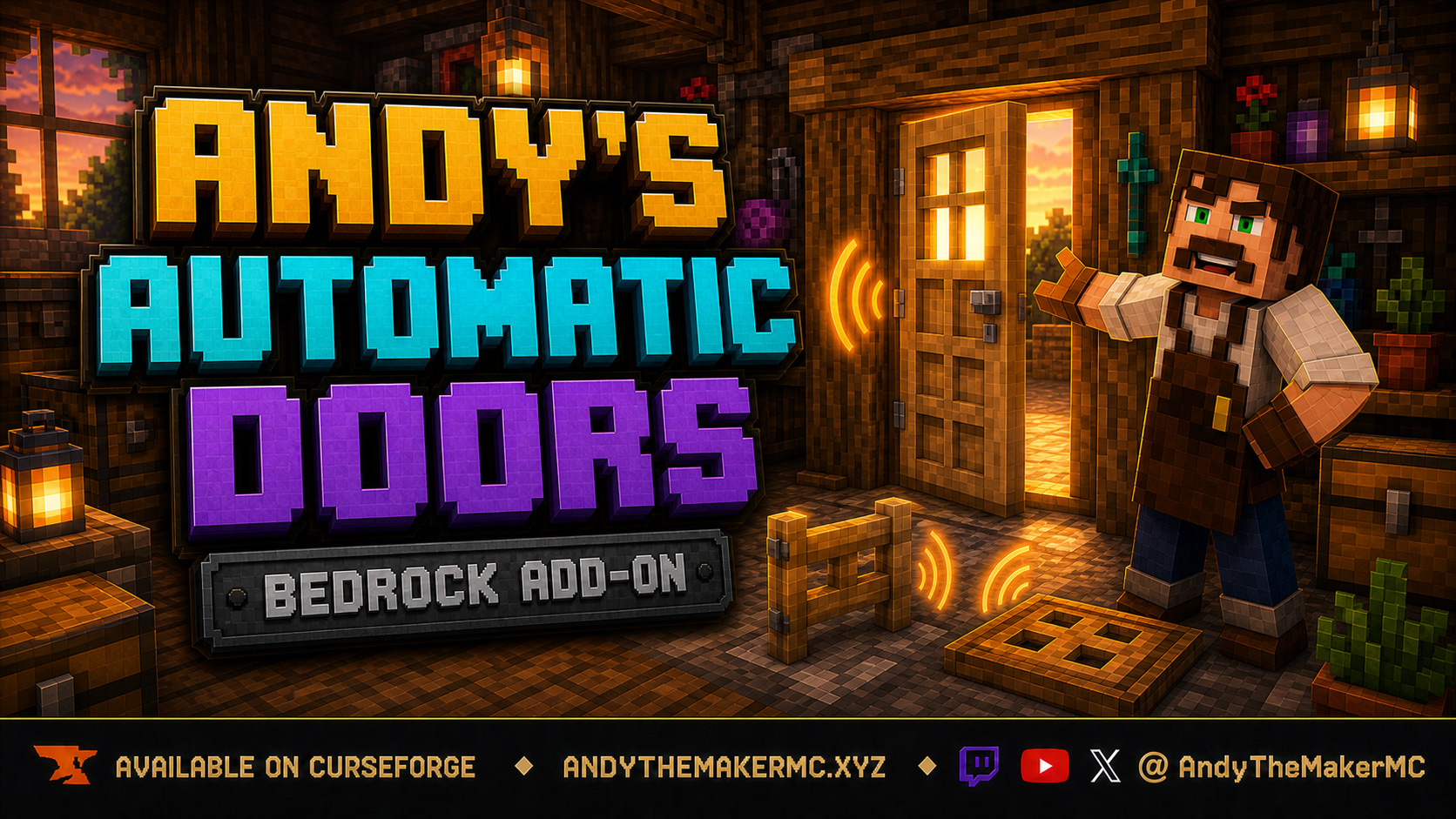
An opt-in proximity toggle for individual vanilla doors, fence gates, and trapdoors — walk up, the entrance opens once, and it closes behind you, with redstone taking precedence and no custom door blocks or experiments required.
Project Information
- Developer
- Andy The Maker
- Platforms
- Bedrock
- Categories
- Quality of Life, Gameplay, Utility
- License
- All rights reserved
- CurseForge
- View on CurseForge
- Repository
- GitHub
- Player Guide
- Wiki
- Related Lore
Overview
Andy's Automatic Doors turns ordinary vanilla entrances into welcoming automatic doors — without replacing any doors, fence gates, or trapdoors.
It adds an opt-in proximity toggle to each individual vanilla door, single fence gate, and single trapdoor. Approach from the front or rear, let it open once, walk through, and it closes after you leave. Redstone power takes precedence, so powered entrances stay open.
Vanilla-friendly by design
- No custom blocks, items, recipes, textures, models, or door variants.
- Normal vanilla interactions continue to work.
- Only entrances explicitly configured with
DoorControlbecome automatic. - No experimental gameplay settings, cheats, commands, or required dependencies.
- Standard graphics and Vibrant Visuals compatible.
Controls
Rename a vanilla stick exactly DoorControl, then crouch + use it on a single door, fence gate, or trapdoor and enable Proximity in the form.
When configuring a door, stand at its front or rear face so the add-on records the actual approach axis — this avoids Bedrock's unusual door placement-direction behavior.
Operators can use a stick named AdminDoorControl with crouch + use, or run /scriptevent andyautodoors:admin settings, to enable or disable automatic doors for the whole world.
How proximity works
- Doors and fence gates watch a two-block zone directly in front of and behind the entrance, never the side.
- Trapdoors watch their surrounding one-block perimeter, including corners.
- A trigger is one complete open → exit → close cycle, so walking through doesn't repeatedly replay movement and sound.
- A short exit grace period gives the last player time to pass through.
- Redstone takes precedence over automatic close: powered entrances remain open.
The feature is individually opt-in. A door, gate, or trapdoor stays completely vanilla until a player enables Proximity for it.
Locks & Keys compatibility
Andy's Automatic Doors never opens a protected entrance itself. With a compatible release of Andy's Locks & Keys installed, it sends the existing companion authorization request and lets Locks & Keys apply the same owner, key, group, shared-player, and public rules. An unauthorized or unavailable authorization leaves the entrance closed.
Installation
- Download the latest release from CurseForge and open the
.mcaddonwith Minecraft Bedrock. - Wait for both packs to import — the Behavior Pack and Resource Pack are mutually linked, so activating either one includes the other.
- Enable the add-on in the target world.
- Configure the entrances you want to automate with a
DoorControlstick.
Xbox, PlayStation, and Nintendo Switch — consoles generally cannot import local .mcaddon files directly. Import it on Windows or mobile, upload the prepared world to a Realm, then join from the console.
Back up an important world before installing or updating an add-on. CurseForge is the authoritative source for supported versions and files.
Compatibility
- Standard graphics and Vibrant Visuals.
- Single-player, multiplayer, Realms, and supported Bedrock servers.
- Overworld, Nether, and End.
- Individual vanilla doors, trapdoors, and fence gates.
- No experimental gameplay toggles, cheats, commands, or required dependencies.
Third-party custom entrance blocks are not promised for this release.
Credits & license
Created by Andy The Maker. Copyright © Andy — All Rights Reserved. Players are welcome to use Andy's Automatic Doors in personal worlds, multiplayer worlds, Realms, and servers, and content creators are welcome to use, review, stream, and showcase the add-on in videos, livestreams, screenshots, articles, and social posts, including monetized content. No one may modify, reverse engineer, extract, repackage, re-upload, sell, mirror, or redistribute the add-on or any of its files without prior written permission — link viewers and players to the official CurseForge release.
The promotional artwork is original AI-assisted concept artwork directed for this project; it is not an in-game screenshot.
Minecraft is a trademark of Microsoft Corporation. This project is not affiliated with, endorsed by, or sponsored by Microsoft or Mojang Studios.
Get Andy's Automatic Doors
Download the latest version from CurseForge — the authoritative source for supported Minecraft versions and files.
More
Related Addons
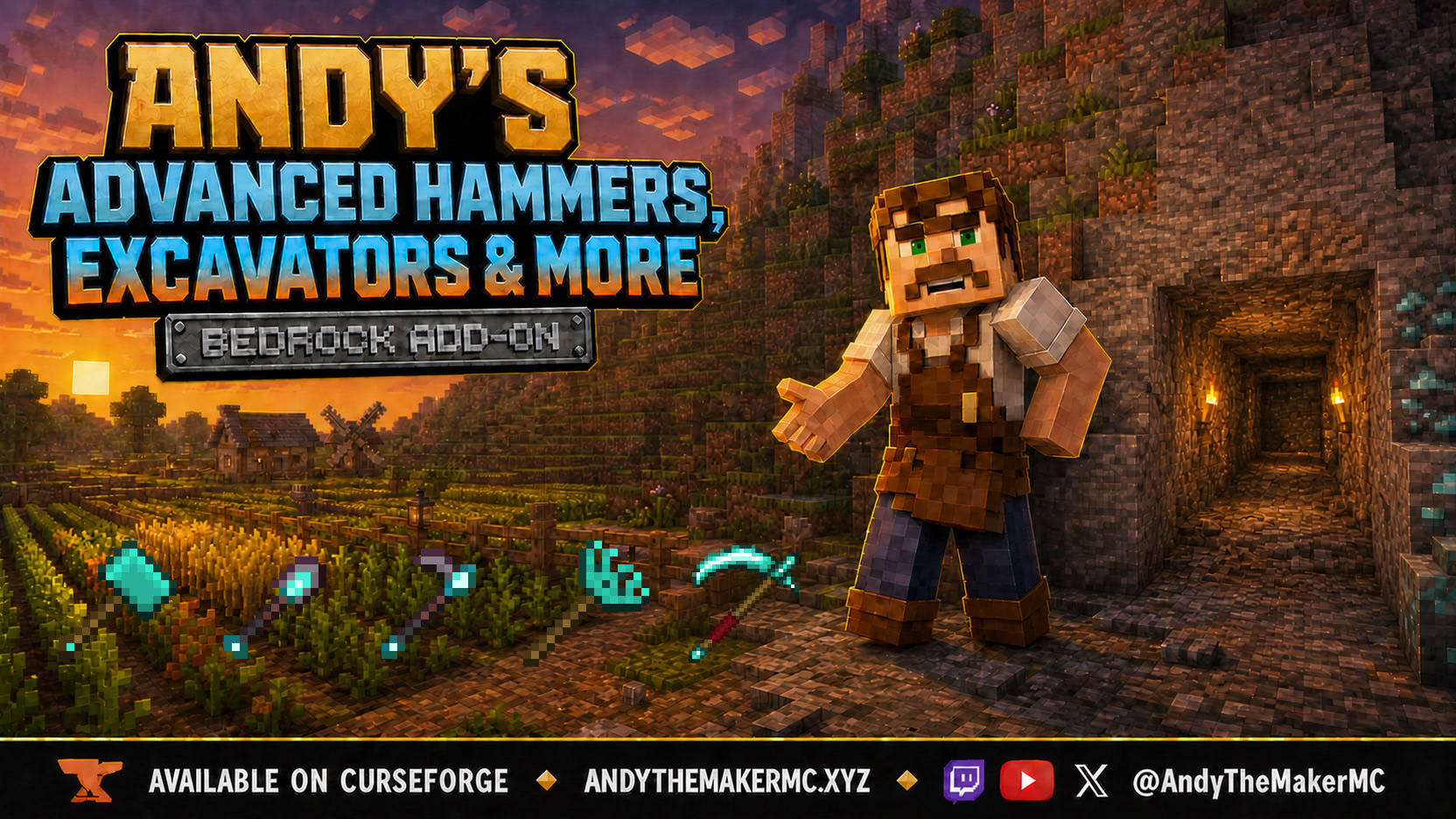
Andy's Advanced Hammers, Excavators & More
Five tool families across seven tiers — Hammers, Excavators, Tillers, Scythes, and Seeder Rakes — each drawing a wireframe preview of exactly which blocks the next swing will affect before you commit to it.
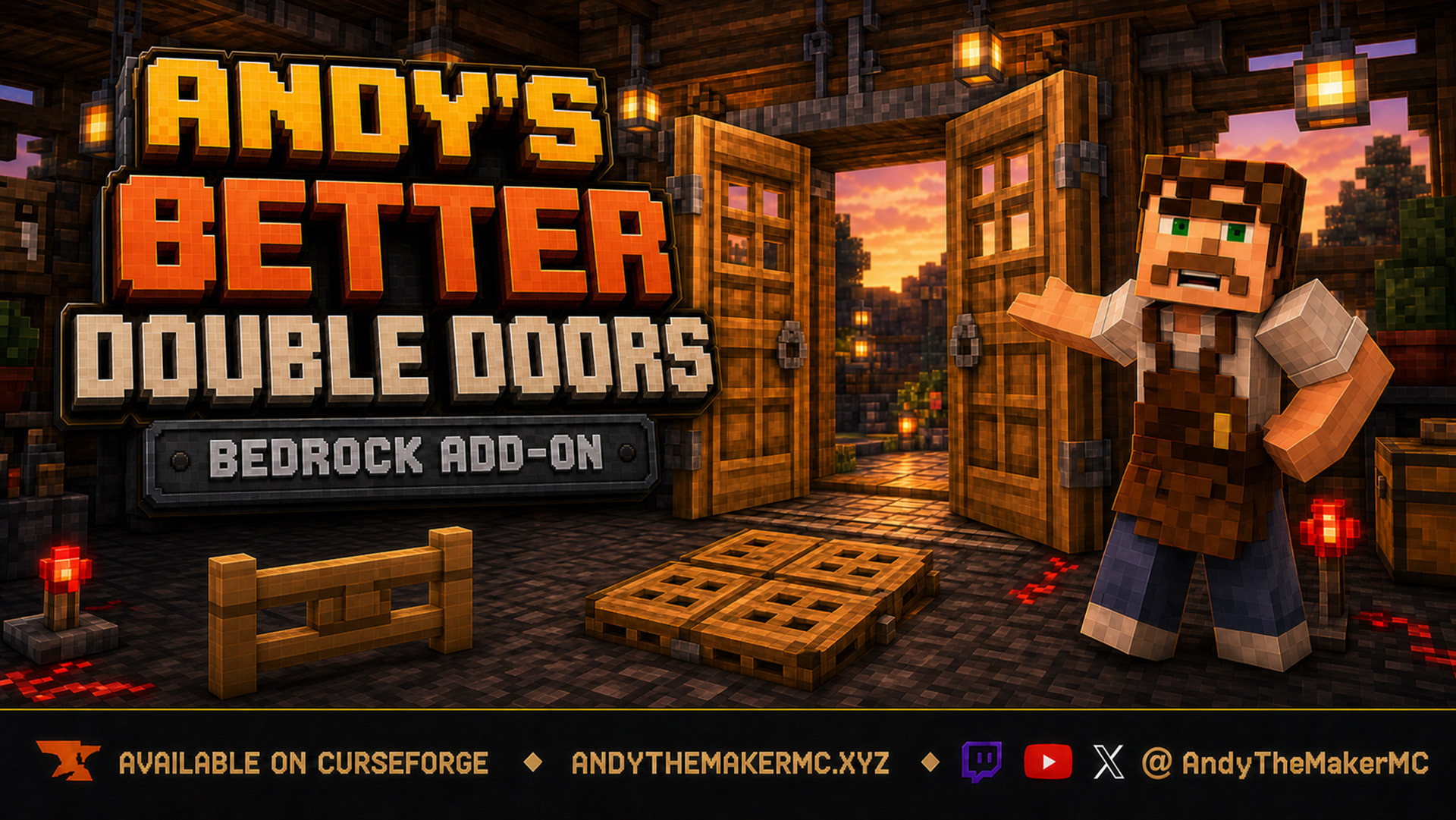
Andy's Better Double Doors
One interaction opens the whole entrance — matching vanilla double doors, double fence gates, double trapdoors, and 2×2 quad trapdoors move together, with optional proximity opening and redstone synchronization and no custom door blocks.
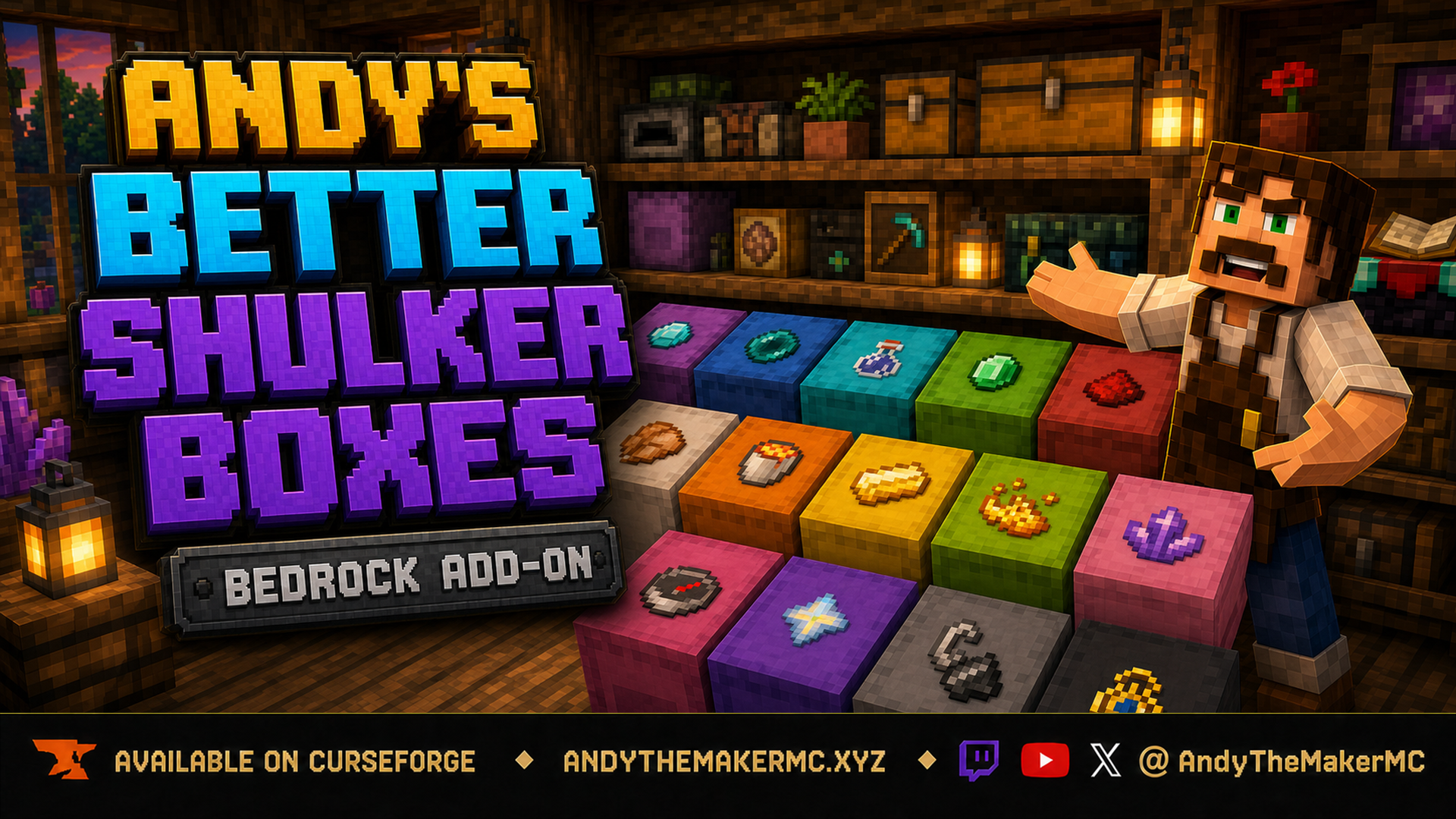
Andy's Better Shulker Boxes
A survival Minecraft Bedrock add-on that adds removable, item-frame-style icon labels to placed shulker boxes — sneak-interact with any item to stamp its vanilla icon on the lid for faster, recognizable storage.