
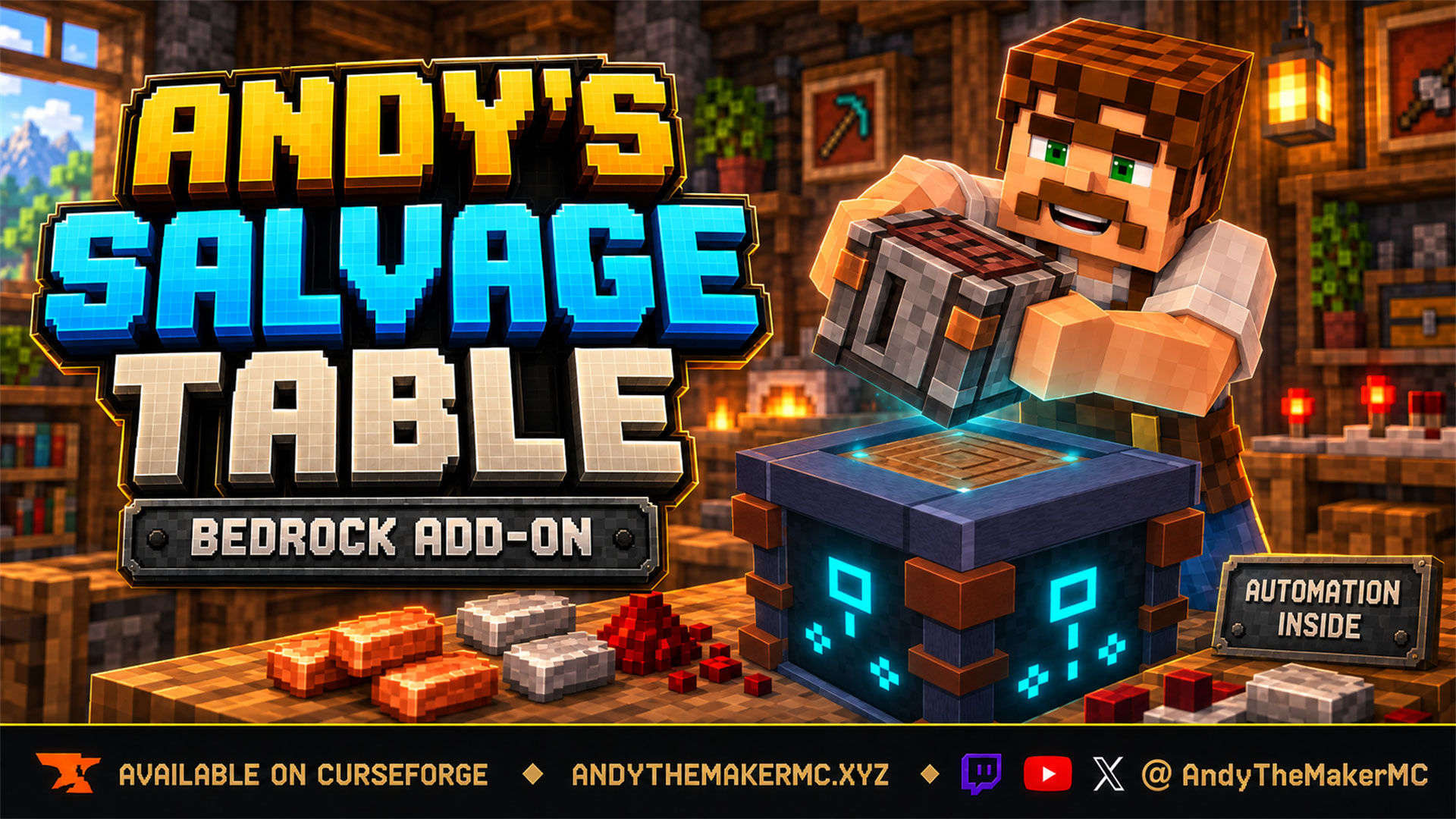
Andy's Salvage Table
Minecraft lets you turn nine iron into a block and never lets you turn it back. The Salvage Table runs crafting the other way — put a crafted item in, get a fair share of its materials back, drawn from Minecraft's own recipes.
Project Information
- Developer
- Andy The Maker
- Platforms
- Bedrock
- Categories
- Gameplay, Utility, Quality of Life
- License
- All rights reserved
- CurseForge
- View on CurseForge
- Repository
- GitHub
- Player Guide
- Wiki
Overview
Minecraft lets you turn nine iron into a block and never lets you turn it back. Every chest of outgrown tools, every stack of stairs you cut wrong, every crafting table looted from a village — it all ends up in a lava pit or a junk chest, because vanilla crafting only runs one way.
Andy's Salvage Table runs it the other way. Put a crafted item in and get back a fair share of what it was made from, drawn from Minecraft's own recipes rather than from anybody's guesswork.
What makes it feel right is that it shows you the trade before you take it. Drop an item in the slot and the nine material slots fill with exactly what you will receive — the real stacks, at the real counts. Hover the gold percent icon and you get the arithmetic. Nothing is spent until you reach in and take the materials, so you can price an item, change your mind, and take it straight back out. Then, when you have a chest of something to get through, the same block becomes a machine: hoppers in, materials out the bottom, anything it won't touch out the side.
One block, no vanilla mechanic replaced.
Vanilla-friendly by design
- Adds one block. No vanilla item, block, recipe, or mechanic is replaced or overridden
- Returns only vanilla materials, from Minecraft's own crafting recipes — nothing invented
- Never returns more than the original recipe took
- Every safety protection starts switched on; nothing valuable is destroyed by default
- No cheats, commands, Beta APIs, experimental toggles, or required dependencies
- Standard graphics and Vibrant Visuals/PBR support
- Achievement-friendly — worlds keep achievements enabled
Quick start
- Craft a Salvage Table — Copper, a Grindstone, Iron, a Stonecutter, a Crafting Table, and Blackstone.
- Place it and use it.
- Put a crafted item in the Item slot.
- Take any one of the materials that appear. That completes the salvage.
Crafting recipe
| Copper Ingot | Grindstone | Copper Ingot |
| Iron Ingot | Stonecutter | Crafting Table |
| Blackstone | Blackstone | Blackstone |
Unlocks when you first obtain a Grindstone or a Stonecutter. Mine it with a pickaxe to get it back.
The salvage screen
One Item slot, a 3×3 Salvaged Materials grid, and a gold Recovery % icon. Put a crafted item in the Item slot and the grid fills with exactly what you would receive.
Those stacks are exactly what you get, at the counts shown.
Nothing is consumed until you take a material, so you can put an item in, read what it would give you, and take it straight back out with nothing lost. If the whole result will not fit in your inventory, nothing is salvaged and a message says so. The materials in the grid are a preview — taking one does not give you that stack on its own, it triggers the whole payout.
Shift-clicking an item in your inventory sends it to the Item slot.
Recipes come from Minecraft's own catalog, so compound items break down into their real parts.
The Recovery % readout
Hovering the gold percent icon shows live numbers for whatever is in the slot — the recovery rate, the item's condition if it has durability, how many will be consumed, anything left over, and the full list of materials coming back. On touch devices, tap and hold.
It is also where the table explains a refusal — no recipe, too damaged, protected, category filtered, or not enough for one batch. A refusal always names its reason here rather than leaving you to guess.
How much comes back
Recovery is a percentage of the original crafting recipe, scaled by how damaged the item is, and it can never exceed what the recipe took.
| Tier | Default rate | Applies to |
|---|---|---|
| Basic | 75% | Wood, stone, and everyday materials |
| Component | 75% | Redstone, quartz, lapis, emerald, and similar |
| Copper | 50% | Copper equipment and blocks |
| Iron | 50% | Iron equipment and blocks |
| Gold | 50% | Gold equipment and blocks |
| Diamond | 30% | Anything containing diamond |
| Netherite | 25% | Netherite gear (off by default) |
Three more rules shape the result:
- Batch awareness. A recipe's output count is divided out. Sixteen Glass Panes came from six Glass, so one pane never returns one Glass — and you need sixteen panes before the table can return anything at all.
- Durability scaling. A tool at half durability returns half as much again. A pristine Diamond Pickaxe gives one Diamond; a badly worn one gives nothing.
- Rounding. Fractions floor at or above one and round at half below one, so a result of 3.0 is 3 and a result of 0.75 is 1. That is why a pristine diamond tool returns something rather than nothing.
64 Tuff Bricks return 48 Tuff — the basic rate of 75%, exactly.
One item often becomes several going back. 1,152 Crafting Tables cost 4,608 planks and return 3,456 — the item count grows even though the value falls. Size your output chest for the expansion, not for the input.
The machine
Crouching with an empty hand and using a table opens its own settings menu. Every setting there belongs to that one table, so two tables side by side can do completely different jobs. Settings live with the block and are forgotten when it is broken.
The top is a live status readout — what the machine is doing, which way it faces, which side it rejects out of, and a legend for the particle face markers.
The status line reads one of: Idle, Processing, Output blocked (the container below cannot take the whole result — nothing is consumed, it waits), No output container below, Paused by redstone, Automation off, or Turned off for this world.
World owner settings is only shown to operators; other players never see it.
Automation and the six faces
| Face | Job |
|---|---|
| Bottom | Salvaged materials come out here. Required — without a container below, the machine will not run at all |
| Reject side | Anything the table will not process leaves here. Right by default |
| Top, front, back, and the remaining side | Inputs. Any container on these is drained |
Point a hopper at the table and leave it there. The hopper holds the items and the table takes them out of it — that is the intended arrangement, and it is why a hopper aimed at a table can look like it is doing nothing.
A hopper into any input face, a chest below, and a chest on the reject side is a complete farm.
Show which side is which marks every face for about two seconds: green sparkles for inputs, white for the material output below, flame for the reject side. The rune panel tells you which way a table faces, which is not enough to know which face will quietly break the farm if you point a hopper at it.
One batch is processed per step, never a whole stack, so a stack of 64 Crafting Tables takes 64 steps. A rejected item can slow a farm down but can never jam it — the order is the reject container first, then thrown out dropper-style if the world allows ejection, and if neither works the item is left exactly where it was and the machine moves on.
Filter and exceptions
Six presets decide which categories a table accepts.
| Preset | Accepts |
|---|---|
| All Safe Items | Everything with a recipe that passes the safety checks |
| Equipment Only | Armor, tools, weapons, bows and shields |
| Damaged Equipment Only | The same, but pristine gear passes through untouched |
| Blocks and Components | Blocks, redstone, transport, storage, utility |
| Blocks Only | Building blocks and nothing else |
| Custom | Pick each of eight categories yourself |
Damaged Equipment Only is the specialist one — pristine gear passes through untouched, which is how you build a farm that recycles broken drops without eating your own spare kit.
A worked example — a piglin gold farm. The drops are gold nuggets, gold ingots, rotten flesh, and golden gear. Set Equipment Only and you get: gear salvaged, nuggets and ingots rejected as category filtered, rotten flesh rejected as having no recipe. Enchanted swords also reject while enchanted-item protection is on — feed that reject chest to a Disenchanting Pillar.
Adding an item to one list removes it from the other, so the two can never disagree. Neither list overrides the safety protections, and an allow list cannot invent a recipe.
Speed
A stack of 64 Crafting Tables takes just over a minute at Normal, sixteen seconds at Very Fast. Speeds above the world ceiling are still listed, marked above the world limit, and cannot be selected.
Redstone
Wiring matters. Power the table with a repeater aimed at it, or run the signal through a solid block first. Redstone dust led straight into the table powers the hopper underneath it as well, and a powered hopper stops moving items.
"Runs when unpowered" avoids the issue entirely and makes the better kill switch: normal operation is unpowered so nothing is ever locked, and the signal only arrives when you want everything to stop. Redstone gates automation only — salvaging by hand always works, even on a table paused by redstone.
Safety
Two per-table switches, plus a third the world controls. A protected item is never salvaged — it leaves through the reject side untouched, with its enchantments, name, and durability intact.
| Protection | Default | What it stops |
|---|---|---|
| Protect enchanted items | On | Salvaging destroys enchantments; a Looting III sword would become one gold ingot |
| Protect renamed and described items | On | Names and lore are lost when an item is broken down |
| Container items | On, world-wide only | A Shulker Box or Bundle carries its contents inside the item, and the table cannot tell a full one from an empty one |
The warning appears before anything is spent. If Andy's Disenchanting Pillar is installed, the refusal adds a line telling you to use it first.
A machine can be stricter than the world, never more permissive. While a world owner protects enchanted items, the per-table button reads locked on by the world and cannot be switched off — so these toggles only do anything in a world that has already allowed the destructive behavior.
Salvage by hand, rejections, and preferences
Salvage by hand lists everything in your own inventory that has a salvage recipe, with a per-item preview, a quantity slider measured in whole recipe batches, and a confirm step. Use it when you want to process part of a stack rather than all of it.
Recent rejections shows the last eight items a table refused, each with its reason. It is the first thing to check when a farm is not taking something you expected — in one screen it separates a missing recipe from a category filter from a safety protection. Sub-batch amounts are not rejections: fifteen Rails are not refused, they are "not enough yet", and they wait in the input for a sixteenth.
Your preferences are three settings that belong to you rather than to any table and follow you to every world: warn before destroying enchantments, warn before destroying names and lore, and detailed preview.
World administration and the server console
Precedence is fixed: shipped defaults, then the gear menu, then anything set by the operator menu or the console. There are 33 world settings across eight groups.
Five switches decide whether the add-on does anything at all — the master enable, manual salvage, automated salvage, placement of new tables, and whether recipes registered by other add-ons are honored.
Halve every recovery rate is the single blunt lever for "salvaging is too generous here" — reach for it before touching seven individual numbers. Netherite is off by default; when on, it returns raw Netherite Scrap only.
All three protected by default. Container salvaging is the one most likely to cost a player real storage, and the only one the table cannot warn them about first.
Seven numbers, one per value tier. Lower the basic rate before anything else — most salvaging by volume is wood and stone, so halving it is felt immediately where halving the diamond rate is felt by almost nobody.
Capping max_speed caps every existing machine retroactively, with no player action required.
Eight world-wide category switches — Armor, Tools, Weapons, Building blocks, Redstone components, Rails/boats/minecarts, Storage blocks, and Utility — override any individual machine's filter. A category switched off here shows as locked off on the machine's Categories screen and refuses to toggle.
On a Bedrock Dedicated Server, every setting is reachable without a form. Commands from the server console are always accepted; a player running the same command in game needs operator permission, and every change is written to the content log with the name of whoever made it.
scriptevent andy_salvage:status
scriptevent andy_salvage:list protection
scriptevent andy_salvage:get rate.diamond
scriptevent andy_salvage:set allow_enchanted true
scriptevent andy_salvage:set rate.basic 0.5
scriptevent andy_salvage:clear rate.basic
The action set is set, get, list [group], status, clear, reset, machines, machines clear, config, inspect, help, and register (used by other add-ons, not operators). Groups are master, economy, protection, categories, automation, rates, players, diagnostics. A value outside its range, or a choice that is not one of the listed options, is refused rather than written, so a typo leaves the setting as it was.
A suggested base configuration for a new survival server — caps farm throughput, halves the most-used rate, refuses badly worn gear, and keeps diamond out of the economy, while leaving every safety protection at its default:
scriptevent andy_salvage:set max_speed normal
scriptevent andy_salvage:set rate.basic 0.5
scriptevent andy_salvage:set min_condition 0.25
scriptevent andy_salvage:set allow_diamond false
scriptevent andy_salvage:status
Installation
- Download the current
Andys_Salvage_Table_0.7.15.mcaddonand open it with Minecraft Bedrock. - Wait for both Andy's Salvage Table [BP] and [RP] to import.
- Create or edit the target world, activate the Behavior Pack, and confirm the linked Resource Pack.
- Craft a Salvage Table, place it, and put any crafted item in its Item slot.
Android and iOS — open or share the downloaded .mcaddon to Minecraft, then activate both packs in world settings.
Xbox, PlayStation, and Nintendo Switch — import and activate on Windows or mobile, upload the prepared world to a Realm, then join from the console.
Realms and servers — install and activate both packs before uploading or starting the world. Joining players must accept the Resource Pack or the block has no texture. Test a salvage in a backed-up staging copy first.
When updating, back up the world, import the newer build, verify matching pack versions are active, and completely leave and reopen the world. Placed tables keep their settings across updates, and so do your world settings.
Compatibility & limitations
- Minecraft Bedrock 1.26.30 or newer
- Standard graphics and Vibrant Visuals/PBR
- Single-player, multiplayer, Realms, and compatible Bedrock servers; every dimension
- Items from other add-ons are not salvageable unless that add-on adds support — developers can register recipes in about ten lines, documented in the project wiki
- Banners, Suspicious Stew, and Maps are excluded, because the table cannot tell a red Banner from a blue one and would hand back the wrong dye
- Comparators cannot read a Salvage Table
Andy's Disenchanting Pillar is the natural pairing — the two override different vanilla screens, so neither interferes with the other. Route the Salvage Table's reject chest to a Pillar so enchanted gear has its books pulled before anything else happens to it. Neither add-on requires the other.
Troubleshooting
- The table doesn't appear in the creative menu or recipe book — confirm both packs are active, not just imported. The recipe unlocks once you have a Grindstone or a Stonecutter.
- My item goes in but the materials grid stays empty — hover the gold Recovery % icon; it always says why. Most often not enough for one batch; next most often a protection.
- An enchanted item is refused — that is the default. Use a Disenchanting Pillar first to keep the enchantments, then salvage the bare item.
- The automation isn't running — a container directly below the table is required. Check the status line, the machine's Automation toggle, and whether the redstone mode is waiting for a signal.
- Powering the table stops my hoppers — a powered hopper stops moving items, and dust led into the table powers the hopper under it too. Use a repeater, run the signal through a solid block, or use Runs when unpowered.
- I can't place a hopper against the table — crouch with the block in hand. The first crouch-click primes the table and does nothing visible; the next few seconds place normally. Punching the table once does the same thing.
- Items I expect to be salvaged end up in the reject chest — open Recent rejections, then check the filter preset, the item exception lists, and the world category switches.
- The output chest fills much faster than the input empties — expected. Size the output for the expansion.
When reporting a problem, include the add-on version, exact Bedrock version and platform, graphics mode, world or server type, active pack order, which settings differ from the defaults, exact reproduction steps, screenshots, Content Log entries, and whether it repeats in a clean test world.
Credits & license
Created by Andy The Maker. All Rights Reserved. Copyright © 2026 Andy / AndyTheMakerMC. You may download the official, unmodified release from its official CurseForge or authorized GitHub project page and use it in personal single-player worlds, multiplayer worlds, Realms, and compatible Bedrock servers, including Minecraft's normal automatic delivery to joining players. It does not permit offering the add-on file separately or distributing it as part of a world download, modpack, bundle, mirror, archive, or server download.
Content creators may use an official, unmodified release in original gameplay videos, livestreams, screenshots, tutorials, reviews, showcases, articles, guides, and social posts, including monetized content — credit to AndyTheMakerMC and a link to the official project page are appreciated whenever practical.
You may not redistribute, reupload, rehost, mirror, resell, sublicense, bundle, repackage, modify and publish, translate, adapt, decompile, reverse engineer, extract, or reuse the add-on, its source, scripts, documentation, branding, textures, models, pack icons, or promotional artwork without prior written permission.
Promotional artwork is original AI-assisted concept art directed for this project, and is an illustration rather than an in-game screenshot.
Minecraft is a trademark of Microsoft Corporation. This project is not affiliated with, endorsed by, sponsored by, or associated with Microsoft or Mojang Studios.
Get Andy's Salvage Table
Download the latest version from CurseForge — the authoritative source for supported Minecraft versions and files.
More
Related Addons
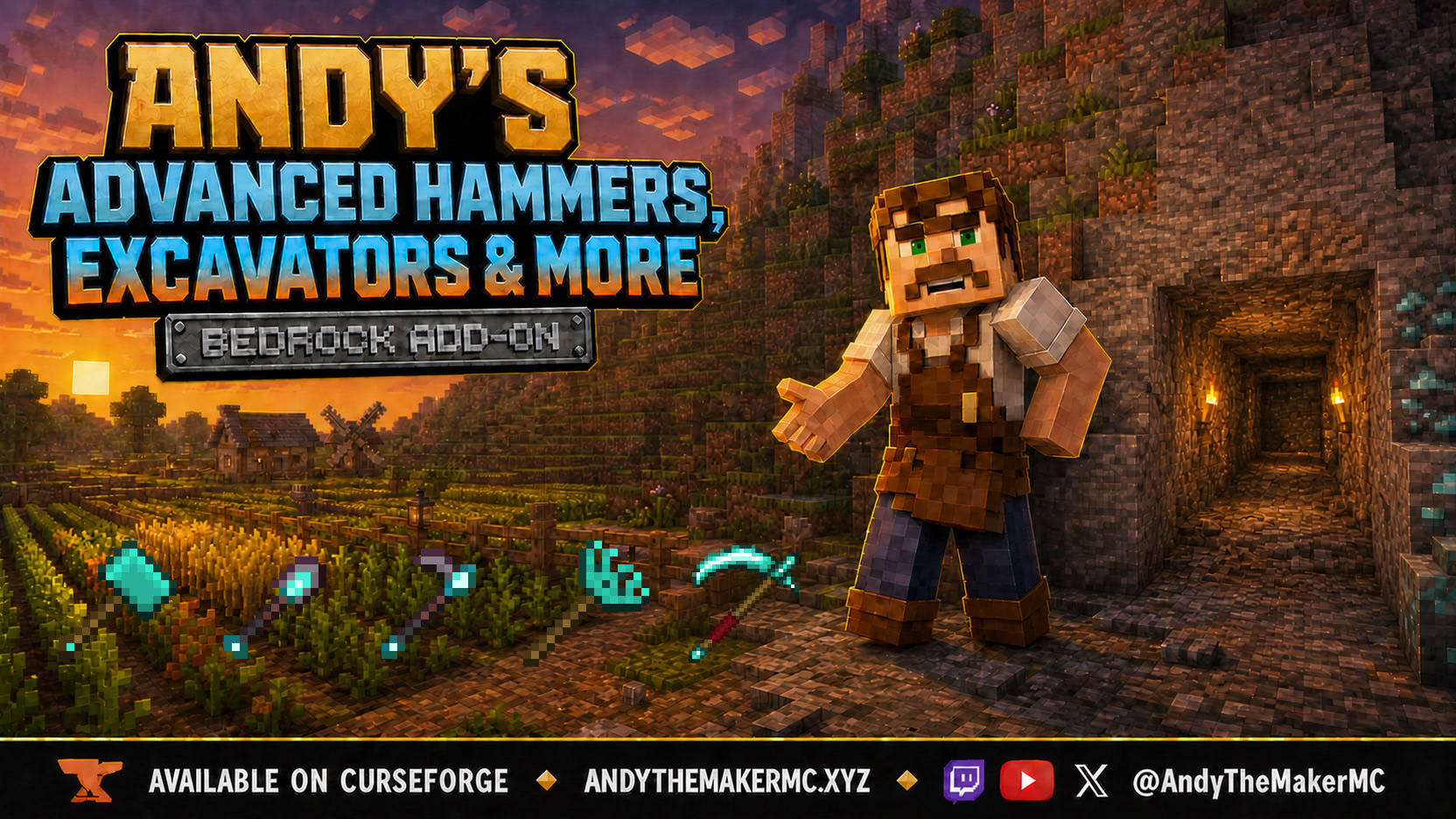
Andy's Advanced Hammers, Excavators & More
Five tool families across seven tiers — Hammers, Excavators, Tillers, Scythes, and Seeder Rakes — each drawing a wireframe preview of exactly which blocks the next swing will affect before you commit to it.
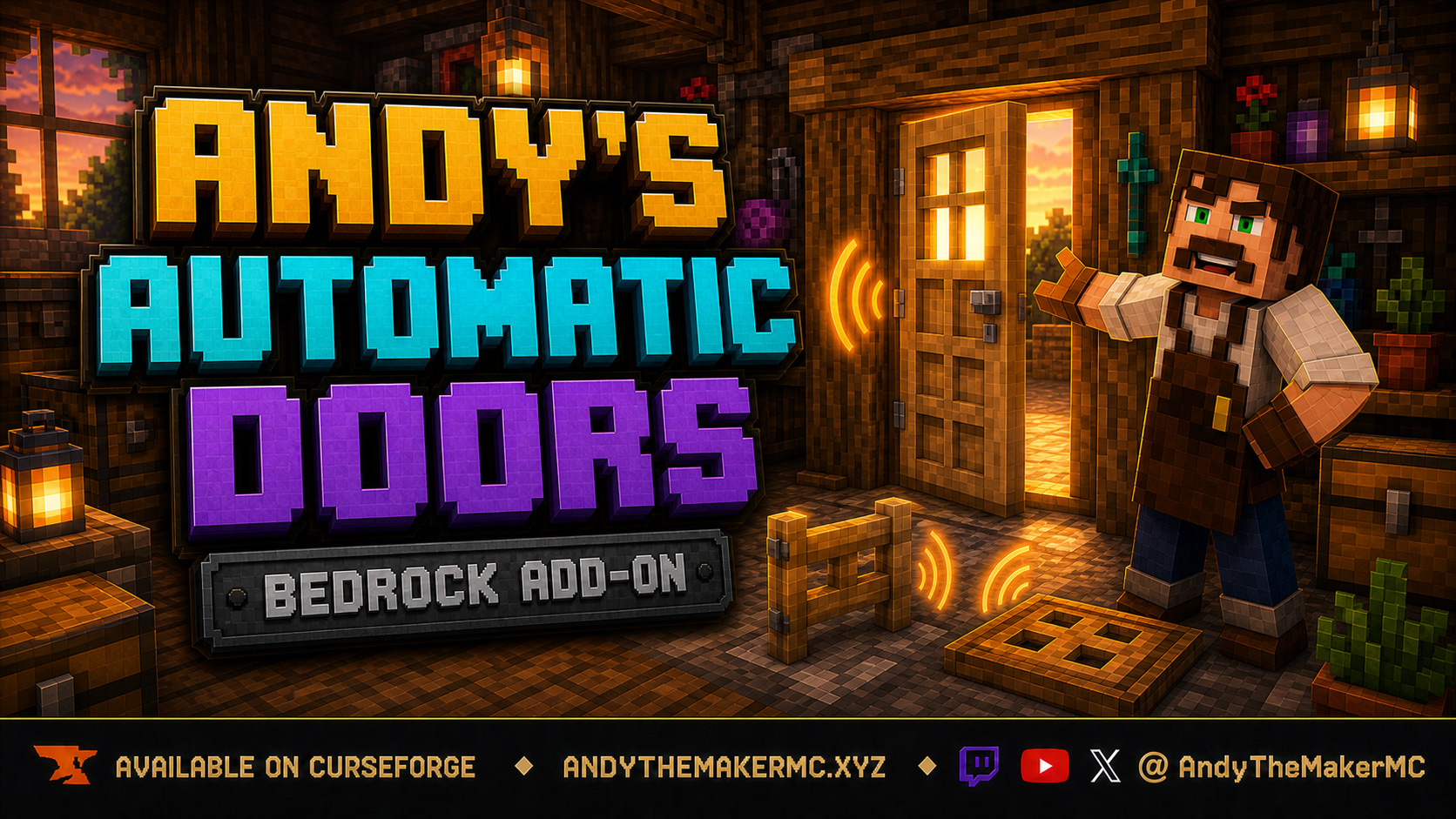
Andy's Automatic Doors
An opt-in proximity toggle for individual vanilla doors, fence gates, and trapdoors — walk up, the entrance opens once, and it closes behind you, with redstone taking precedence and no custom door blocks or experiments required.
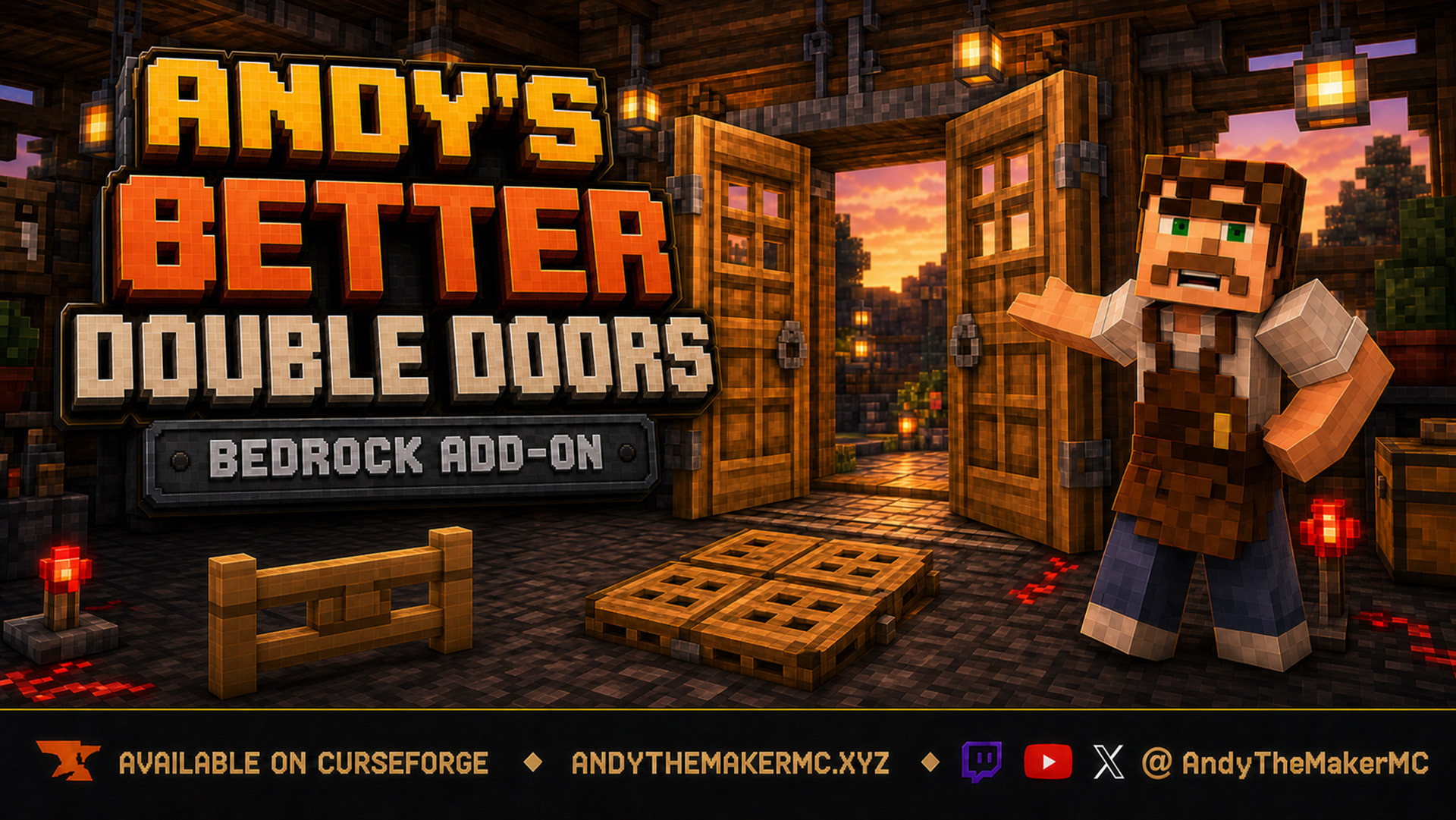
Andy's Better Double Doors
One interaction opens the whole entrance — matching vanilla double doors, double fence gates, double trapdoors, and 2×2 quad trapdoors move together, with optional proximity opening and redstone synchronization and no custom door blocks.