
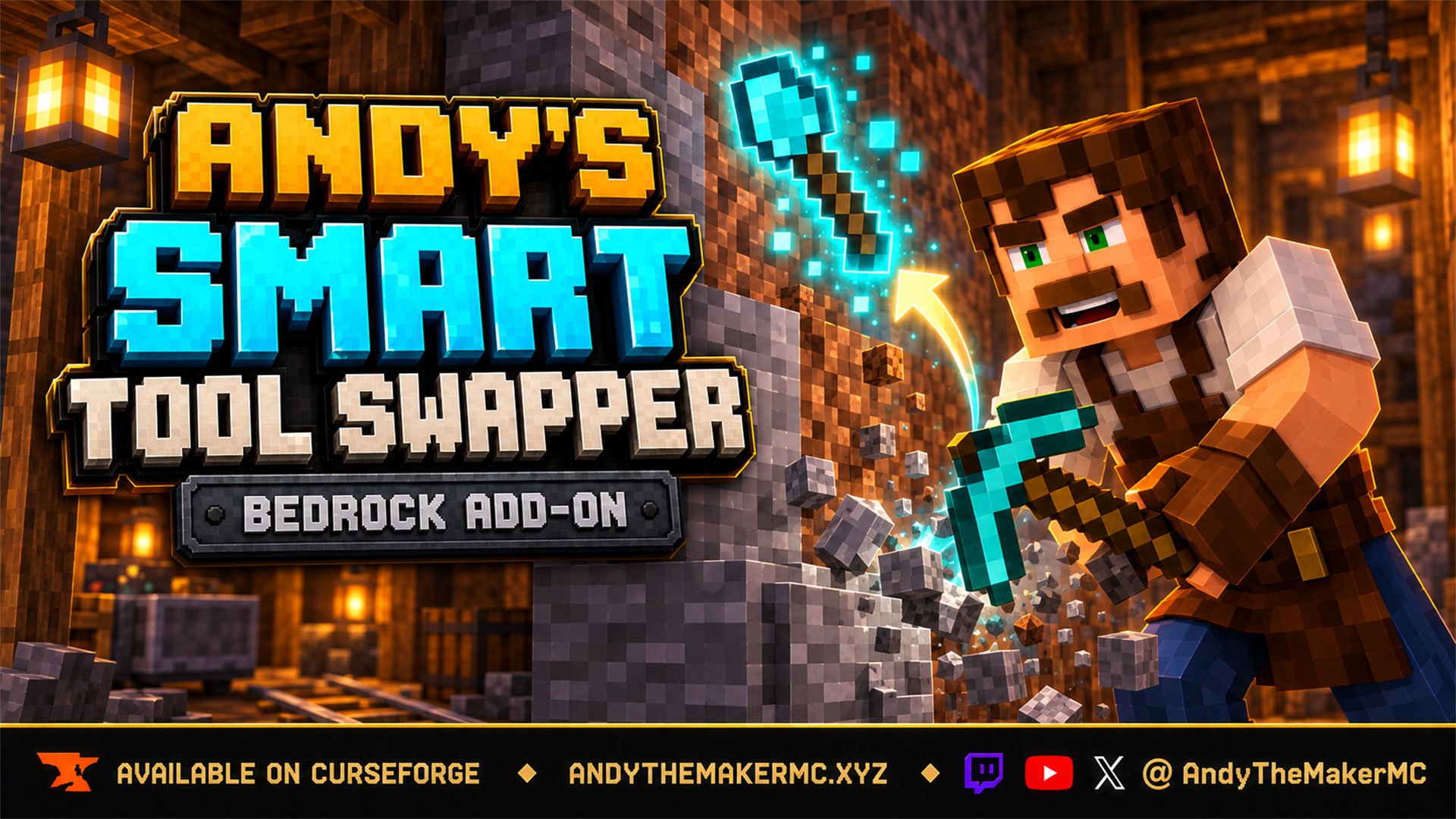
Andy's Smart Tool Swapper
Not just the right tool — the right tool for the drop you want. Diamond ore gets your Fortune pickaxe, a spawner gets Silk Touch, a nearly-broken tool gets skipped, and your original item comes straight back when you stop.
Project Information
- Developer
- Andy The Maker
- Platforms
- Bedrock
- Categories
- Gameplay, Utility, Quality of Life
- License
- All rights reserved
- CurseForge
- View on CurseForge
- Repository
- GitHub
- Player Guide
- Wiki
Overview
Every automatic tool switcher for Bedrock answers the same question: what category of tool breaks this block? Stone gets a pickaxe, dirt gets a shovel, wood gets an axe, and that is where they stop.
Andy's Smart Tool Swapper answers a harder one — of everything you are carrying right now, which exact tool belongs in your hand for this exact block, given what you actually want out of it? Diamond ore does not just get "a pickaxe". It gets your Fortune III pickaxe. A spawner gets Silk Touch. A pickaxe two hits from breaking gets skipped entirely. A 3×3 Hammer never gets equipped by surprise.
You are holding a torch. You start breaking stone and a pickaxe is already in your hand. You hit gravel and a shovel takes over without you releasing the button. You cut through a mineshaft beam and an axe appears, then the pickaxe returns for the stone behind it. You stop, and the torch is back before you have finished turning around. It borrows; it does not take over.
Vanilla-friendly by design
- No block is re-tuned, no drop table edited, no recipe replaced, no mob changed, and no vanilla item modified. Mining speeds, harvest requirements, enchantment effects, and durability costs are exactly what they were.
- No custom items or blocks at all. Both menus open from a plain vanilla Stick renamed at an Anvil — nothing new enters your world, nothing can be lost on death, nothing clashes with another pack.
- No cheats, commands, Beta APIs, experimental toggles, or required dependencies
- Standard graphics and Vibrant Visuals/PBR support
- Single-player, multiplayer, Realms, and compatible Bedrock servers
It also deliberately stops there. There is no auto-totem, no auto-armor, no Elytra deployment, no stack refill, no inventory sorting, and no general survival automation. It is a tool-selection engine and it stays one.
Quick start
- Activate the pack and enter your world.
- Start breaking anything. The tool that suits it comes to hand, and your previous item comes back when you stop.
- Rename a Stick at an Anvil to exactly
SwapperControland use it to open your settings.
Nothing needs configuring first — every option already sits on its recommended setting.
The name is matched exactly, capital letters included. swappercontrol and Swapper Control will not work — this is by far the most common way players get it wrong.
Automatic tool selection
The engine watches for you actually starting to break a block, works out what that block needs, scores every eligible tool you are carrying, and puts the winner in your hand. Pickaxes, axes, shovels, hoes, shears, and melee weapons are all first-class.
It covers the blocks other switchers consistently get wrong:
| Block | Correct tool |
|---|---|
| Sculk (all five forms), sponge, hay bales, dried kelp, nether wart blocks, shroomlight, target blocks | Hoe |
| Wool, carpet, leaves, vines | Shears |
| Cobwebs | Shears, or a sword as a stand-in |
| Bamboo | Sword |
| Muddy mangrove roots | Shovel |
| Plain mangrove roots, nether stems and hyphae | Axe |
| Copper in every state — cut, waxed, oxidized, grates, bulbs, doors | Pickaxe |
| Decorated pots, flower pots | Nothing at all — no tool helps, and the wrong one can cost you the sherds |
Swapping follows what you do, never what you look at — glancing past a cow, a chest, and a log on the way to the block you wanted changes nothing. Creative works; Spectator is skipped.
Return to the previous item
The add-on remembers what was in your hand when you started and gives it back when you stop. The session closes after roughly half a second with no swings.
This is the feature that makes it feel like it is lending you a tool rather than taking over your hotbar. It matters most when building: place a run of blocks, notice one is wrong, break it, and your building stack is already back in your hand.
Selection strategy — four ways to define "best"
The worked example throughout: you own a stone pickaxe and an Efficiency V Netherite pickaxe, and you are mining ordinary stone.
| Strategy | Behavior | Picks |
|---|---|---|
| Balanced (default) | Weighs mining speed against replacement cost, leaning away from expensive gear when a fair alternative exists — without ever letting a wooden pickaxe beat a Netherite one on ordinary stone. | Netherite |
| Fastest | The quickest valid tool, full stop. For strip mining, where speed is the only thing that matters. | Netherite |
| Preserve valuable gear | Cheap tools win outright; speed only settles ties. Enchantments and anvil names count heavily, so a named enchanted tool is treated as far more precious than its materials suggest. | Stone |
| Lowest adequate tier | Always the cheapest tier that can legally harvest the block. | Stone, every time |
Efficiency is read with the real formula, so an Efficiency V iron pickaxe genuinely outranks a bare Netherite one under Fastest. That is not a quirk — it really is faster.
Move to Preserve valuable gear if you find yourself wincing every time an enchanted pickaxe touches cobblestone.
Enchantment strategy — what should the block drop?
This is the setting the whole add-on is built around. Fortune and Silk Touch are mutually exclusive, so a tool carrying either one is a decision about what the block should drop — and a switcher that treats them as "two valid pickaxes" will eventually hand you the wrong drop from a block you cannot get back.
- Respect the tool you chose (default) — if you are holding a Fortune or Silk Touch tool that can do the job, nothing swaps it out, whatever else you are carrying and however much faster it is. You picked it up on purpose.
- Smart (suit the block) — picks the enchantment each block deserves. Fortune on ores, gravel, glowstone, sea lanterns, melons, mushroom blocks, and amethyst clusters. Silk Touch on glass, ice, grass blocks, mycelium, podzol, sculk, budding amethyst, turtle eggs, bookshelves, leaves, snow, spawners, trial spawners, vaults, and end portal frames. Everything else takes whatever is fastest.
- Always prefer Fortune / Always prefer Silk Touch — exactly that, on every block, overriding both the block's own preference and the tool in your hand.
Respect the tool you chose is the safe option and never surprises you. Switch to Smart once you want the best drop without thinking about it.
Search scope, durability, and area tools
Search scope decides how far the engine may reach. Hotbar only moves the selected-slot cursor and never touches your inventory — fast, predictable, and nothing can end up in the wrong slot. Hotbar and inventory also reaches tools in rows 2 and 3, swapping the tool you need into your hand and putting the layout back when the action ends.
There is one deliberate limit: the restore checks that both slots still hold what it left there, so if you rearrange your inventory during a swing it does nothing rather than shuffle slots you have since changed. In that one case a borrowed tool can be left where the restore would have gone. That is the safe failure, and it is exactly why hotbar-only exists.
Durability preference decides which of two safe tools wins — this is about spreading or concentrating wear, and is separate from the safety net that refuses nearly-broken tools outright.
Prefer the healthiest spreads wear across your spares; Use worn tools first finishes off a tool you want used up.
Area-mining tools — Hammers, Excavators, Tillers, Sickles, Scythes, Seeder Rakes, Pavers — are held back by default. A 3×3 Hammer is technically a pickaxe, and equipping one to fix a single misplaced block takes eight of its neighbours with it, which is not what "swap to the right tool" should ever mean.
Change it only for a dedicated clearing session, and change it back.
Combat swap and Combat Lock
Weapon management is a matter of taste, so combat swap is off by default. Combat Lock, however, works whether or not combat swap is on — it is what stops a pickaxe appearing mid-swing because the wall behind a zombie drifted into your crosshair.
Combat is intent-based like mining: the weapon comes out when you start attacking, not when an entity enters your crosshair.
Your preferred weapon does nothing at all until you mark a weapon Preferred.
Sneak to pause
Holding sneak stops the swapper entirely; releasing it resumes. It is your manual override and the fastest one possible — no menu, no command, no delay. Use it when you want to break one specific block with one specific tool and not have the engine think about it at all.
The player menu
SwapperControl opens ten personal settings, the mark-a-tool page, and the diagnostic.
The header always reads back what is active for you right now.
Core behavior and the three strategy pickers.
Area tools, combat, the swap notice, tool marking, and the diagnostic.
Every setting can also follow the world default rather than being set personally.
Marking a tool: Preferred, Normal, or Never
The mark follows one exact item, not its item type. Two identical Diamond pickaxes in the same hotbar can carry different marks — one off limits, one in the rotation. That is the entire point: "never auto-select Diamond pickaxes" would be useless, because you want the engine to use the other one.
Mark something Never for a named collector's piece, an enchantment combination you are saving, a tool reserved for one job, or an area tool you want available manually but never automatically.
Why did it pick that tool?
Runs the real engine against the block you are aiming at and prints the entire decision to chat: the block and the tool class and tier it needs; the drop intent; your active strategy, enchantment strategy, and search scope; the safety floor and whether Durability Guard is raising it; every candidate in score order with its reason; every tool it skipped and why; and what it would equip.
An automatic selector that silently disagrees with you is the most frustrating kind of add-on to own. This is the answer, and it is the first thing to include in a bug report.
World administration and the server console
Rename a second Stick to exactly AdminSwapperControl. Anyone can rename a Stick, so the operator restriction is enforced in script when the menu opens — a non-operator is told in chat rather than being left with an item that silently does nothing.
Operators only.
The menu opens six pages — Core Behavior, Selection & Enchantments, Durability, Tool Classes & Area Tools, Combat, and Players & Notifications — plus Teach Smart Tool Swapper and a Clear-override action. World defaults can also be set from the gear icon beside the pack at world creation: 27 toggles, all off by default, every one phrased as "do this unusual thing" so a toggle that is never read behaves identically to one left at its recommended setting.
The status line at the top always says which layer is in force — gear-menu settings or an operator override — and how many settings the override covers.
Teach Smart Tool Swapper registers an item type as a tool class for the whole world. Tools that declare the ordinary Bedrock item tags (minecraft:is_pickaxe, is_axe, is_shovel, is_hoe, is_sword, digger) are recognised with no setup at all. Not every add-on declares them, and there is no reliable way to inspect a third-party item's block list from script — so an operator can simply tell the engine what a tool is, once. A taught classification outranks both the item's tags and its name, so this is also how you correct a tool the engine reads wrongly.
On a dedicated server, everything is available without a form. The event is authorized by source, not by player permission level — a console-issued command is always accepted, which is the usual failure in add-ons that check a player's permission rank and find nothing there.
scriptevent andy_sts:status
scriptevent andy_sts:set strategy preserve_gear
scriptevent andy_sts:set enchant_strategy respect_current
scriptevent andy_sts:set search_scope hotbar
scriptevent andy_sts:set durability_floor 5
scriptevent andy_sts:set area_tools never
scriptevent andy_sts:list
The full action set is set, get, list [group], status, reset, on/off, player <name> <key> <value|inherit>, player_get, player_reset, teach <item id> <class> [area], forget <item id|all>, tools, debug <player name>, and help. Setting keys are the aliases andy_sts:list prints. Booleans accept on, true, 1, yes, enable, enabled and their opposites.
Anything set from the console is written into a persistent override that wins for that one setting only, so changing the search scope does not silently reset everything else.
Installation
- Download the current
Andys_Smart_Tool_Swapper_0.2.3.mcaddonand open it with Minecraft Bedrock. - Wait for both Andy's Smart Tool Swapper [BP] and [RP] to import — they depend on each other, so activating either activates the other.
- Create or edit the target world and activate the Behavior Pack, confirming the linked Resource Pack.
- Enter the world holding anything at all and start breaking a block.
Android and iOS — open or share the downloaded .mcaddon to Minecraft, then activate both packs in world settings.
Xbox, PlayStation, and Nintendo Switch — import and activate on Windows or mobile, upload the prepared world to a Realm, then join from the console.
Realms and servers — install and activate both packs on the world before uploading or starting it. Joining players must accept the Resource Pack. Test in a backed-up staging copy first, especially if another automatic tool switcher is already installed.
When updating, back up the world, import the newer build, verify matching pack versions are active, and completely leave and reopen the world before testing. World settings, personal settings, tool marks, and registered custom tools all persist — they are stored on the world and on the items themselves, not in the pack.
Compatibility & limitations
- Minecraft Bedrock 1.26.30 and newer
- Standard graphics and Vibrant Visuals/PBR
- Single-player, multiplayer, Realms, and compatible Bedrock servers
- All three dimensions; Survival and Adventure. Creative works, Spectator is skipped
- Blocks from other add-ons the engine does not recognise are left alone entirely rather than guessed at, so an unfamiliar block never costs you the tool in your hand
Do not run two automatic tool switchers in one world. Both will try to control the selected slot, and the result is unpredictable regardless of which two you pick.
Companion add-ons — none required, each works alone:
- Andy's Advanced Durability Guard — a tool inside the Guard's reserve is never selected, because equipping one produces a swing that does nothing. Fail-closed: if the Guard is absent or unreadable, Smart Tool Swapper falls back to its own safety floor rather than assuming no reserve.
- Andy's Advanced Hammers, Excavators, & More — Hammers, Excavators, Tillers, Sickles, and Seeder Rakes are recognised as area tools and held out of automatic selection by default.
- Andy's Silk Touch Relics — spawners, trial spawners, vaults, budding amethyst, and end portal frames ask for Silk Touch, so the right pickaxe is already in hand when the relic system checks.
- Andy's Configurable Vein Miner & Tree Capacitor — the swap happens on the punch, before the block breaks, so the intended tool is already active when vein mining triggers.
- Andy's Handy Hotbar Reloader — complementary; refilling stacks belongs there and this add-on stays out of it.
Troubleshooting
- Nothing swaps at all — are you sneaking? That pauses the swapper by design. Check your personal setting isn't Off, that you're not in Spectator, and that no second tool switcher is installed. On a server,
scriptevent andy_sts:statusreports which configuration is in force. - The renamed Stick does nothing — the name is matched exactly, capital letters included. It must be a plain vanilla Stick.
AdminSwapperControlrefuses non-operators and says so in chat. - It picked a tool I did not expect — open Why did it pick that tool? while aiming at the block. Almost always the selection strategy, enchantment strategy, or durability floor doing exactly what it was set to.
- It will not use my best pickaxe — it may be marked Never, the strategy may be Preserve valuable gear or Lowest adequate tier, or it may be close enough to breaking that the safety floor is skipping it. The diagnostic names whichever it is.
- It swapped away from my Silk Touch pickaxe — with the default it should not have, as long as that pickaxe could actually harvest the block. Smart, Always Fortune, and Always Silk Touch override your held tool by design.
- My Hammer is not being equipped — deliberate. Area tools are never selected automatically until you change that setting.
- A custom tool is ignored or misread — it does not declare the item tags the engine reads. Register it under Teach Smart Tool Swapper.
- My hotbar got rearranged — whole-inventory search restores your layout when the action ends, but skips the restore if you rearranged mid-swing. Switch to Hotbar only if you would rather nothing ever moved.
When reporting a problem, include the add-on version, exact Bedrock version and platform, graphics mode, world or server type, active pack order, the output of Why did it pick that tool?, exact reproduction steps, screenshots, Content Log entries, and whether it repeats in a clean test world.
Credits & license
Created by Andy The Maker. All Rights Reserved. Copyright © 2026 Andy / AndyTheMakerMC. You may download the official, unmodified release from its official CurseForge or authorized GitHub project page and use it in personal single-player worlds, multiplayer worlds, Realms, and compatible Bedrock servers, including Minecraft's normal automatic delivery to joining players. It does not permit offering the add-on file separately or distributing it as part of a world download, modpack, bundle, mirror, archive, or server download.
Content creators may use an official, unmodified release in original gameplay videos, livestreams, screenshots, tutorials, reviews, showcases, articles, guides, and social posts, including monetized content — credit to AndyTheMakerMC and a link to the official project page are appreciated whenever practical.
You may not redistribute, reupload, rehost, mirror, resell, sublicense, bundle, repackage, modify and publish, translate, adapt, decompile, reverse engineer, extract, or reuse the add-on, its source, scripts, documentation, branding, textures, models, pack icons, or promotional artwork without prior written permission.
Promotional artwork is original AI-assisted concept art directed for this project, and is an illustration rather than an in-game screenshot.
Minecraft is a trademark of Microsoft Corporation. This project is not affiliated with, endorsed by, sponsored by, or associated with Microsoft or Mojang Studios.
Get Andy's Smart Tool Swapper
Download the latest version from CurseForge — the authoritative source for supported Minecraft versions and files.
More
Related Addons

Andy's Advanced Hammers, Excavators & More
Five tool families across seven tiers — Hammers, Excavators, Tillers, Scythes, and Seeder Rakes — each drawing a wireframe preview of exactly which blocks the next swing will affect before you commit to it.
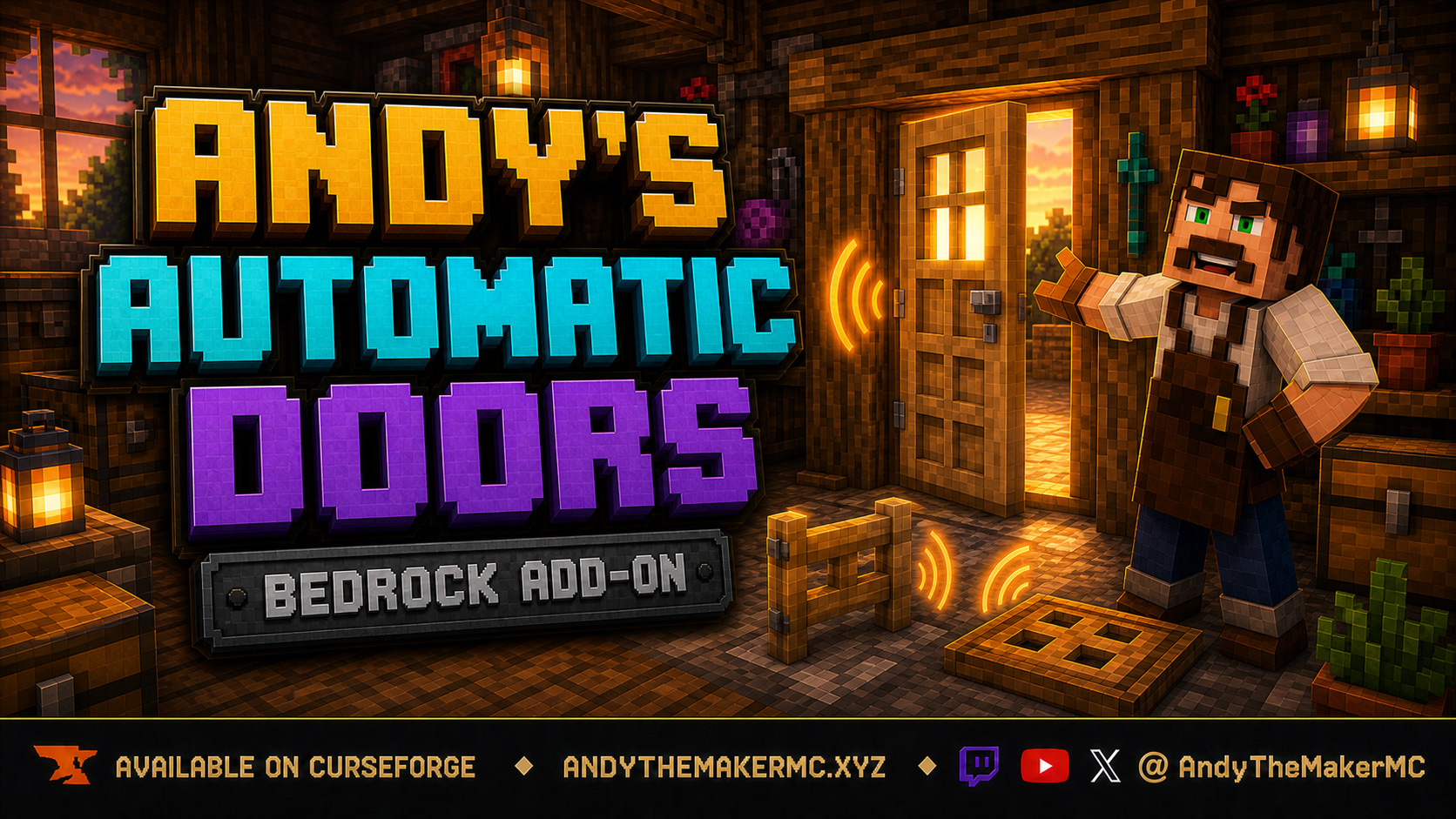
Andy's Automatic Doors
An opt-in proximity toggle for individual vanilla doors, fence gates, and trapdoors — walk up, the entrance opens once, and it closes behind you, with redstone taking precedence and no custom door blocks or experiments required.
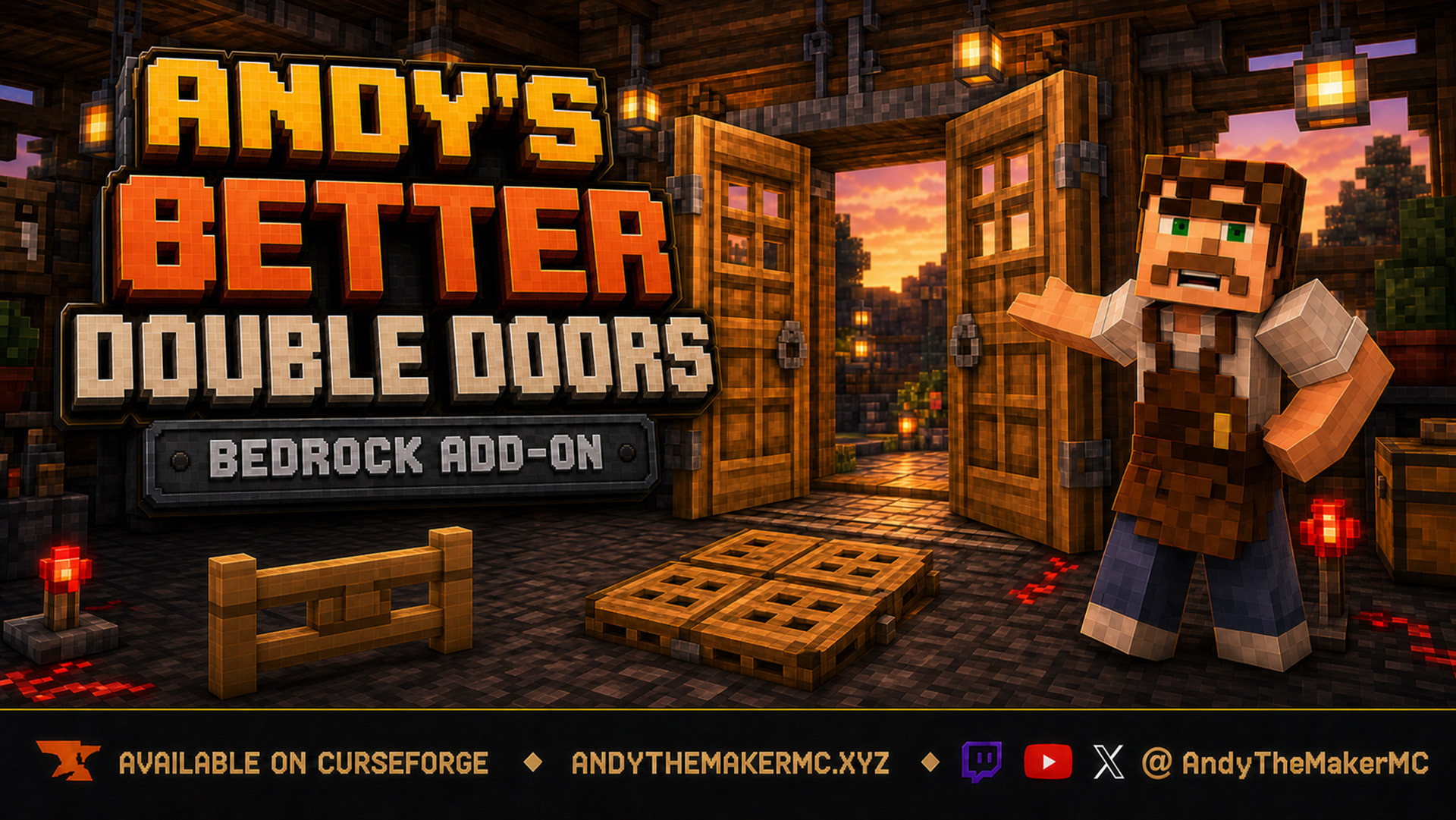
Andy's Better Double Doors
One interaction opens the whole entrance — matching vanilla double doors, double fence gates, double trapdoors, and 2×2 quad trapdoors move together, with optional proximity opening and redstone synchronization and no custom door blocks.