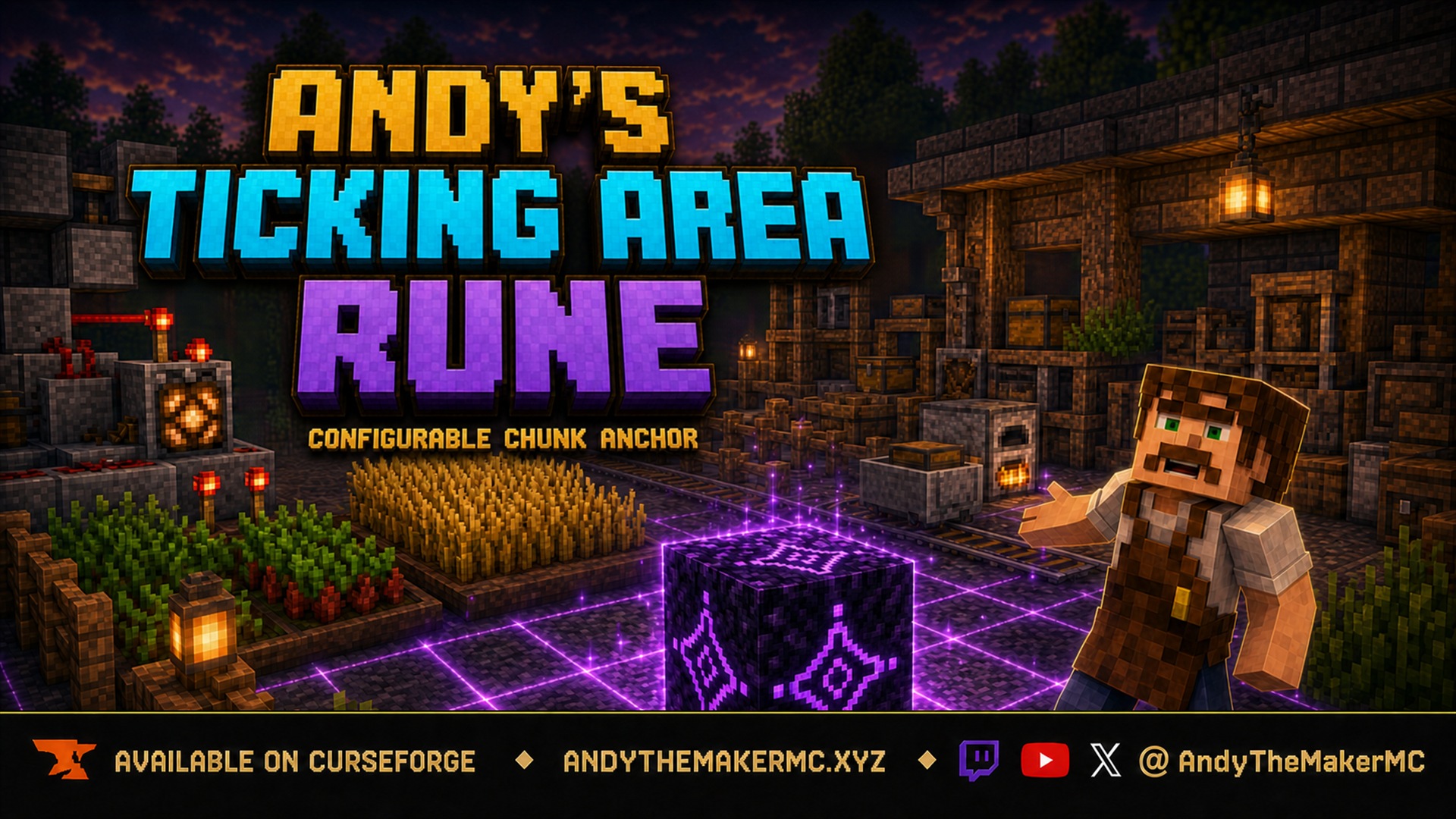
Andy's Ticking Area Rune
A survival Minecraft Bedrock add-on that keeps redstone and automation active with a configurable, chunk-aligned ticking area rune and an optional block-aligned purple grid.
Project Information
- Developer
- Andy The Maker
- Platforms
- Bedrock
- Categories
- Utility, Gameplay
- License
- All rights reserved
- CurseForge
- View on CurseForge
- Repository
- GitHub
Overview
Andy's Ticking Area Rune is a survival-friendly Minecraft Bedrock add-on that keeps a configurable, chunk-aligned area active when players travel elsewhere. Craft the rune, place it near redstone or automation that must stay loaded, choose a radius from 2 to 6 chunks, and optionally display a purple block grid over the exact chunks Bedrock confirms are ticking. It works without commands, cheats, or experimental toggles.
Why it's useful
Minecraft normally unloads distant chunks when no player is nearby, so redstone, item transport, processing systems, and many automated builds inside those chunks stop until a player returns.
The Ticking Area Rune gives builders a visible, configurable way to keep important areas active. Instead of entering commands or guessing at chunk borders, you place one block, open its settings, and select the footprint your build needs. The optional purple grid aligns with Minecraft's real 16×16 chunk coordinates and marks every block inside the confirmed ticking area. It's especially useful for:
- Redstone clocks and long-running contraptions.
- Item sorters and transportation systems.
- Automated processing and storage builds.
- Farms whose mechanics work inside ticking chunks.
- Remote bases and infrastructure.
- Multiplayer worlds, servers, and Realms.
- Technical builders who need to see exact block and chunk boundaries.
Features
- Craftable Andy's Ticking Area Rune block.
- Configurable 2–6 chunk radius.
- Exact 5×5 through 13×13 chunk footprints.
- Uses Minecraft's game-defined chunk positions, regardless of where the rune sits within its center chunk.
- Optional purple grid covering every block in the active area, with brighter lines marking 16×16 chunk boundaries.
- Grid shown only while Bedrock confirms the complete area is loaded and ticking.
- Active status and confirmed chunk count in the settings screen.
- Persistent settings with automatic ticking-area restoration after reopening the world.
- Breaking the rune removes its managed ticking area.
- No commands, cheats, or experimental toggles required.
- Standard and Vibrant Visuals–compatible rendering.
Crafting
Craft one Andy's Ticking Area Rune at a crafting table:
Obsidian | Redstone       | Obsidian
Redstone | Amethyst Shard | Redstone
Obsidian | Redstone       | Obsidian
| Material | Amount |
|---|---|
| Obsidian | 4 |
| Redstone | 4 |
| Amethyst Shard | 1 |
The recipe unlocks after obtaining an Amethyst Shard.
Using the rune
- Craft the Ticking Area Rune.
- Place it near the center of the build you want to keep ticking.
- Interact with the rune to open Authoritative Ticking Area Settings.
- Choose whether the rune is enabled, select its radius, and decide whether to show the purple block grid.
- Press Apply Settings.
- Read the confirmation message, or reopen the panel to verify the active status and engine-confirmed chunk count.
- Break the rune when the ticking area is no longer needed.
A newly placed rune defaults to Enabled, a 2-chunk radius, and a hidden grid. The rune's location determines its center chunk, but the active area always aligns to Minecraft's actual chunk grid — it is not centered on the exact block where the rune happens to be placed.
Settings
Enabled creates or removes this rune's managed ticking area. When on, the add-on requests the selected chunk footprint and verifies that Bedrock created and fully loaded it; when off, the ticking area and grid are removed while the saved radius and grid preference remain for next time. If Minecraft cannot provide the requested capacity, the rune disables itself rather than displaying an area that is not actually ticking.
Radius in Chunks controls how far the area extends from the center chunk in every horizontal direction. The radius is not the total width — a radius of 2 means two chunks in each direction, producing a 5×5 area.
| Radius Setting | Actual Footprint | Total Ticking Chunks |
|---|---|---|
| 2 chunks | 5 × 5 chunks | 25 |
| 3 chunks | 7 × 7 chunks | 49 |
| 4 chunks | 9 × 9 chunks | 81 |
| 5 chunks | 11 × 11 chunks | 121 |
| 6 chunks | 13 × 13 chunks | 169 |
Use the smallest radius that fully covers the build — larger areas and multiple active runes keep more chunks processing and can increase world or server workload.
Show Purple Block Grid toggles the optional overlay. When on, a purple line surrounds every block in each confirmed ticking chunk, with brighter lines identifying chunk boundaries. The grid is generated one real chunk at a time from the exact bounding box reported by Minecraft, and it appears only when the selected area, confirmed chunk count, and fully loaded state all agree — so it represents the add-on's active ticking chunks, not an estimate centered on the rune block.
Apply Settings saves all three settings and immediately creates, updates, or removes the managed ticking area, reporting the number of engine-confirmed chunks and whether the grid is visible.
Status information
Opening the rune's settings displays its block coordinates, the requested footprint dimensions and total chunk count, and one of: ACTIVE with the engine-confirmed ticking chunk count, NOT ACTIVE when no matching managed area is confirmed, or DISABLED when the Enabled setting is off.
Installation
- Download the latest release from CurseForge and open the
.mcaddonwith Minecraft Bedrock. - Wait for both included packs to import, then create or edit a world.
- Open Behavior Packs → My Packs and activate Andy's Ticking Area Rune.
- Confirm the linked Andy's Ticking Area Rune Resource Pack is also active.
- Enter the world and obtain an Amethyst Shard to unlock the crafting recipe.
Cheats and experiments are not required. For a Realm or server, activate the add-on on the world before uploading or launching it; Minecraft can deliver the official, unmodified world packs to joining players. When updating, import the newer .mcaddon, confirm the newest version is active, and completely leave and reopen the world. If Minecraft reports a duplicate pack, remove obsolete copies under Settings → Storage, restart Minecraft, and import the current release again. CurseForge is the authoritative source for supported versions and files.
Important Minecraft limitations
A ticking area keeps its chunks loaded and processing, but it does not create a fake player. Mechanics that require a nearby player, player-specific spawning rules, random ticks, or other player-presence checks remain governed by Minecraft. The add-on also cannot keep a single-player world, Realm, or server running after that world or server has been closed — it keeps selected chunks active only while the world itself is running. Test each intended farm or contraption before relying on it unattended, since different mechanics have different activation requirements.
Performance guidance
Ticking chunks use processing time even when players are elsewhere. For the best experience, choose the smallest radius that covers the complete build, disable or break runes that are no longer needed, avoid overlapping large ticking areas unless necessary, add runes gradually on multiplayer worlds while monitoring server performance, and remember that a radius of 6 keeps 169 chunks active for a single rune.
Compatibility
- Built for current Minecraft Bedrock; no required dependencies, cheats, or experimental toggles.
- Single-player worlds, multiplayer worlds, and Realms or Bedrock servers that support world behavior and resource packs.
- Standard graphics and Vibrant Visuals.
Both included packs must remain active. If the rune appears without its texture or the purple grid is invisible, confirm the Resource Pack is enabled and placed above conflicting packs.
Credits & license
Created by Andy The Maker. Copyright © 2026 Andy / AndyTheMakerMC — All Rights Reserved. You may not redistribute, reupload, rehost, mirror, resell, sublicense, bundle, repackage, modify and publish, translate, adapt, decompile, reverse engineer, extract, or reuse the add-on, its source, documentation, branding, textures, models, or artwork, or create derivative works, without prior written permission. Normal Minecraft delivery of the official, unmodified add-on to players joining an authorized world, Realm, or server is permitted.
Content creators may use an official, unmodified release in worlds, Realms, servers, videos, livestreams, screenshots, tutorials, reviews, showcases, articles, guides, social posts, and other original gameplay content, including monetized content — credit to AndyTheMakerMC and a link to the official CurseForge project page are appreciated. The promotional artwork is original AI-assisted concept art, not an in-game screenshot. Minecraft is a trademark of Microsoft Corporation. This project is not affiliated with, endorsed by, or sponsored by Microsoft or Mojang Studios.
Get Andy's Ticking Area Rune
Download the latest version from CurseForge — the authoritative source for supported Minecraft versions and files.
More
Related Addons
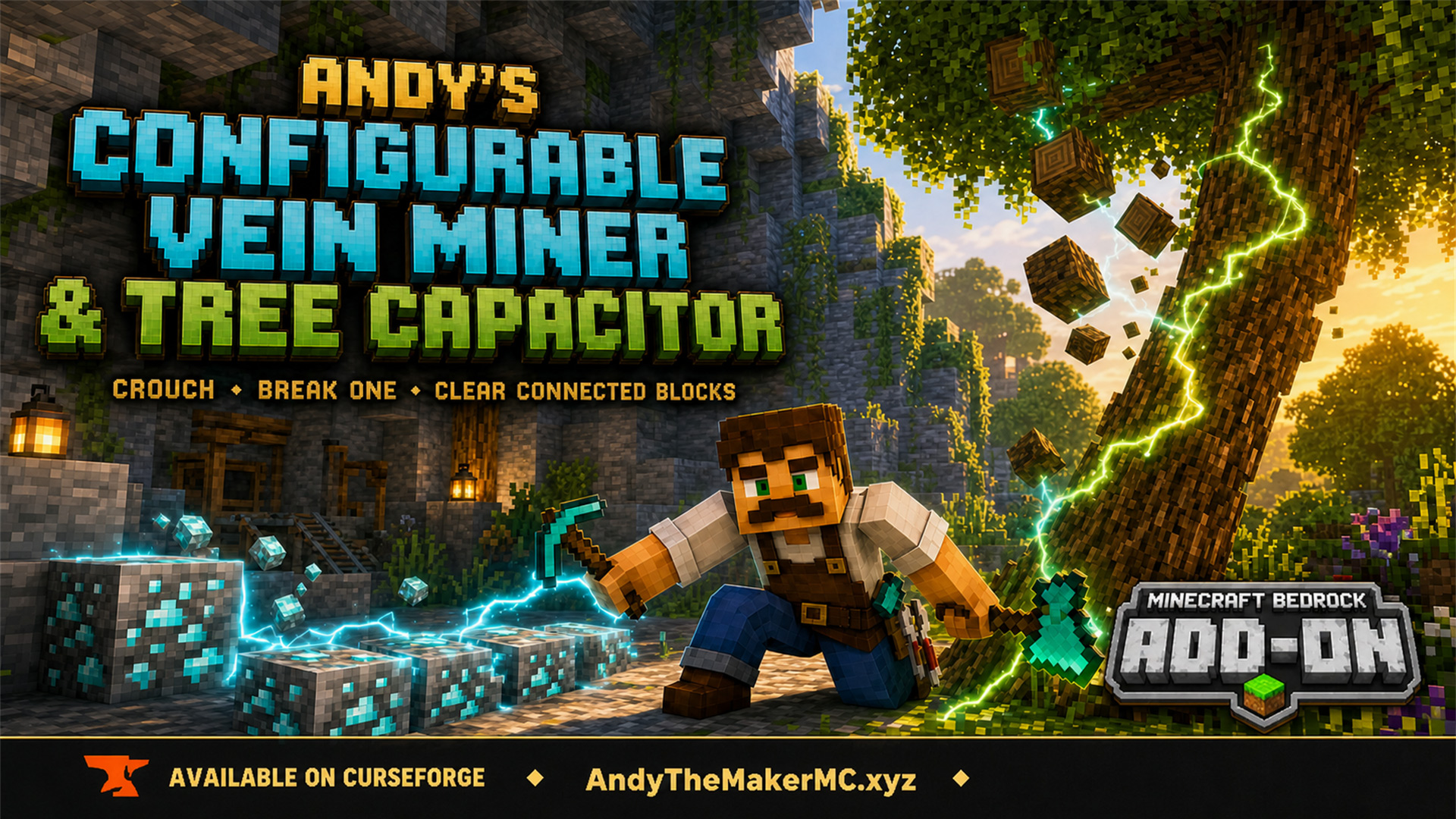
Andy's Configurable Vein Miner and Tree Capacitor
A Minecraft Bedrock add-on that mines connected blocks and fells whole trees when you crouch and break the first block — with 25 switches, all off by default, so the world owner decides exactly what it affects.
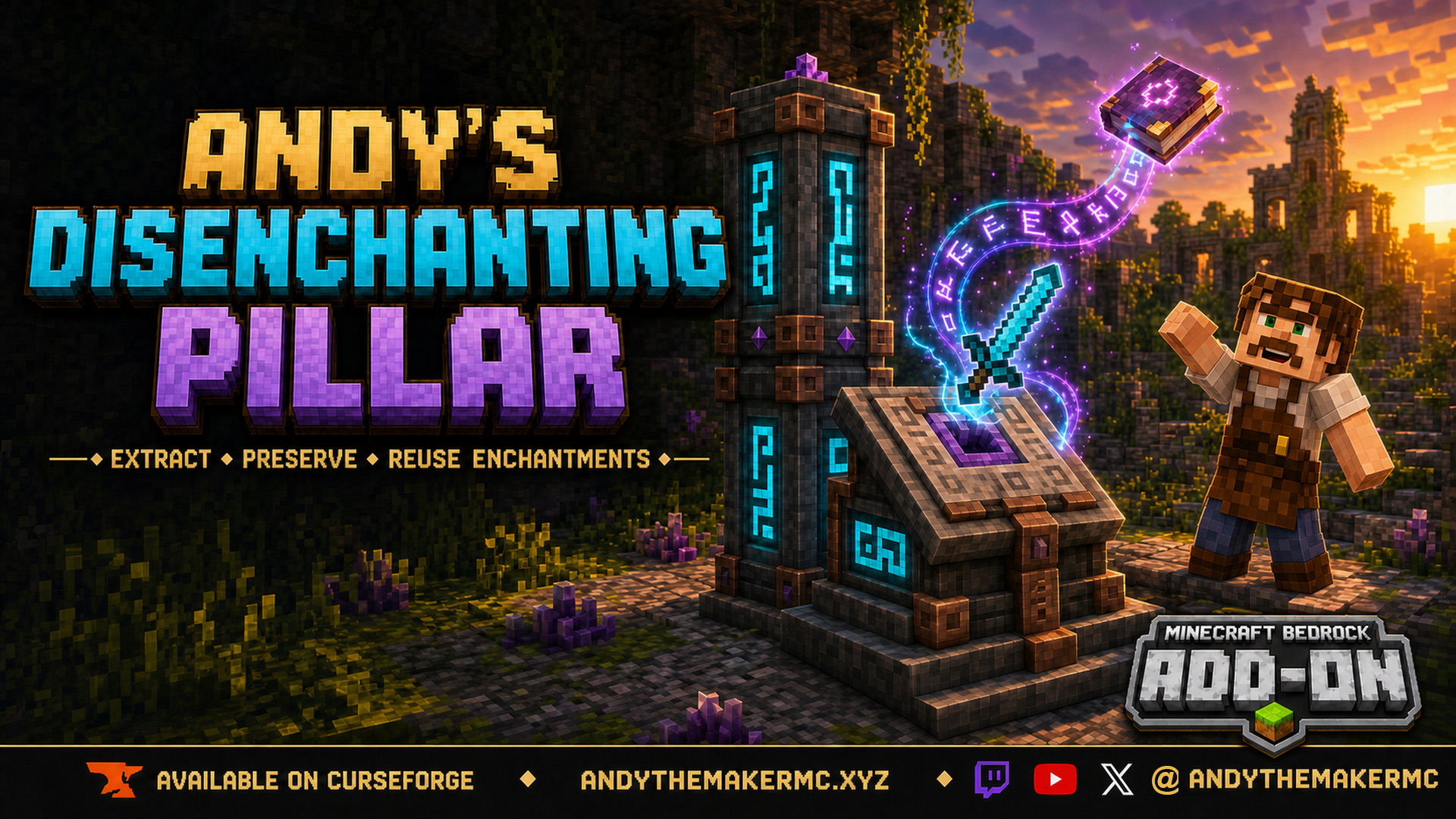
Andy's Disenchanting Pillar
A survival Minecraft Bedrock add-on that removes one chosen enchantment from an item and preserves it on a new book — a reverse enchanting workstation with deliberate, balanced costs.
Andy's Handy Hotbar Reloader
A survival Minecraft Bedrock add-on that automatically refills hotbar slots from your own inventory, anchors preferred items to a position, and saves 16 per-player Hotbar Blueprints with visual previews.