
Andy's Handy Hotbar Reloader
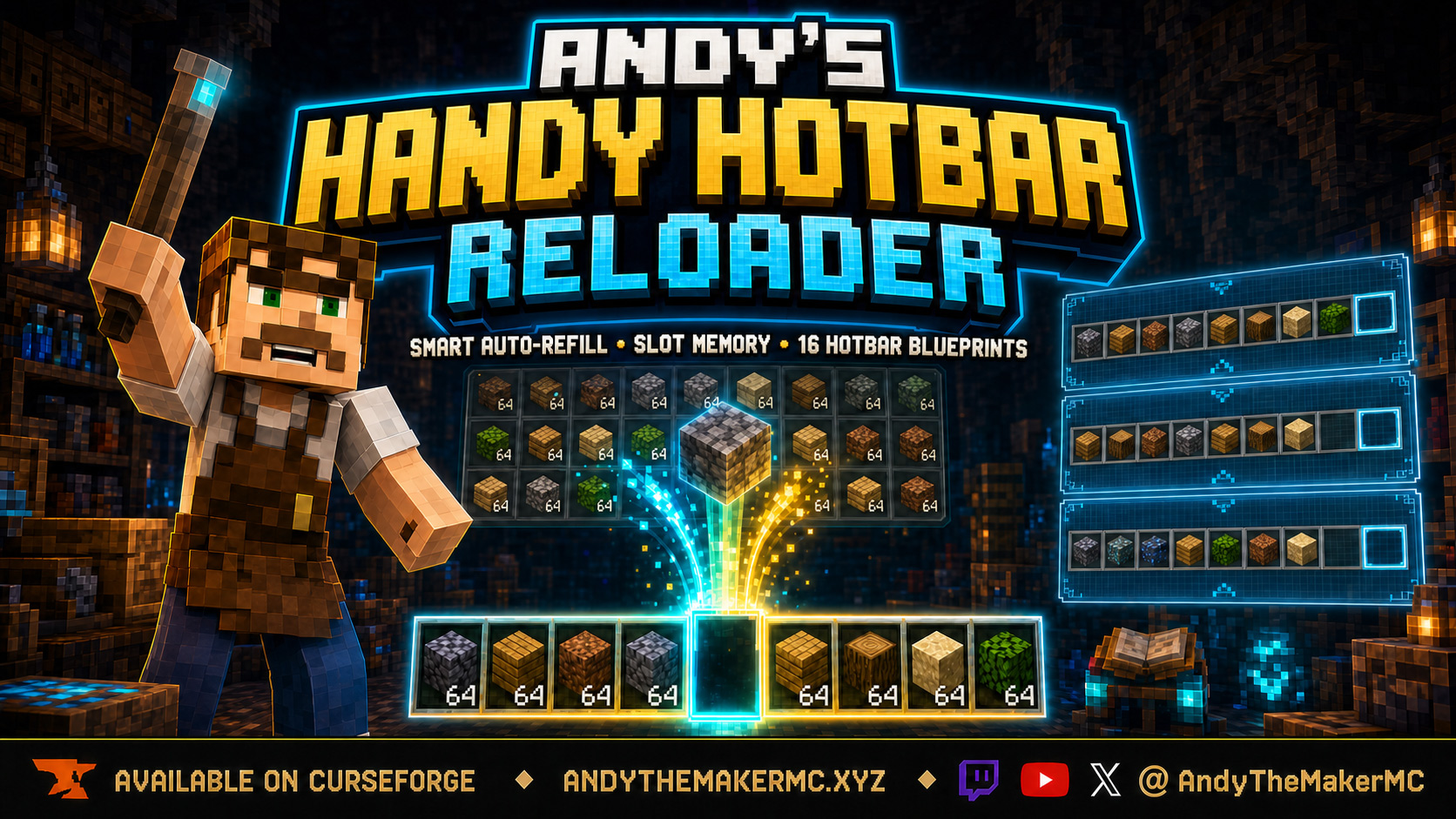
A survival Minecraft Bedrock add-on that automatically refills hotbar slots from your own inventory, anchors preferred items to a position, and saves 16 per-player Hotbar Blueprints with visual previews.
Project Information
- Developer
- Andy The Maker
- Platforms
- Bedrock
- Categories
- Utility, Quality of Life
- License
- All rights reserved
- CurseForge
- View on CurseForge
- Repository
- GitHub
Overview
Andy's Handy Hotbar Reloader keeps selected hotbar slots supplied with matching items already carried in the player's inventory. When building blocks, food, projectiles, consumables, ammunition, tools, or weapons run out through normal use, a compatible replacement can be moved into the same position automatically.
The add-on is designed to reduce repetitive inventory interruptions without taking control away from the player. Every hotbar slot can be left completely unmanaged, set to refill only after genuine use, or anchored to a remembered item that should stay assigned to that position.
Players can also save up to 16 named Hotbar Blueprints each. Every Blueprint records all nine hotbar positions and their Slot Memory rules, and opening one displays its saved blocks and items before anything is moved — making it practical to keep separate layouts for building, mining, exploration, farming, Redstone, the Nether, combat, or any other activity.
Handy Hotbar Reloader never creates supplies, crafts replacements, or pulls items from nearby containers. If a compatible item is not already in the player's own inventory, the slot remains unresolved and the player is informed according to their selected feedback settings.
Features
- Event-driven hotbar refilling from items the player already carries.
- Independent control for all nine hotbar slots.
- Unmanaged, Refill, and Anchored Slot Memory modes.
- Up to 16 named Hotbar Blueprints per player.
- Visual nine-slot Blueprint inspection before loading.
- Recognizable vanilla block and item icons with names and Slot Memory modes.
- Availability checks that identify missing Blueprint supplies.
- Exact Item Details and Same Item ID matching options.
- Smallest Stack, Largest Stack, and Nearest Inventory Slot priorities.
- Compatible replacement tools and weapons after breakage.
- Replenishment for supported ammunition and thrown items.
- Safe handling for returned bottles, bowls, and buckets.
- Configurable low-stock warnings.
- Quiet, Action Bar, Sound, or combined feedback.
- In-game settings through menus and the ReloaderControl stick.
- Player commands that do not require Cheats.
- Persistent per-player settings and Blueprints.
- Multiplayer world and Realm support.
- Stable Script APIs — no Beta API experiment required.
- No required Resource Pack or add-on dependency.
How auto-refill works
Handy Hotbar Reloader watches genuine inventory changes tied to normal item use. When a managed hotbar item is consumed, placed, thrown, fired, or broken, the add-on checks the player's inventory for a compatible replacement and moves it into the depleted position. It never summons a new item, duplicates the original stack, uses materials stored inside another container, or searches nearby chests, barrels, Shulker Boxes, or storage systems.
If no compatible replacement is available, the slot remains empty or unchanged. Depending on the selected feedback mode, the player can receive an Action Bar message, a sound, both, or no interruption. Auto-refill begins disabled for every player, so installing the add-on does not immediately rearrange anyone's hotbar.
A low-stock warning threshold can be set from 0 to 256 items; when the remaining compatible supply reaches the chosen threshold, feedback warns the player before the reserve is exhausted. A threshold of 0 disables low-stock warnings.
Slot Memory
Every hotbar position has an independent Slot Memory mode.
| Mode | Behavior | Good uses |
|---|---|---|
| Unmanaged | The add-on never refills, moves, or restores the slot automatically. | Temporary items, manually managed tools, maps, or flexible positions |
| Refill | Replaces an item after genuine placement, consumption, throwing, ammunition use, or breakage. Deliberate manual removal is respected. | Building blocks, food, seeds, projectiles, and ordinary supply stacks |
| Anchored | Remembers the assigned item and attempts to restore it whenever a compatible replacement exists, including after manual removal. | Torches, scaffolding, food, a preferred building block, or another permanent position |
To remember an Anchored item, put the item in the hotbar position, open Slot Memory, select the slot, set its mode to Anchored, and use Remember Current Item if the assignment was not captured automatically. The slot editor displays both the item currently present and the item remembered by Anchored mode, and Clear Remembered Item removes the saved assignment without deleting anything from the inventory.
Hotbar Blueprints
Every player receives 16 independent Blueprint slots. A Blueprint is a saved inventory arrangement — not a kit or item generator. Common names include Builder, Mining, Exploration, Nether, Farming, Redstone, Combat, or Ocean Monument.
Each Blueprint stores the desired item identity in all nine hotbar positions (including positions intentionally saved as empty), the Unmanaged/Refill/Anchored rules, remembered Anchored assignments, the Exact or Same Item ID matching preference, replacement priority, feedback mode, low-stock threshold, and returned-container behavior.
- Saving — arrange the hotbar, configure its Slot Memory rules, open Hotbar Blueprints, pick an empty position (1–16), name it, and choose Save Current Hotbar. Saving records the layout without consuming, moving, or duplicating any items.
- Inspecting — selecting an occupied Blueprint shows all nine positions before any load action, each row displaying the slot number, saved item/block name, a recognizable vanilla icon when a verified texture exists, empty positions, and the saved Slot Memory mode.
- Availability preview — Preview Availability & Load checks the current inventory and reports how many assigned items can be located and which supplies are missing. Canceling moves nothing.
- Loading — rearranges only items the player already carries, using inventory swaps so a populated layout does not normally need a free slot. Positions saved as empty are cleared only when their current contents can be moved safely; locked, restricted, or missing items are reported rather than deleted. Loading also activates the Blueprint's saved Slot Memory and refill preferences.
- Managing — each occupied Blueprint can be loaded (after preview), overwritten, renamed, deleted, or reached through next-Blueprint cycling. Deleting removes only the saved layout record, never inventory items.
Vanilla icon paths are generated from Mojang's current block, terrain, and item texture metadata. If no verified vanilla texture exists — most commonly for an item supplied by another add-on — the item name and slot details remain visible instead of showing a missing-texture checkerboard.
Item matching & replacement priority
Exact Item Details is the default and safest matching mode. Where Bedrock's stable Script API exposes the relevant information, it distinguishes custom names, lore, enchantments and levels, potion effect and delivery type, dye color, supported dynamic properties, and unbreakable state. Durability wear is intentionally ignored, so another matching tool or weapon with more remaining durability can replace one that broke. Same Item ID accepts any item with the same identifier — more flexible, but it does not protect every exposed item detail, so it is best avoided for valuable named or enchanted items unless that broader behavior is intended.
When several compatible replacements exist, the source is chosen by priority:
| Priority | Behavior |
|---|---|
| Smallest Stack First | Uses partial stacks first to consolidate inventory space |
| Largest Stack First | Chooses the fullest stack for the longest uninterrupted run |
| Nearest Inventory Slot | Uses the earliest compatible position in the player's inventory |
For otherwise equal durable tools and weapons, the compatible candidate with the most remaining durability is preferred.
Tools, weapons, ammunition & returned containers
Handy Hotbar Reloader supports more than building stacks: compatible replacements can be selected after a tool or weapon breaks, and supported ammunition or thrown supplies can be replenished after genuine use, always following the selected Slot Memory and matching rules. Replacements must be in the player's own inventory — items inside Bundles, Shulker Boxes, chests, barrels, or other nested and nearby containers are not used.
Some consumables leave a container behind. When Move bottles, bowls, and buckets aside when safe is enabled, the add-on tries to move that returned container into the main inventory before restoring the consumed supply. It is moved only when it can be placed safely; if capacity is insufficient, the refill is refused rather than deleting or overwriting the container or another item.
ReloaderControl & commands
For an entirely in-game settings shortcut, rename one ordinary vanilla stick in an anvil to ReloaderControl (capitalization and stray spaces are ignored), then use it on any block to open the main menu. A correctly named stick can also be obtained with /ahh:tool. ReloaderControl stays an ordinary stick — it adds no custom item, recipe, texture, or Resource Pack requirement.
All commands are player-only and do not require Cheats:
| Command | Purpose |
|---|---|
/ahh:menu | Open the main settings menu |
/ahh:toggle | Toggle auto-refill on or off |
/ahh:on | Enable auto-refill |
/ahh:off | Disable auto-refill |
/ahh:status | Show current settings and the active Blueprint |
/ahh:blueprints | Open all 16 Blueprint positions |
/ahh:save <1-16> | Save the current hotbar into a Blueprint position |
/ahh:load <1-16> | Load an occupied Blueprint directly |
/ahh:next | Load the next occupied Blueprint position |
/ahh:tool | Receive a correctly named ReloaderControl stick |
/ahh:help | Display concise in-game help |
Direct /ahh:load commands skip the visual confirmation workflow — open the menu when the saved arrangement or current availability needs to be reviewed first.
Settings & diagnostics
The main menu shows whether auto-refill is enabled and identifies the active Blueprint, with links to Slot Memory, Hotbar Blueprints, General Settings, Diagnostics, and Help. General Settings cover auto-refill on/off, item matching (Exact Item Details or Same Item ID), replacement priority, refill feedback (Quiet, Action Bar, Sound, or both), the low-stock threshold (0–256), and moving returned containers aside — all saved per player, so one player's choices never replace another's.
Diagnostics reports the current item and Slot Memory mode for every hotbar position, remembered Anchored assignments, the session refill count, unresolved refill attempts, the Blueprint load count, and the most recent refill result — useful when a slot behaves unexpectedly or when reporting a problem.
Multiplayer & Realms
Every player has an independent master toggle, and all nine Slot Memory rules, all 16 Blueprint positions, and every matching/priority/feedback/warning/returned-container setting are stored per player. One player's refill never uses another player's inventory, and one player's Blueprint load never moves another player's items. Settings and Blueprints persist across reconnects and world restarts. The world owner installs the Behavior Pack once, and each player then configures their own hotbar without changing anyone else's setup.
Installation
- Download the latest release from CurseForge and open the
.mcaddonwith Minecraft Bedrock. - Wait for a successful import, then create or edit a world.
- Open Behavior Packs → My Packs, select Andy's Handy Hotbar Reloader, and choose Activate.
- Enter the world, then open the menu with
/ahh:menuor create a ReloaderControl stick in an anvil.
On a Realm or server, activate the add-on on the world before uploading or launching it; joining players receive the Behavior Pack through Minecraft's normal world-pack delivery. No Cheats, experimental toggles, or separate Resource Pack are required. Back up an important world before installing or updating, and after an update completely leave and reopen the world before testing. Per-player settings and Blueprints are designed to persist across updates that keep the same project UUIDs. CurseForge is the authoritative source for supported versions and files.
Compatibility & limitations
- Built for current Minecraft Bedrock using stable Script APIs; no Beta API experiment, Resource Pack, or add-on dependency required.
- Does not replace vanilla blocks, items, entities, recipes, loot tables, or interface files.
- Searches only inventory carried by the player — never nearby containers or nested storage items.
- Blueprints rearrange items only when explicitly loaded; locked or restricted positions may remain unresolved.
- Custom items are supported when their identity data is exposed through the stable Script API, though custom preview icons are not guaranteed because another add-on's texture path is not exposed through the saved item identity.
- Public achievement compatibility is not advertised as guaranteed — Minecraft makes the final eligibility decision per world and platform, so confirm behavior against the exact retail version and world configuration in use.
Test unusual third-party items in a backed-up world, since other add-ons may store private item data that Bedrock's stable Script API does not expose for comparison.
Credits & license
Created by Andy The Maker. Copyright © 2026 Andy / AndyTheMakerMC — All Rights Reserved. You may not redistribute, reupload, mirror, resell, sublicense, bundle, modify and publish, translate, adapt, decompile, reverse engineer, extract, or reuse the add-on, its source, documentation, branding, or artwork, or create derivative works, without prior written permission. Normal Minecraft delivery of the official, unmodified add-on to players joining an authorized world, Realm, or server is permitted.
Content creators may use an official, unmodified release in worlds, Realms, servers, videos, livestreams, screenshots, tutorials, reviews, showcases, and other original gameplay content, including monetized content — credit to AndyTheMakerMC and a link to the official project page are appreciated. The promotional artwork is original AI-assisted concept art, not an in-game screenshot. Minecraft is a trademark of Microsoft Corporation. This project is not affiliated with, endorsed by, or sponsored by Microsoft or Mojang Studios.
Get Andy's Handy Hotbar Reloader
Download the latest version from CurseForge — the authoritative source for supported Minecraft versions and files.
More
Related Addons
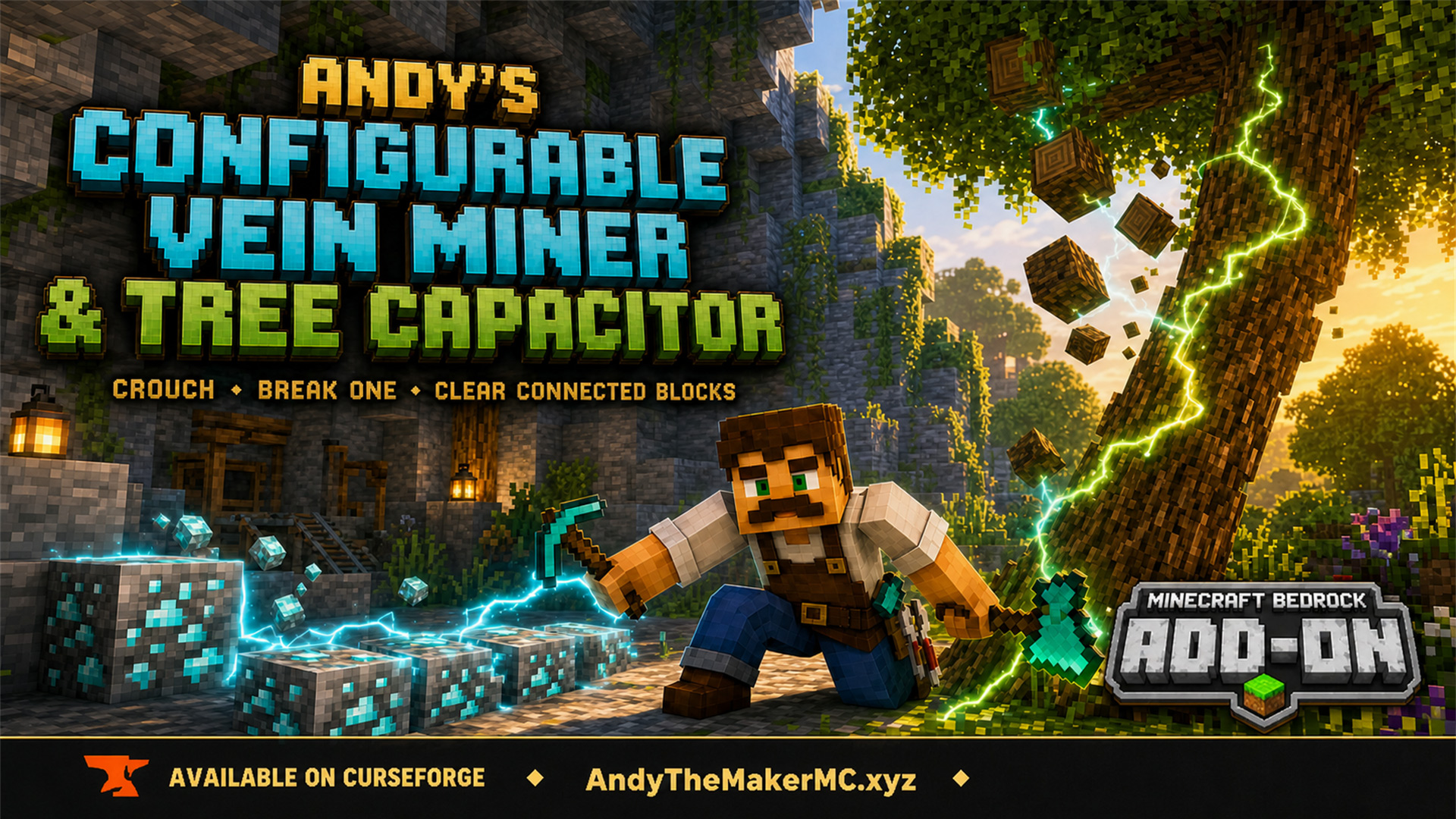
Andy's Configurable Vein Miner and Tree Capacitor
A Minecraft Bedrock add-on that mines connected blocks and fells whole trees when you crouch and break the first block — with 25 switches, all off by default, so the world owner decides exactly what it affects.
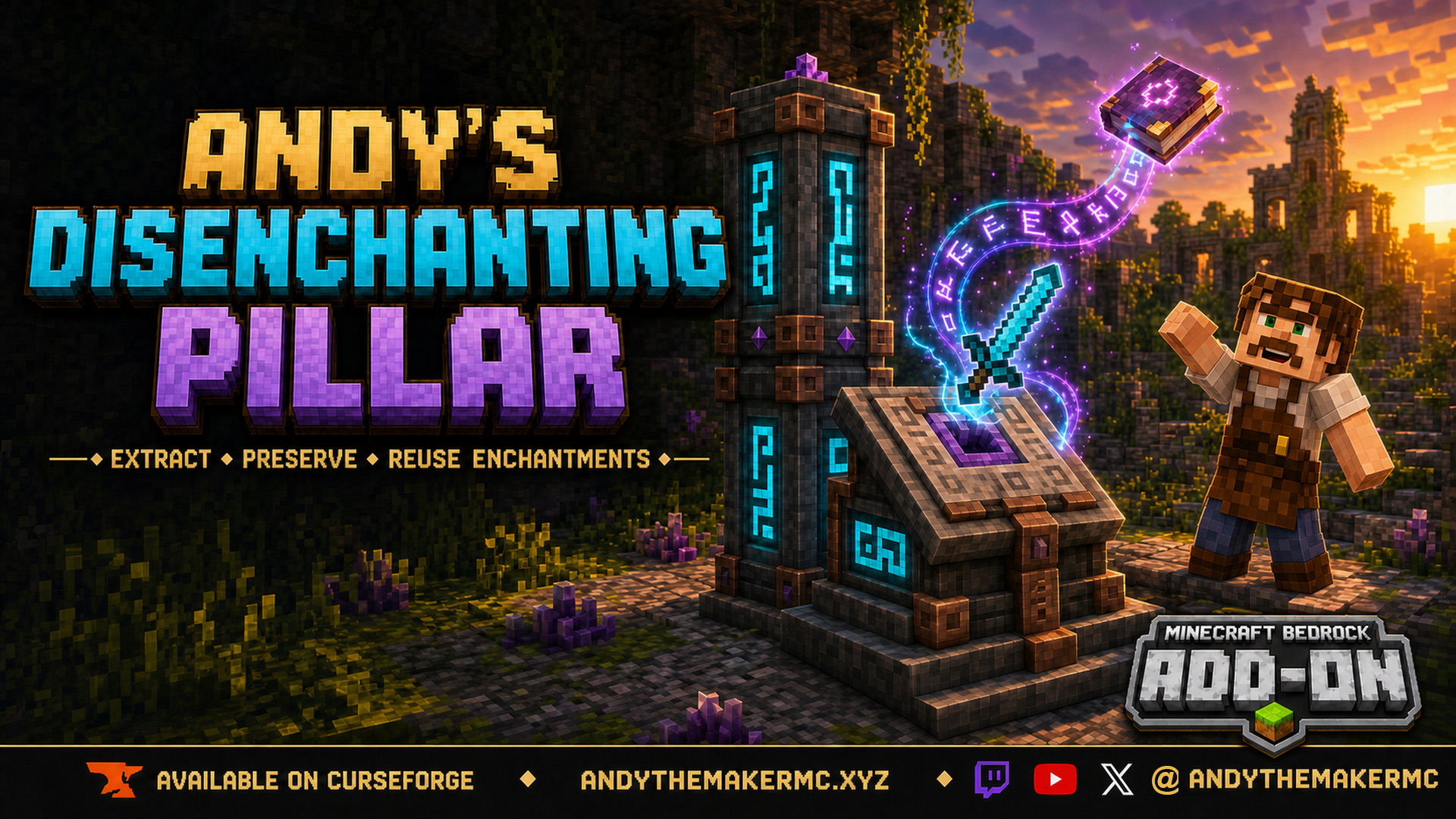
Andy's Disenchanting Pillar
A survival Minecraft Bedrock add-on that removes one chosen enchantment from an item and preserves it on a new book — a reverse enchanting workstation with deliberate, balanced costs.
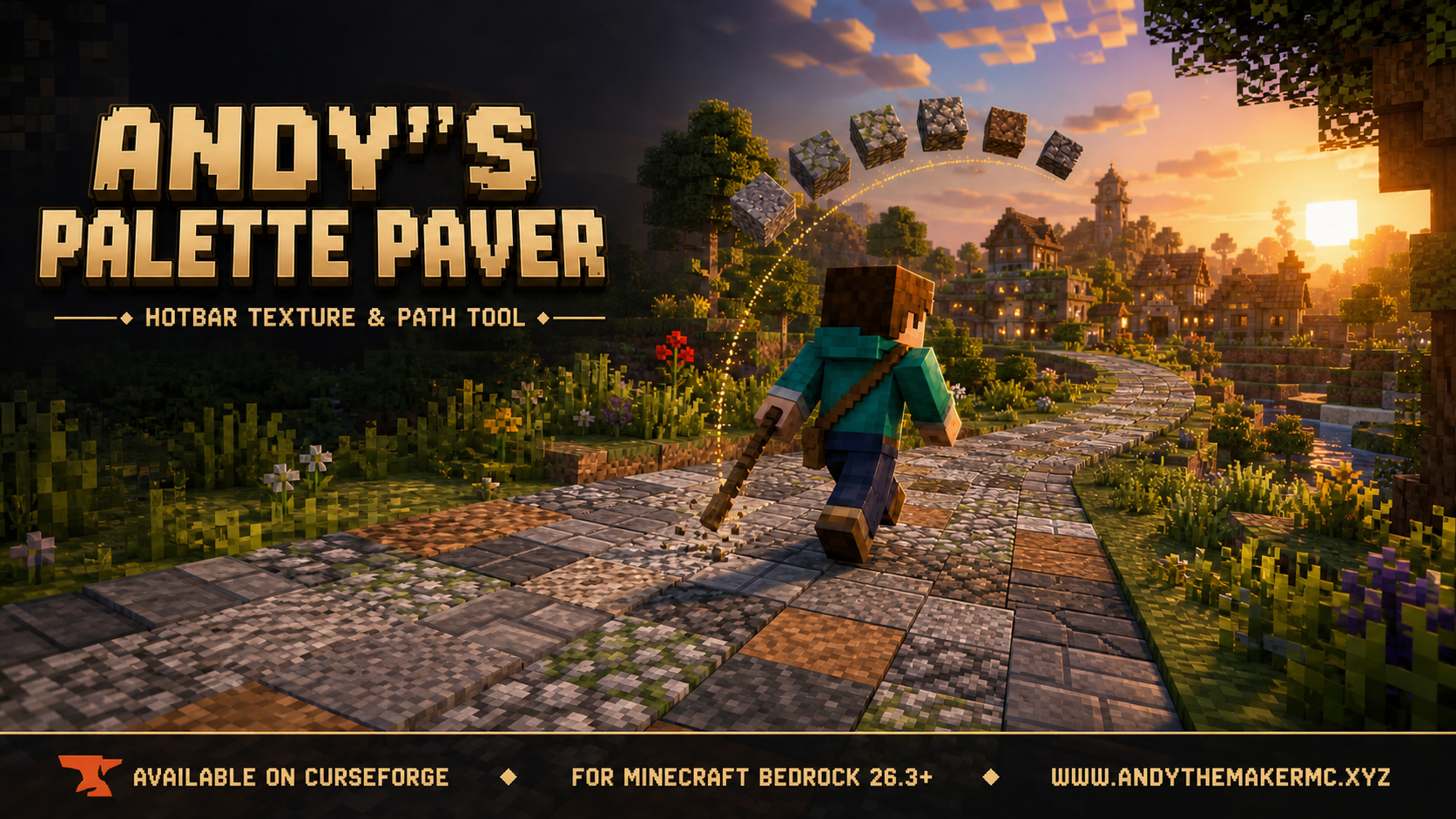
Andy's Palette Paver
A Minecraft Bedrock building tool for laying textured roads, paths, floors, walls, and ruins straight from your hotbar — hold one renamed stick and it places from a randomized palette of slots 2–9.