Andy's Palette Paver
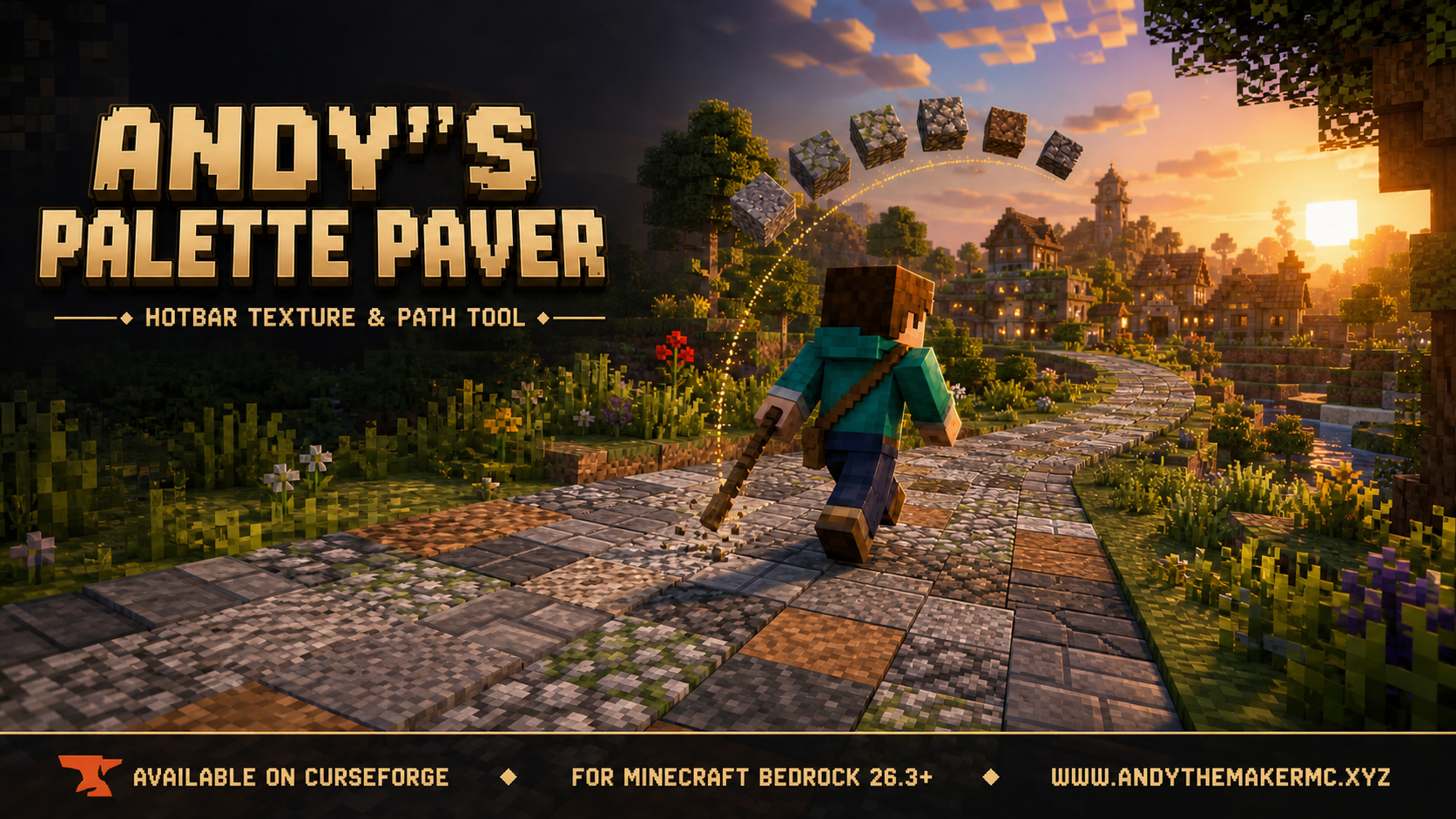
A Minecraft Bedrock building tool for laying textured roads, paths, floors, walls, and ruins straight from your hotbar — hold one renamed stick and it places from a randomized palette of slots 2–9.
Project Information
- Developer
- Andy The Maker
- Platforms
- Bedrock
- Categories
- Quality of Life, Gameplay
- License
- All rights reserved
- CurseForge
- View on CurseForge
Overview
Andy's Palette Paver is a Minecraft Bedrock add-on for building textured roads, paths, floors, walls, ruins, and terrain without constantly changing hotbar slots. Hold a vanilla stick named Palette Paver, aim at a block face, and the add-on places a material selected from hotbar slots 2–9.
Fill those slots with stone, gravel, andesite, mossy blocks, wood, or any other eligible palette. Empty slots are ignored, depleted stacks leave the palette automatically, and the Paver keeps its carefully tuned walking and sprinting rhythm while using each block's correct vanilla placement sound.
Bedrock only. A separate Java Edition port may be considered later.
Why use Palette Paver?
- Texture long roads and paths without manually changing materials.
- Break up repetitive floors, walls, roofs, ruins, and terrain.
- Build continuously while walking or sprinting.
- Create controlled palettes with weights, exclusions, accents, bursts, and blends.
- Keep the Paver selected while Survival materials are consumed from slots 2–9.
- Save and share complete palette presets.
- Use it in no-cheat Survival worlds and multiplayer.
Highlights
- Two ordinary renamed-stick tools — no custom item or resource pack required.
- Hotbar palette using any combination of slots 2–9.
- Empty and depleted slots safely ignored.
- Nine randomization modes.
- Per-slot weights from 0–100.
- Protected slots, block exclusions, favorites, and diagnostics.
- Smart main-inventory refill and low-material warnings.
- Session or persistent placement statistics.
- Up to 24 named presets with checksummed sharing codes.
- Correct vanilla placement sounds for over a thousand block identifiers.
- Collision-safe placement that will not create a solid block inside a player.
- Per-player settings in multiplayer.
- Vibrant Visuals and visual resource-pack friendly, using stable Bedrock APIs with no experimental toggles.
Installation
- Download the latest release from CurseForge and open the
.mcaddonwith Minecraft. - Edit an existing world or create a new one.
- Open Behavior Packs → My Packs, select Andy's Palette Paver, and choose Activate.
- Enter the world and create the two tools using an anvil or the
/abr:toolscommand.
CurseForge is the authoritative source for supported versions and files.
Quick start
- Put Palette Paver in hotbar slot 1.
- Put building blocks in any of slots 2–9. Gaps are allowed.
- Use Palette Paver Settings on a block, or run
/abr:menu. - Enable the add-on.
- Use Palette Paver on a block face to place from the palette.
- Hold the place control while walking or sprinting to build continuously.
To make the tools without commands, rename two ordinary vanilla sticks in an anvil to Palette Paver and Palette Paver Settings.
Randomization modes
The Paver can select the next material in nine different ways:
- True Random — an independent weighted choice on every placement.
- No Repeat — avoids the most recently used block type when another is eligible.
- Shuffle Bag — uses every weighted entry once, then rebuilds the bag.
- Alternating — cycles through eligible slots in hotbar order.
- Rare Accents — enforces a minimum gap between listed accent materials.
- Balanced Random — keeps long builds close to the requested mix.
- Burst / Clump — repeats a material for a short random run for natural patches.
- Seeded Random — a repeatable sequence from a text seed.
- Progressive Blend — gradually shifts from the normal palette to ending weights, great for weathering, biome transitions, and increasingly overgrown paths.
Palette, weights & safety
Slots 2–9 each have an enable toggle and a relative weight from 0–100 (weights are relative, not percentages). Palette safety adds protected slots, comma-separated block exclusions, and favorites, and a Diagnostics screen reports each slot's item, eligibility, effective weight, and reason when a slot is rejected.
Presets & statistics
Save up to 24 named presets and share them as checksummed ABR1: codes. Placement statistics track totals, per-block percentages, longest streak, and smart-refill count, either per session or persisted with the player.
Survival & multiplayer
In Survival, one item is consumed from the chosen stack only after a successful placement; Creative does not consume materials, and Adventure and Spectator refuse placement. Doors, beds, occupied targets, and other unsafe placements are rejected without consuming material. Settings, palettes, presets, selection state, and statistics are all stored per player.
Compatibility
Palette Paver does not replace block textures, shaders, lighting, or color grading — Vibrant Visuals and installed visual resource packs stay in control. The primary tool is a renamed vanilla stick, so multi-block and placement-sensitive blocks such as doors and beds remain handled by normal Minecraft placement.
Credits & license
Created by Andy The Maker. Copyright (c) 2026 Andy — All Rights Reserved. Personal, non-commercial gameplay is permitted, and content creators may freely feature, review, and teach with it. Selling, rehosting, mirroring, repackaging, or redistributing the add-on itself is prohibited.
Minecraft is a trademark of Microsoft Corporation. This project is not an official Minecraft product and is not approved by or associated with Mojang or Microsoft.
Get Andy's Palette Paver
Download the latest version from CurseForge — the authoritative source for supported Minecraft versions and files.
More
Related Addons
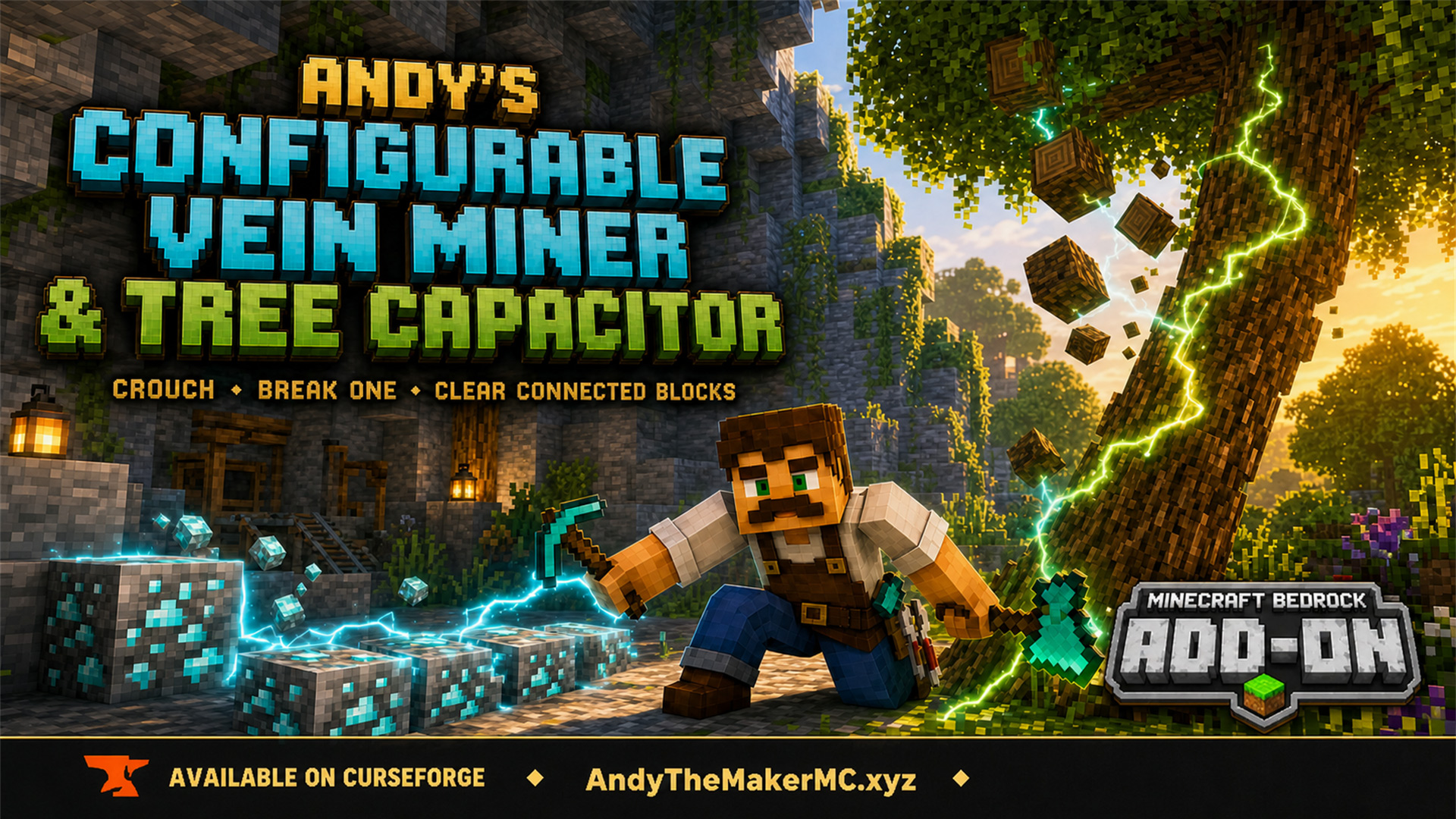
Andy's Configurable Vein Miner and Tree Capacitor
A Minecraft Bedrock add-on that mines connected blocks and fells whole trees when you crouch and break the first block — with 25 switches, all off by default, so the world owner decides exactly what it affects.