
Andy's Configurable Vein Miner and Tree Capacitor
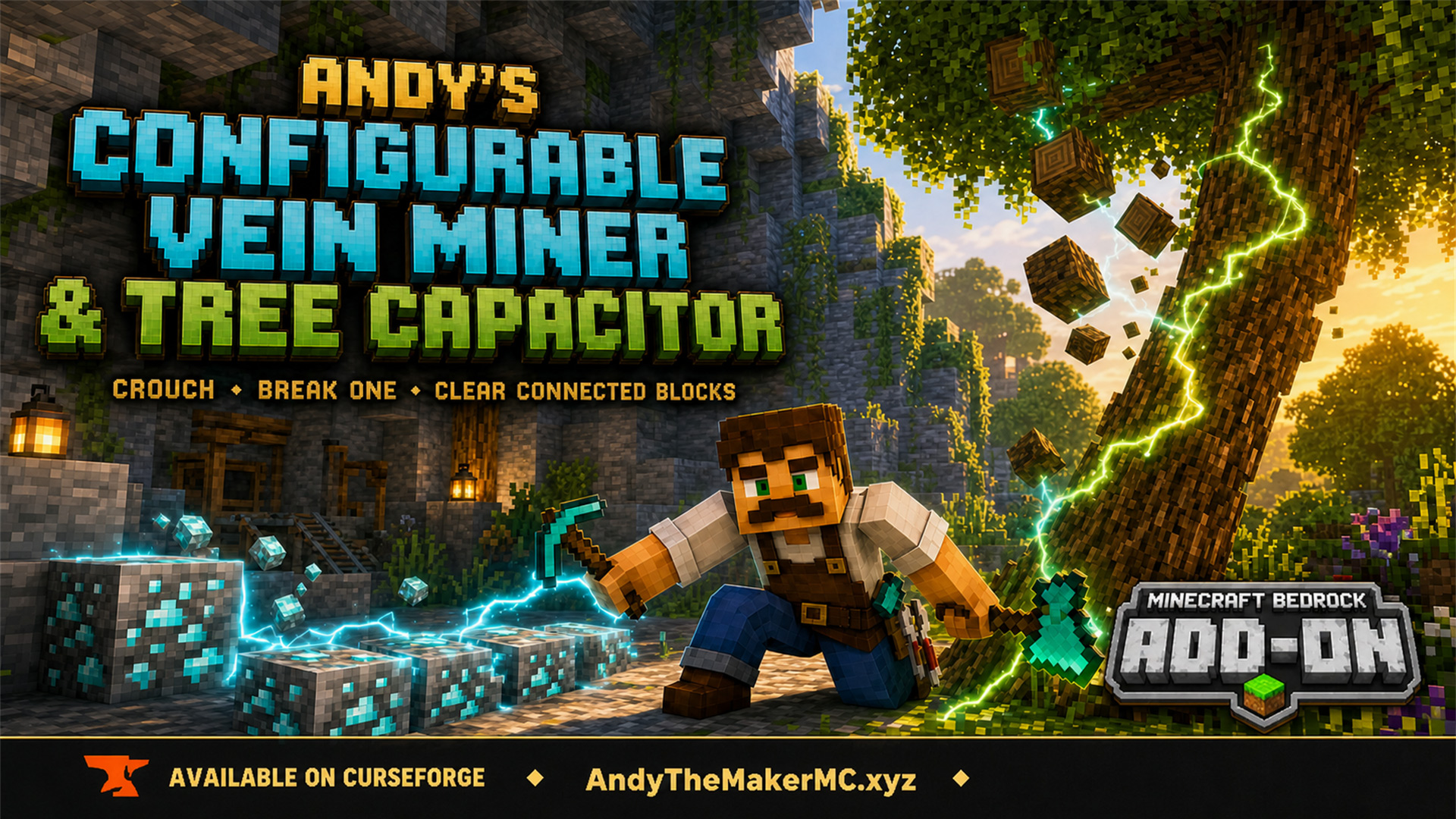
A Minecraft Bedrock add-on that mines connected blocks and fells whole trees when you crouch and break the first block — with 25 switches, all off by default, so the world owner decides exactly what it affects.
Project Information
- Developer
- Andy The Maker
- Platforms
- Bedrock
- Categories
- Quality of Life, Gameplay
- License
- All rights reserved
- CurseForge
- View on CurseForge
Overview
Mine connected blocks and fell trees by crouching while you break the first block. Every option starts off, so the world owner decides exactly which blocks the add-on can affect.
Features
- Crouch-to-activate vein mining and tree felling.
- 25 configuration switches, all disabled by default.
- Ores, Tree Logs, and Leaves category switches.
- 22 individually controlled terrain and building-material groups.
- Pickaxe, axe, shovel, hoe, and shears support.
- One durability use per additional block in Survival.
- Unbreaking, Fortune, Silk Touch, and custom loot-table support.
- One matching material break sound per additional block.
- Fast overlapping break waves with randomized branch timing.
- Ores and individual materials connect through faces, edges, and corners.
- Exact-type logs connect through faces, edges, and corners to catch side branches.
- Exact-type leaves stay face-connected and bounded to prevent canopy jumping.
- Stone/deepslate and lit/unlit versions of the same ore connect.
- Drops gather at the first broken block and visibly scatter upward as they fall.
- Live gravity-block tracking keeps sand and concrete powder in the wave while they fall.
- Optional All In One Tool and Core Craft compatibility.
- No required resource pack or optional compatibility dependency.
Installation
- Download the latest release from CurseForge and open the
.mcaddonwith Minecraft. - Wait for the successful-import message, then create or edit a world.
- Open Behavior Packs, select My Packs, and activate Andy's Configurable Vein Miner and Tree Capacitor.
- Open the pack's settings and turn on the blocks you want the add-on to affect.
- Enter the world.
All switches are intentionally off after installation. CurseForge is the authoritative source for supported versions and files.
How to use
- Enable the relevant block setting.
- Hold the correct tool.
- Crouch.
- Break one configured block.
- Remain crouched while the connected blocks are processed.
Release crouch or change tools to stop the operation.
Configuration
Open the active behavior pack's settings from the world editor. Three category switches cover the common cases:
- Ores — vanilla and compatible custom ores (pickaxe).
- Tree Logs — touching logs of the exact same type, including diagonal branches (axe).
- Leaves — face-connected leaves of the exact same type, including Nether foliage (shears).
When Tree Logs and Leaves are both enabled, chopping a connected tree also clears its attached leaves without spending extra axe durability.
On top of those, 22 individually controlled groups cover terrain and building materials — mud, clay, coarse dirt, sand, concrete and concrete powder, diorite, andesite, granite, tuff, basalt, soul sand and soil, terracotta, glowstone, netherrack, sculk, dripstone, corals, moss, and more — each tied to the correct tool (shovel, pickaxe, hoe, or shears).
Tool & durability behavior
Minecraft handles the first block normally; the add-on applies one additional durability use for each additional block removed. Unbreaking is evaluated per block, unbreakable custom tools do not wear, and the operation stops the moment the held tool breaks. Minecraft's own loot tables are used for additional blocks, so Fortune, Silk Touch, and custom drops are preserved. Creative mode consumes no durability and creates no Survival drops.
Connected-block behavior
Every enabled material uses the same wave timing, per-block sound, durability, and gathered-drop rules. Sand and concrete powder track their falling columns so gravity blocks stay in the wave. Ores and individual materials connect through faces, edges, and corners; ordinary blocks connect only to the same exact type; leaves stay bounded to a canopy around the felled logs. A single operation can remove a large connected area, with branches running concurrently as expanding waves.
Optional compatibility
- All In One Tool — AIOT items are recognized as universal pickaxe, axe, shovel, and hoe tools (use real shears to start on leaves or hanging moss).
- Core Craft — recognizes Core Craft ores, trees, leaves, moss, and properly tagged tools. Core Craft is optional and not bundled.
Credits & license
Created by Andy The Maker. Copyright © Andy — all rights reserved. You may use the unmodified add-on in personal and multiplayer worlds, Realms, servers, videos, livestreams, reviews, tutorials, and showcases. Do not redistribute, sell, repackage, mirror, or modify the add-on without written permission.
The promotional logo and hero are AI-assisted illustrative artwork; they are not in-game screenshots and do not add custom textures. Minecraft is a trademark of Microsoft. This project is not affiliated with or endorsed by Microsoft or Mojang.
Get Andy's Configurable Vein Miner and Tree Capacitor
Download the latest version from CurseForge — the authoritative source for supported Minecraft versions and files.
More
Related Addons
Andy's Palette Paver
A Minecraft Bedrock building tool for laying textured roads, paths, floors, walls, and ruins straight from your hotbar — hold one renamed stick and it places from a randomized palette of slots 2–9.