
Andy's Disenchanting Pillar
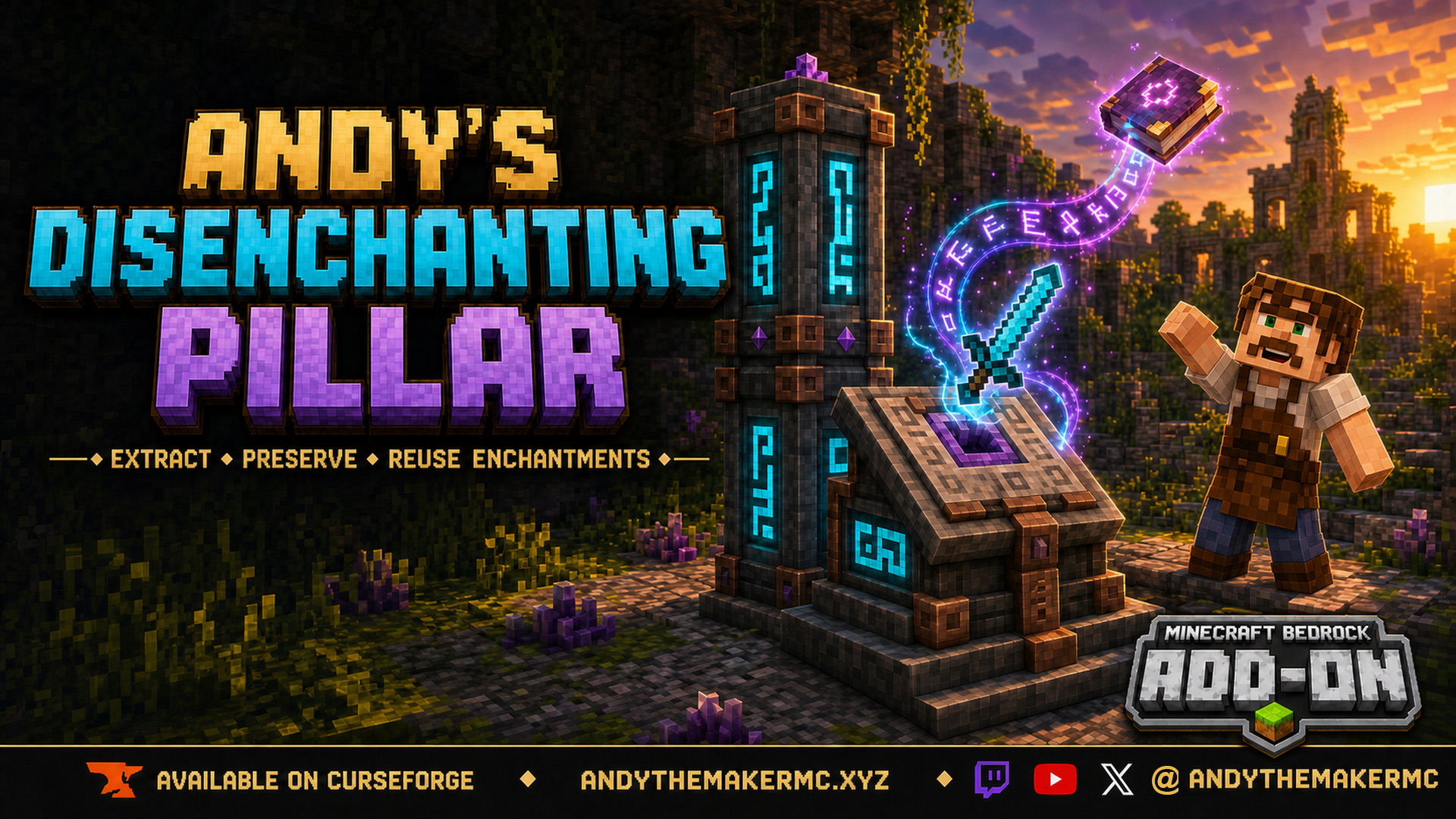
A survival Minecraft Bedrock add-on that removes one chosen enchantment from an item and preserves it on a new book — a reverse enchanting workstation with deliberate, balanced costs.
Project Information
- Developer
- Andy The Maker
- Platforms
- Bedrock
- Categories
- Gameplay, Quality of Life
- License
- All rights reserved
- CurseForge
- View on CurseForge
Overview
Andy's Disenchanting Pillar is a survival-focused Minecraft Bedrock add-on that removes one selected enchantment from an item and preserves it on a new enchanted book.
It behaves like a reverse enchanting workstation: load an enchanted item, blank books, and amethyst shards; select the enchantment you want; review the XP cost; then take the output book to commit the transfer.
The costs are intentionally substantial. Moving a valuable enchantment without destroying the source item is powerful, so the add-on requires mid-game materials and recurring resources to keep the feature useful without making vanilla enchanting, exploration, loot, or anvil progression irrelevant in Survival.
Features
- Removes one chosen enchantment at a time, preserving the others.
- Works with enchanted tools, weapons, armor, and multi-enchantment books.
- A real container-style interface with drag and shift-click support.
- A safe preview before anything is consumed.
- Costs one blank book, configurable XP levels, and configurable amethyst shards (eight per extraction by default).
- Configurable surcharges for Mending and curses.
- Clears hidden vanilla prior-work history so extracted enchantments stay practical to reapply.
- 48 craft-selected vanilla body materials, plus all 16 dyes for recoloring the runes.
- Rune-only emissive rendering with dye-matched floating glyphs and a faint periodic surface glint.
- Vibrant Visuals support using stable Script APIs — no experimental gameplay toggles required.
Three workstation forms
All three forms disenchant items in exactly the same way — same interface, costs, storage, dyes, and effects. The choice between them is purely aesthetic.
- Compact Disenchanting Pillar — a one-block workstation with a stepped body, copper fittings, glowing rune panels, and an amethyst cluster at its crown.
- Tall Disenchanting Pillar — interact with a compact pillar while holding a second matching pillar to form a coordinated two-block model (two blocks is the maximum).
- Disenchanting Altar — a one-block alternate housing with a broad plinth and a directional lectern-style top. Altars do not stack, but have identical capabilities.
Crafting
The compact pillar uses a shaped crafting-table recipe; the two body-material blocks in the bottom corners set the pillar's permanent appearance:
Amethyst Shard | Lapis Block      | Amethyst Shard
Copper Ingot   | Enchanting Table | Copper Ingot
Body Material  | Obsidian         | Body Material
A tall pillar is assembled from two matching compact pillars (place one, hold the other, and interact). An altar is a shapeless recipe: one matching pillar + two copper ingots + one amethyst shard.
Body materials span 48 vanilla blocks across stone, andesite, diorite, granite, tuff, deepslate, earthen, mineral, quartz, sandstone, Nether, and ocean families. The models reference Minecraft's built-in textures — no vanilla texture images are copied into the add-on.
Using a workstation
The interface has slots for the enchanted Item, ordinary Books (up to 64), Amethyst Shards, a selectable Enchantments list, and an Output preview.
- Interact with the pillar or altar.
- Place one enchanted item, some ordinary books, and amethyst shards.
- Select the enchantment row you want to remove and review the XP, shard, and book costs.
- The prospective book appears in Output — selecting rows is free and consumes nothing.
- Take the output book to commit the transfer.
One extraction removes only the selected enchantment; repeat with another book and shards to remove more. If the source is an enchanted book, removing its final enchantment converts it back into an ordinary book.
Costs & balance
The normal XP cost scales with enchantment rarity and level, bounded to one through four player levels by default. Mending adds a surcharge, and curses (Binding, Vanishing) are removable but intentionally expensive. Each extraction also consumes one book and eight amethyst shards at default settings.
The balance is deliberate: preserving both the source item and the extracted enchantment is powerful, so requiring an enchanting table in the recipe plus per-transfer books, shards, and XP keeps it a mid-game tool rather than a game-breaking enchantment splitter. World operators can adjust every XP category, surcharge, and shard cost.
Dyeing, visuals & administration
Hold any of the 16 standard dyes and interact to recolor a workstation's runes and floating glyphs — the body material never changes, and color is purely cosmetic. Rune channels stay emissive in darkness, sparse enchanting glyphs float near the workstation, a completed extraction produces a brighter burst, and a faint non-emissive glint sweeps the main faces periodically. The resource pack declares Bedrock's PBR capability for Vibrant Visuals.
World operators can sneak-interact (without a dye) or run /scriptevent adp:admin to adjust base costs, surcharges, and shard cost, or reset to defaults. Each player receives a signed in-game field guide on first load, and a replacement can be crafted from one book + one amethyst shard.
Installation
- Download the latest release from CurseForge and open the
.mcaddonwith Minecraft Bedrock. - Wait for both included packs to import, then create or edit a world.
- Activate Andy's Disenchanting Pillar [BP] under Behavior Packs and confirm Andy's Disenchanting Pillar [RP] is active under Resource Packs.
- Start the world — no experimental gameplay toggles are required.
CurseForge is the authoritative source for supported versions and files. Back up important worlds before installing or updating an add-on version.
Credits & license
Created by Andy The Maker. Copyright © AndyTheMaker 2026 — all rights reserved, except for the separately credited CC0 floating-rune source. You may use the unmodified add-on in personal and multiplayer worlds, Realms, servers, videos, livestreams, reviews, tutorials, and showcases. Do not redistribute, mirror, sell, repackage, or modify and publish it without written permission.
Minecraft is a trademark of Microsoft Corporation. This independent add-on is not an official Minecraft product and is not approved by or associated with Mojang or Microsoft.
Get Andy's Disenchanting Pillar
Download the latest version from CurseForge — the authoritative source for supported Minecraft versions and files.
More
Related Addons
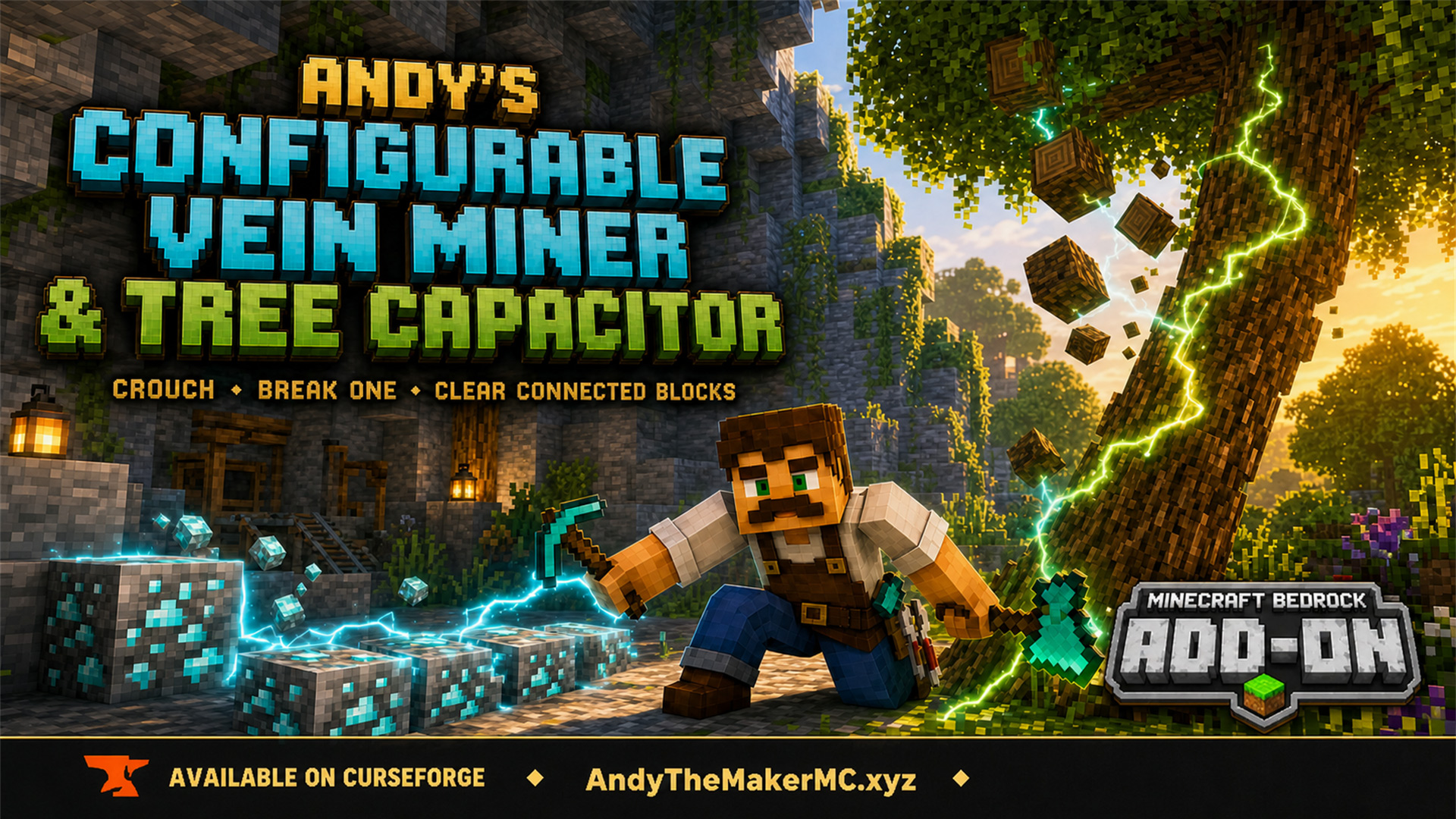
Andy's Configurable Vein Miner and Tree Capacitor
A Minecraft Bedrock add-on that mines connected blocks and fells whole trees when you crouch and break the first block — with 25 switches, all off by default, so the world owner decides exactly what it affects.
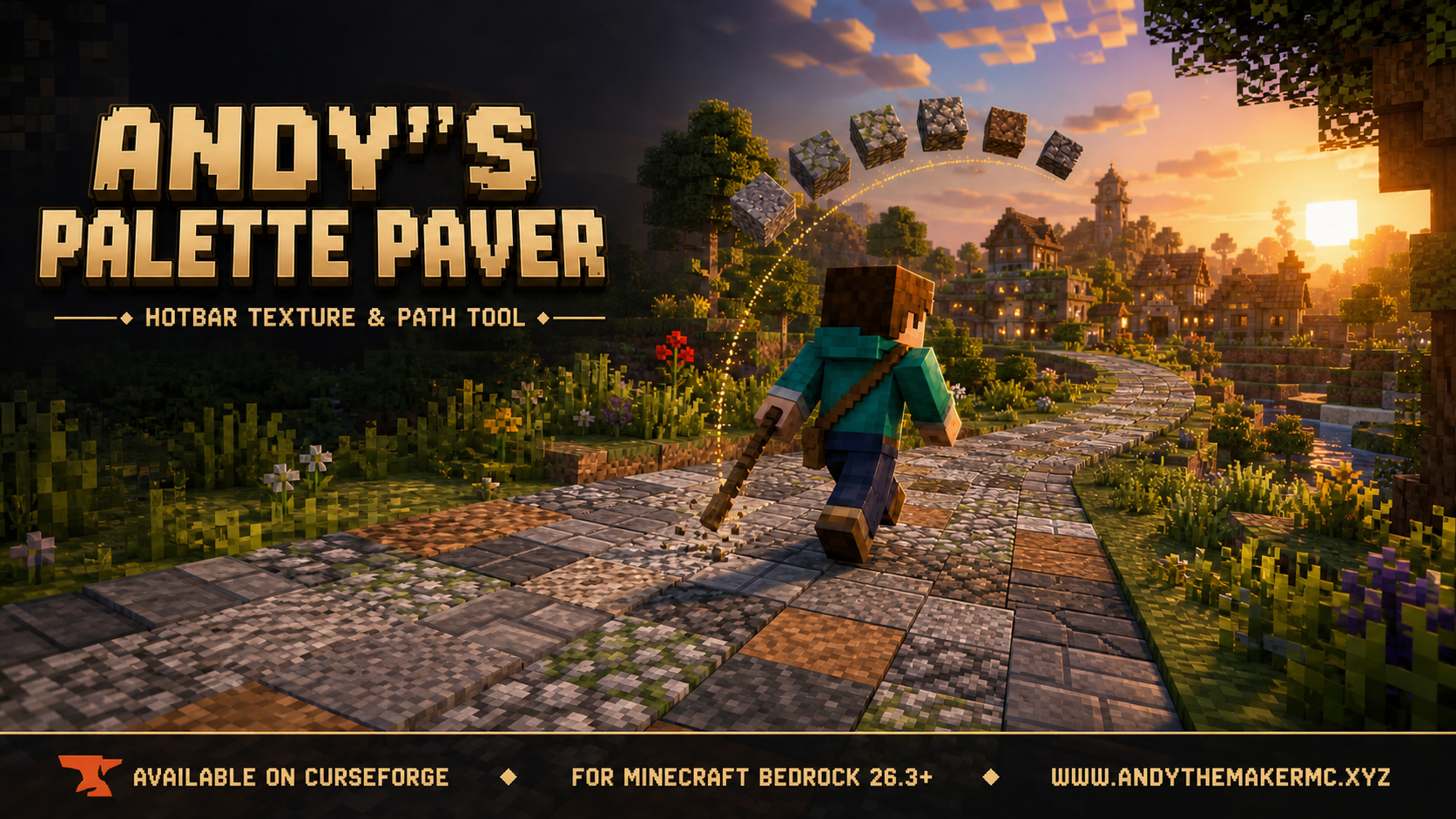
Andy's Palette Paver
A Minecraft Bedrock building tool for laying textured roads, paths, floors, walls, and ruins straight from your hotbar — hold one renamed stick and it places from a randomized palette of slots 2–9.