
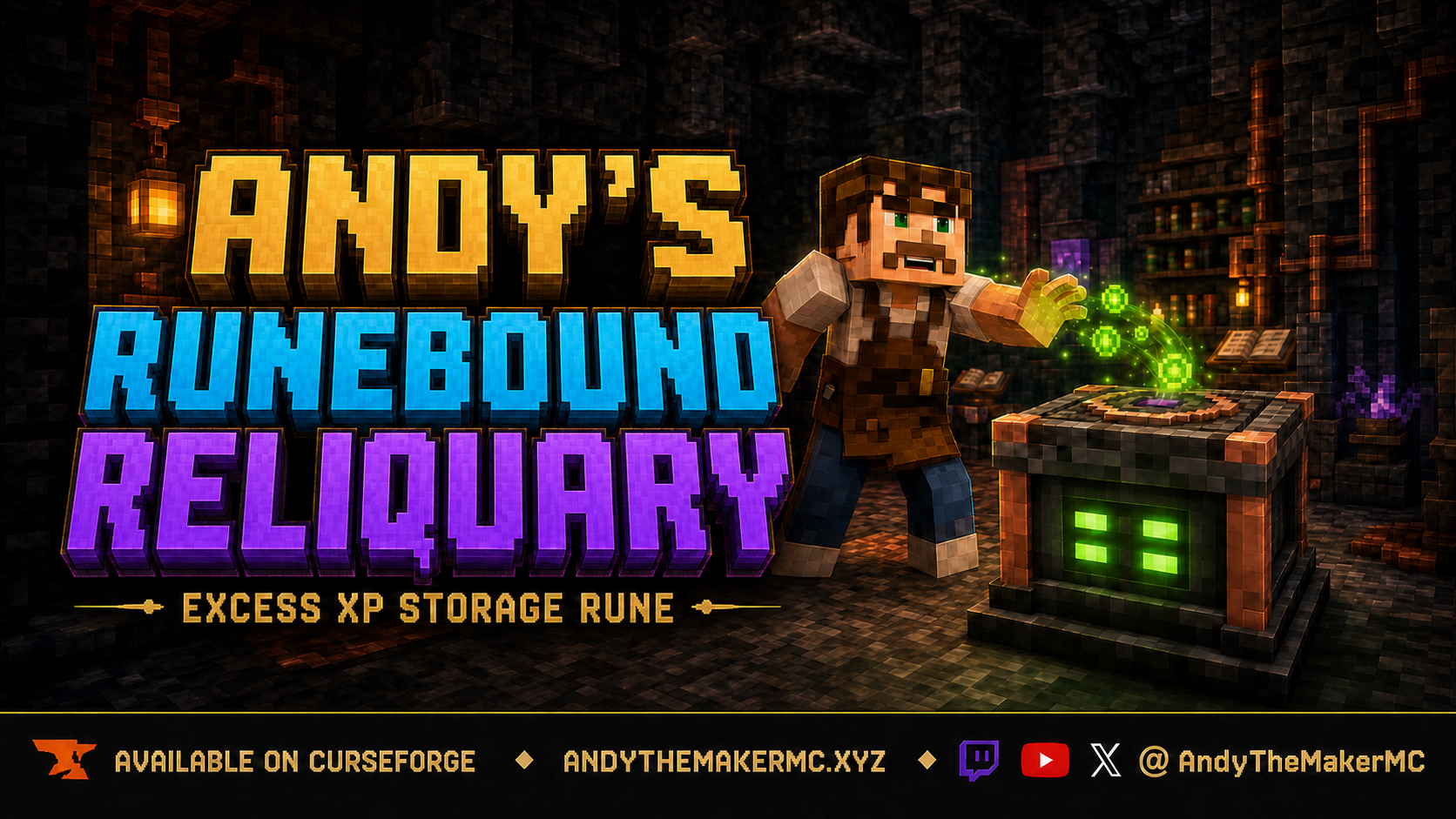
Andy's Runebound Reliquary
A survival Minecraft Bedrock add-on that stores exact XP in durable, upgradeable rune-powered vaults — with private or shared access, seven capacity tiers, and linked vertical stacks that funnel experience automatically.
Project Information
- Developer
- Andy The Maker
- Platforms
- Bedrock
- Categories
- Utility, Quality of Life, Gameplay
- License
- All rights reserved
- CurseForge
- View on CurseForge
- Repository
- GitHub
Overview
Andy's Runebound Reliquary gives survival players a durable, upgradeable place to store experience. It preserves exact XP points, supports private and shared access, retains its contents when dismantled, and can grow into linked vertical storage stacks.
The Reliquary is deliberately balanced around a substantial initial crafting cost and two separate upgrade paths: capacity upgrades increase how much XP a single Reliquary can hold, while link offerings connect stacked Reliquaries and let them inherit upgrades. Building a large storage network therefore requires meaningful survival progression instead of handing over enormous XP storage immediately.
Features
- Exact XP-point storage without duplication or loss.
- Seven storage tiers with configurable upgrade costs.
- Ordered or unrestricted upgrade progression.
- Private and public access modes.
- Portable Reliquaries that retain XP, upgrades, ownership, access, and statistics.
- Controlled deposits and withdrawals through an information panel.
- Linked vertical stacks with automatic XP funneling.
- Independent fill-level lighting for every Reliquary.
- Red, yellow, green, blue, and purple storage indicators.
- Animated top portal effect and configurable floating XP motes.
- World settings for costs, progression, access, particles, and statistics.
- Administrative auditing and recovery tools.
- Multiplayer- and Realm-friendly behavior.
- Vibrant Visuals support through the included resource pack.
Crafting
Craft the Runebound Reliquary at a crafting table:
Bottle o' Enchanting        | Bottle o' Enchanting | Bottle o' Enchanting
Polished Blackstone Bricks  | Lodestone            | Polished Blackstone Bricks
Copper Ingot                | Amethyst Cluster     | Copper Ingot
| Material | Amount |
|---|---|
| Bottle o' Enchanting | 3 |
| Polished Blackstone Bricks | 2 |
| Copper Ingot | 2 |
| Lodestone | 1 |
| Amethyst Cluster | 1 |
Basic controls
| Action | Result |
|---|---|
| Attack normally | Deposit as much XP as the Reliquary or compatible stack can accept |
| Interact normally | Withdraw stored XP, or contribute a valid held upgrade material |
| Sneak + interact | Open the information and controls panel |
| Sneak + attack | Safely dismantle an owned Reliquary and preserve its state |
Holding another Reliquary keeps normal placement available, so Reliquaries can be stacked.
Depositing & withdrawing XP
XP is stored as exact points rather than as a simple displayed-level number. This matters because Minecraft levels become progressively more expensive as a player's level rises, so the number of displayed levels represented by a fixed amount of XP depends on the player's current level.
A normal deposit stores as much of the player's XP as the Reliquary or stack can accept; a normal withdrawal retrieves all available stored XP. The information panel adds precise control, letting players deposit or withdraw in 8-level-equivalent increments — 8, 16, 24, 32, 40, 48, 56, 64, or all available XP. If less XP than the selected amount is available, the entire available amount is transferred instead.
Capacity upgrades
By default, capacity upgrades must be completed in order. World owners can enable unrestricted progression so any upgrade material can be contributed at any time, and all default material costs can be adjusted in the Behavior Pack settings.
| Tier | Upgrade Material | Default Cost | Capacity |
|---|---|---|---|
| Dormant | Crafted state | — | 112 XP |
| Ember | Redstone Block | 10 | 352 XP |
| Scribe | Lapis Lazuli Block | 10 | 828 XP |
| Astral | Quartz Block | 10 | 1,628 XP |
| Lucent | Diamond Block | 10 | 4,788 XP |
| Verdant | Emerald Block | 10 | 10,252 XP |
| Supercharged | Netherite Ingot | 4 | 217,664 XP |
The Supercharged tier stores up to 217,664 exact XP points. Because Minecraft's displayed levels have nonlinear XP costs, its displayed-level value varies with the player's current level. Upgrade progress is preserved when a Reliquary is dismantled.
Stacking & XP funneling
Compatible Reliquaries placed directly above one another form a vertical stack. They must share the same owner and access mode; a different owner, different access mode, air gap, or non-Reliquary block ends the connected stack.
- Deposits fill the connected stack from the bottom upward.
- Withdrawals drain it from the top downward.
- Aggregate capacity is the combined capacity of every compatible member.
- Every Reliquary keeps its own physical XP balance, records, and fill color.
- Adding or removing a member immediately updates the connected stack total.
- Dismantled members retain the XP physically stored inside them.
- Removing a middle member splits the column without moving XP across the new gap.
- If a stack temporarily holds more XP than its reduced capacity, the XP is preserved but additional deposits are blocked until enough is withdrawn.
Linked six-Reliquary groups
Each compatible stack is divided from the bottom upward into repeating groups of six. The first Reliquary is the group foundation and owns its actual capacity upgrades; up to five Reliquaries above it can be linked in order and inherit the foundation's capacity tier while the complete link chain remains intact. The seventh Reliquary begins a new group and becomes its own foundation. Only the foundation retains its capacity upgrades when dismantled — followers keep their own XP, ownership, access, statistics, and upgrade progress, but inherited capacity is positional and is not written onto the portable item.
| Linked Position | Required Offering |
|---|---|
| First Reliquary above the foundation | Copper Block |
| Second | Gold Block |
| Third | Iron Block |
| Fourth | Amethyst Block |
| Fifth | Gilded Blackstone |
Fill-level colors
The four rune lights on each side display that individual Reliquary's physical storage level. Unlinked Reliquaries keep independent colors even when physically stacked.
| Color | Meaning |
|---|---|
| Red | Empty |
| Yellow | Above empty and below one-third full |
| Green | One-third to below two-thirds full |
| Blue | Two-thirds to below full |
| Purple | Full or temporarily over capacity |
Private & public access
New Reliquaries are private by default unless the world setting is changed.
| Mode | Permissions |
|---|---|
| Private | Only the player who placed the Reliquary may deposit, withdraw, upgrade, inspect protected records, change access, or dismantle it |
| Public | Anyone may deposit, withdraw, inspect allowed information, and contribute upgrades; only the owner may change access or dismantle it |
Portable state & dismantling
Only the owner can dismantle a Reliquary. Sneak and attack it to receive a portable Reliquary item that preserves its stored XP, actual capacity tier, partial upgrade contributions, ownership, public/private status, lifetime deposited XP, last depositor and retriever, and other persistent records. Placing the preserved item restores its state; if it is placed into a compatible stack, the stack settles its combined XP from the bottom upward.
World settings
Open the Behavior Pack's gear/settings screen to switch between sequential and unrestricted upgrade progression, adjust each tier's material cost (Redstone, Lapis Lazuli, Quartz, Diamond, and Emerald blocks plus Netherite ingots), choose whether new Reliquaries default to public, enable or disable floating XP motes, and control whether visitors may inspect activity statistics.
Operator & recovery commands
Operators can use the following commands when cheats and operator permissions are available:
| Command | Purpose |
|---|---|
/scriptevent runebound:config | Open the in-world configuration panel |
/scriptevent runebound:config reset | Clear the in-world override and return to Behavior Pack settings |
/scriptevent runebound:admin audit | Audit the targeted Reliquary record |
/scriptevent runebound:admin visuals | Refresh the targeted Reliquary's visual state |
/scriptevent runebound:admin recover | Recover a missing or damaged Reliquary record when possible |
/scriptevent runebound:admin claim | Assign ownership of an ownerless Reliquary to the operator |
Installation
- Download the latest release from CurseForge and open the
.mcaddonwith Minecraft Bedrock. - Allow both included packs to import, then edit the world where you want to use the add-on.
- Activate Andy's Runebound Reliquary under Behavior Packs and confirm the linked Resource Pack is also active.
- Use the Behavior Pack's gear/settings button to change upgrade rules, costs, access defaults, particles, or statistics visibility.
On a Realm or server, install and activate the add-on on the world before uploading or launching it; players joining that world receive the required packs through Minecraft's normal world-pack delivery. Both a Behavior Pack and a Resource Pack are included, no experiments are required, and CurseForge is the authoritative source for supported versions and files.
Compatibility & limitations
- Built for current Minecraft Bedrock; no experiments required.
- Behavior Pack and Resource Pack are both included.
- Supports multiplayer worlds and Realms.
- Includes Vibrant Visuals / PBR support.
- Piston movement is not supported — safely dismantle and replace a Reliquary when it needs to move.
If a Reliquary is invisible or displaying incorrectly, confirm both packs are active and place the Resource Pack above conflicting packs. If a setting does not apply, verify the active Behavior Pack's gear settings or run /scriptevent runebound:config reset to clear an old in-world override. For a desynchronized Reliquary, an operator can target it and run /scriptevent runebound:admin audit, followed by /scriptevent runebound:admin visuals when only its display needs refreshing.
Credits & license
Created by Andy The Maker. Copyright © AndyTheMakerMC — All Rights Reserved. The add-on and its contents may not be rehosted, redistributed, repackaged, sold, modified, reverse engineered, extracted, reused in another project, or used to create derivative works without prior written permission. Normal automatic delivery of the unmodified add-on to players joining a world, Realm, or server is permitted.
Content creators may use Andy's Runebound Reliquary in their Minecraft worlds, videos, livestreams, screenshots, and other original gameplay content, including monetized content — credit to AndyTheMakerMC and a link to the official project page are appreciated. Minecraft is a trademark of Microsoft Corporation. This project is not affiliated with, endorsed by, or sponsored by Mojang Studios or Microsoft.
Get Andy's Runebound Reliquary
Download the latest version from CurseForge — the authoritative source for supported Minecraft versions and files.
More
Related Addons
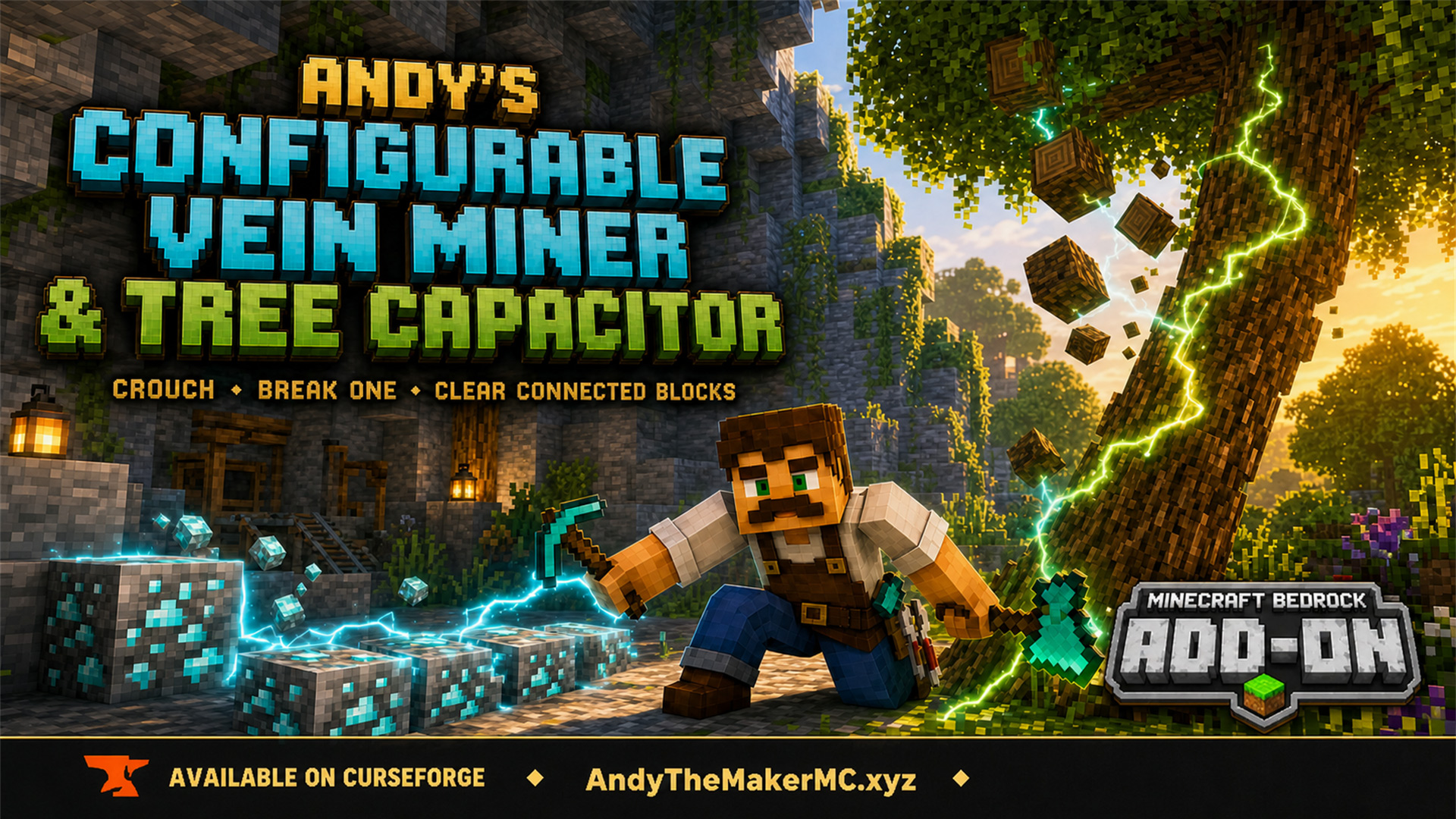
Andy's Configurable Vein Miner and Tree Capacitor
A Minecraft Bedrock add-on that mines connected blocks and fells whole trees when you crouch and break the first block — with 25 switches, all off by default, so the world owner decides exactly what it affects.
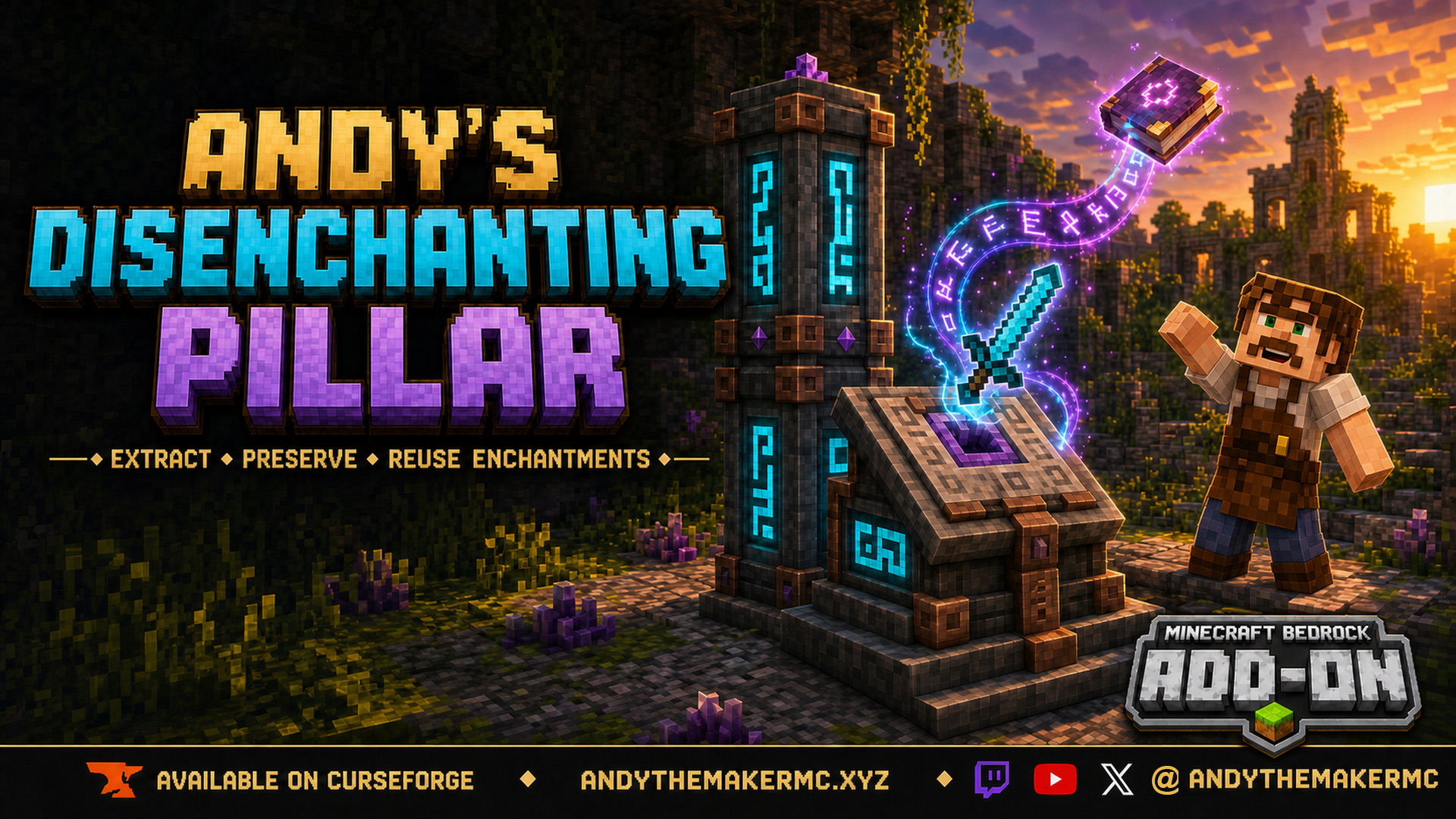
Andy's Disenchanting Pillar
A survival Minecraft Bedrock add-on that removes one chosen enchantment from an item and preserves it on a new book — a reverse enchanting workstation with deliberate, balanced costs.
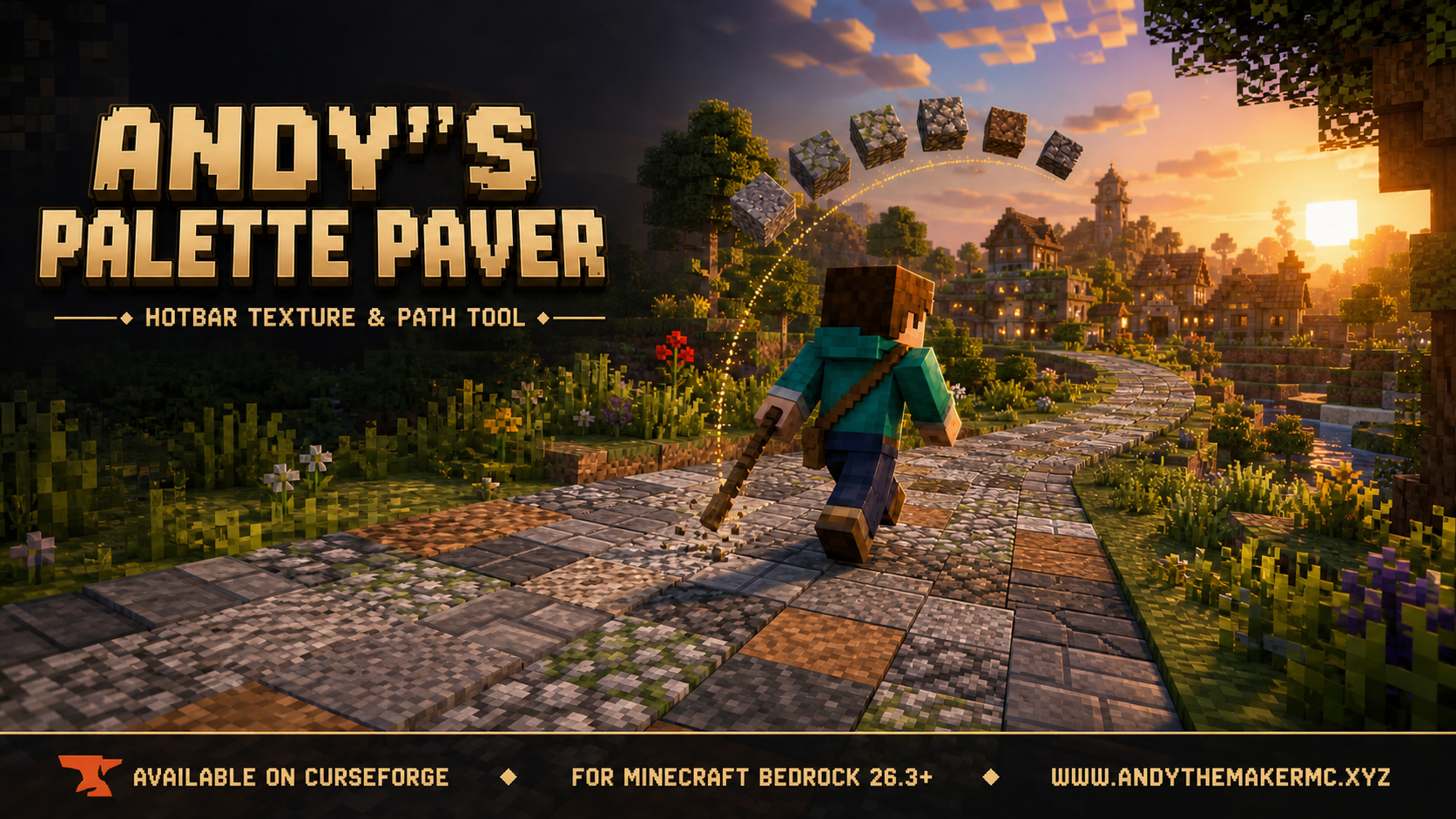
Andy's Palette Paver
A Minecraft Bedrock building tool for laying textured roads, paths, floors, walls, and ruins straight from your hotbar — hold one renamed stick and it places from a randomized palette of slots 2–9.