
Andy's Explorer's Notebook
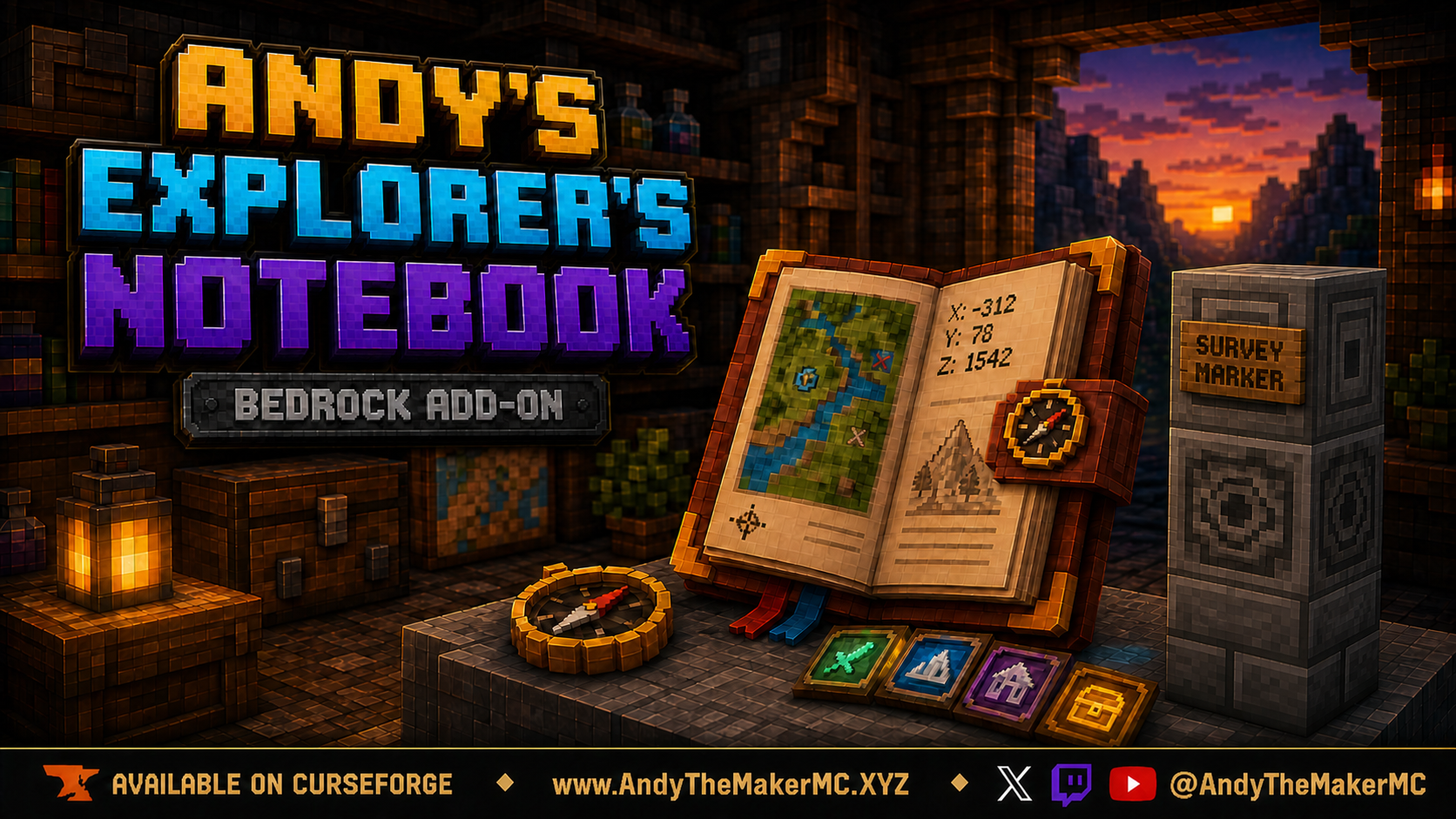
A persistent survey journal and coordinate notebook for Minecraft Bedrock — build survival-friendly Survey Markers, log exact coordinates, dimensions, categories, and field notes in an immersive signed-book interface, and print sequential archive volumes.
Project Information
- Developer
- Andy The Maker
- Platforms
- Bedrock
- Categories
- Utility, Exploration, Gameplay
- License
- All rights reserved
- CurseForge
- View on CurseForge
- Repository
- GitHub
Overview
Andy's Explorer's Notebook turns the places you discover into a lasting record of your world. Build a permanent Survey Marker at a cave entrance, village, portal, base, structure, landmark, or other meaningful site, then use the craftable leather Notebook on its Lodestone to record the exact coordinates, dimension, Minecraft day, category, site name, optional Waystone status, and your own field note.
Every entry is stored persistently in the world and presented through an immersive, signed-book-style two-page interface. Losing or destroying the physical Notebook does not erase the log — craft another one and the player's complete collection returns. Optional numbered archive volumes can turn those records into real signed books to shelve, preserve, or share with other players, while the living Notebook keeps every recorded location.
Features
- Persistent per-player exploration records stored in the world, retained even if a Notebook item is lost, burned, destroyed, or replaced.
- Immersive two-page Minecraft book presentation with compact, readable entries.
- Exact coordinates, dimension, Minecraft day, site name, category, note, and marker condition.
- Deliberate, survival-friendly Survey Markers instead of effortless coordinate capture, with green validation feedback and a randomized vanilla Amethyst Bud break sound.
- Needs Repair tracking when a registered marker is damaged.
- Landmark, Structure, Portal, Village, Place of Interest, Cave Entrance, Home, Farm, Base, and Illager Outpost categories, plus five personal Custom Categories with player-chosen names and colors.
- Optional Waystone Present notation.
- Native-style page-turn arrows and a small in-book settings gear.
- Dark Oak Explorer's Archive Bookshelf with six visible book positions.
- Optional sequential signed archive volumes of up to 49 entries each, remembering the last printed entry so only newer records print next time.
- Physical archive books that can be stored or shared without replacing the living Notebook.
- Vibrant Visuals / PBR and standard-graphics support; multiplayer, Realm, and Bedrock server compatibility.
- Stable Script APIs — no Beta API experiment required.
Crafting the Notebook
Combine these three items in any arrangement at a crafting table — the shapeless recipe unlocks when the player obtains a Compass:
- 1 Book & Quill
- 1 Compass
- 1 Lodestone
Building a Survey Marker
A valid Survey Marker is a three-block vertical column with one ordinary wall sign attached to the top block. Build it in this exact bottom-to-top order:
- Place Stone Bricks as the bottom block.
- Place a Lodestone directly on top (the middle block — the part the Notebook uses).
- Place Chiseled Stone Bricks directly on top of the Lodestone.
- Attach a normal wall sign to any one of the four side faces of the Chiseled Stone Bricks.
The sign must be on a horizontal side of the top block — a standing sign on top, a Hanging Sign, a sign on the Lodestone, or a different block order will not validate. The add-on checks the structure whenever a required part is placed, so pieces can be assembled in any sequence as long as the finished order matches. When it validates, the player gets a green Survey Marker verified and active message and one of Minecraft's randomized Amethyst Bud break sounds — both toggleable by the world owner.
Recording a location
- Hold the Explorer's Notebook.
- Interact directly with the middle Lodestone of a verified Survey Marker.
- Enter a site name (up to 36 characters), choose a category, and add a short field note (up to 180 characters).
- If Waystone notation is enabled, choose whether a Waystone is present, then select Record Site.
The entry records the Lodestone's coordinates, dimension, Minecraft day, category, site name, note, Waystone notation, and Verified marker status. Using the Notebook on the same registered marker again opens the entry for updating rather than duplicating it. A registered marker belongs to the explorer who recorded it — another player cannot overwrite that record in their own Notebook.
Viewing the Notebook
Use the Notebook while pointing into the air or at a block other than a Survey Marker Lodestone or Archive Bookshelf. It opens as an immersive two-page book: the first spread places Notebook info on the left and entries on the right, and later spreads use both pages for records. Each page fits up to two compact entries showing the category symbol and color, site name, day, dimension, coordinates, marker condition, optional Waystone notation, and note. Use the folded-corner arrows to page through the complete log. There is no 49-entry cap on the custom Notebook — its persistent master log continues across pages as you record more discoveries.
Categories & settings
The in-book gear configures personal options, stored per player: show/hide the Waystone Present field, and set up to five Custom Categories (each with a name up to 24 characters, a readable text color, and an independent on/off toggle, all using the shared custom wind-charge-style symbol). The world owner can disable Waystone notation or Custom Categories world-wide; personal controls remain available only when the corresponding world feature is allowed.
| Category | Visual language |
|---|---|
| Landmark | Gold compass/star |
| Structure | Stone-gray tower |
| Portal | Purple portal glyph |
| Village | Gold bell |
| Place of Interest | Cyan sparkle |
| Cave Entrance | Teal cave glyph |
| Home | Red-orange house |
| Farm | Golden wheat |
| Base | Blue banner |
| Illager Outpost | Dark red outpost tower |
| Custom | Player-selected name and color with the shared custom symbol |
Damaged & repaired markers
Breaking the Stone Bricks, Lodestone, Chiseled Stone Bricks, or attached wall sign of a recorded marker changes that site's condition to Needs Repair — the entry and all saved information stay intact. Restore the exact three-block column and side-mounted wall sign, and when it validates again its status returns to Verified, with the repair message and Amethyst Bud sound playing if world feedback is enabled.
Archive Bookshelf & printing volumes
The optional Explorer's Archive Bookshelf is a Dark Oak take on the vanilla Chiseled Bookshelf with six visible book positions. Its shapeless recipe uses 1 Chiseled Bookshelf + 1 Compass + 1 Ink Sac.
Printing isn't required to preserve locations — the Notebook already stores everything in its persistent master log. Printing creates real in-world signed copies to place in a library, preserve as expedition records, or give to other players. To print, place a bookshelf, carry the Notebook plus at least one Book & Quill per volume, use the Notebook directly on the shelf, review the preview (new entries, volumes, and required Book & Quills), and choose Print Volume(s). Each signed volume holds a title page and up to 49 entries (two per page), consuming one Book & Quill per volume. Printing history is persistent and sequential — later sessions include only entries recorded after the previous successful print and continue with the next numbered volume; printed entries are never removed from the Notebook. If there are more than 49 new entries, it creates as many sequential volumes as needed.
The shelf stores up to six books and changes its front as slots fill: use an archive volume (or Books, Book & Quills, Written Books, Enchanted Books) on the shelf to store it, an empty hand to remove the most recent, and breaking it returns the stored books. Signed volumes are ordinary physical books, so they also fit vanilla Chiseled Bookshelves and can be carried, displayed, or shared — losing a copy never affects the original Notebook's entries.
World-owner settings & commands
World owners can select the active Behavior Pack's gear before entering the world; all settings begin enabled:
| Setting | Purpose |
|---|---|
| Allow Waystone Present notation | Show and record the optional Waystone field |
| Allow player Custom Categories | Enable the five personal Custom Category slots |
| Allow signed archive volume printing | Allow Notebook-on-shelf printing (existing books and shelf storage still work when disabled) |
| Show validation and repair chat messages | Control green validation/repair and red Needs Repair messages |
| Play amethyst validation sound | Control the randomized Amethyst Bud break sound |
The add-on adds no custom commands — normal use needs no cheats or operator permissions. Operators with cheats may use vanilla /give andys_explorers_notebook:explorers_notebook and /give andys_explorers_notebook:explorers_archive_bookshelf for testing or recovery. There is intentionally no command that clears or rewrites a player's persistent archive.
Installation
- Download the latest release from CurseForge and open the
.mcaddonwith Minecraft Bedrock. - Wait for both included packs to import, then create or edit a world.
- Open Behavior Packs → My Packs, select Andy's Explorer's Notebook BP, and choose Activate.
- Confirm the linked Andy's Explorer's Notebook RP is active under Resource Packs, then enter the world and craft the Notebook.
Use the active Behavior Pack's gear to change world-wide Notebook, archive, or Survey Marker options. On a Realm or Bedrock server, install and activate the add-on on the world before uploading or launching it; joining players receive the required packs through normal world-pack delivery. Cheats and experimental toggles are not required. Back up an important world before installing or updating. CurseForge is the authoritative source for supported versions and files.
Compatibility
- Built for current Minecraft Bedrock; single-player and multiplayer worlds, plus Realms and Bedrock servers that support world behavior and resource packs.
- Standard graphics and Vibrant Visuals; no required dependencies, cheats, or experimental toggles.
Both included packs must remain active. Public achievement compatibility is not advertised as guaranteed — Minecraft makes the final eligibility decision for each platform, version, world, and server configuration.
Credits & license
Created by Andy The Maker. Copyright © 2026 Andy / AndyTheMakerMC — All Rights Reserved. Players may use an official, unmodified release in personal worlds, multiplayer worlds, Realms, and servers, including normal delivery to players joining an authorized world. Content creators may use, review, and showcase an official, unmodified release in videos, livestreams, screenshots, tutorials, reviews, showcases, articles, guides, social posts, and other original gameplay content, including monetized content — credit to AndyTheMakerMC and a link to the official CurseForge project page are appreciated. No one may offer the add-on file as a separate download or redistribute, rehost, mirror, modify, translate, adapt, decompile, reverse engineer, extract, repackage, resell, sublicense, or reuse any project content without prior written permission.
The promotional artwork is original AI-assisted concept art, not an in-game screenshot. Minecraft is a trademark of Microsoft Corporation. This project is not affiliated with, endorsed by, or sponsored by Microsoft or Mojang Studios.
Get Andy's Explorer's Notebook
Download the latest version from CurseForge — the authoritative source for supported Minecraft versions and files.
More
Related Addons
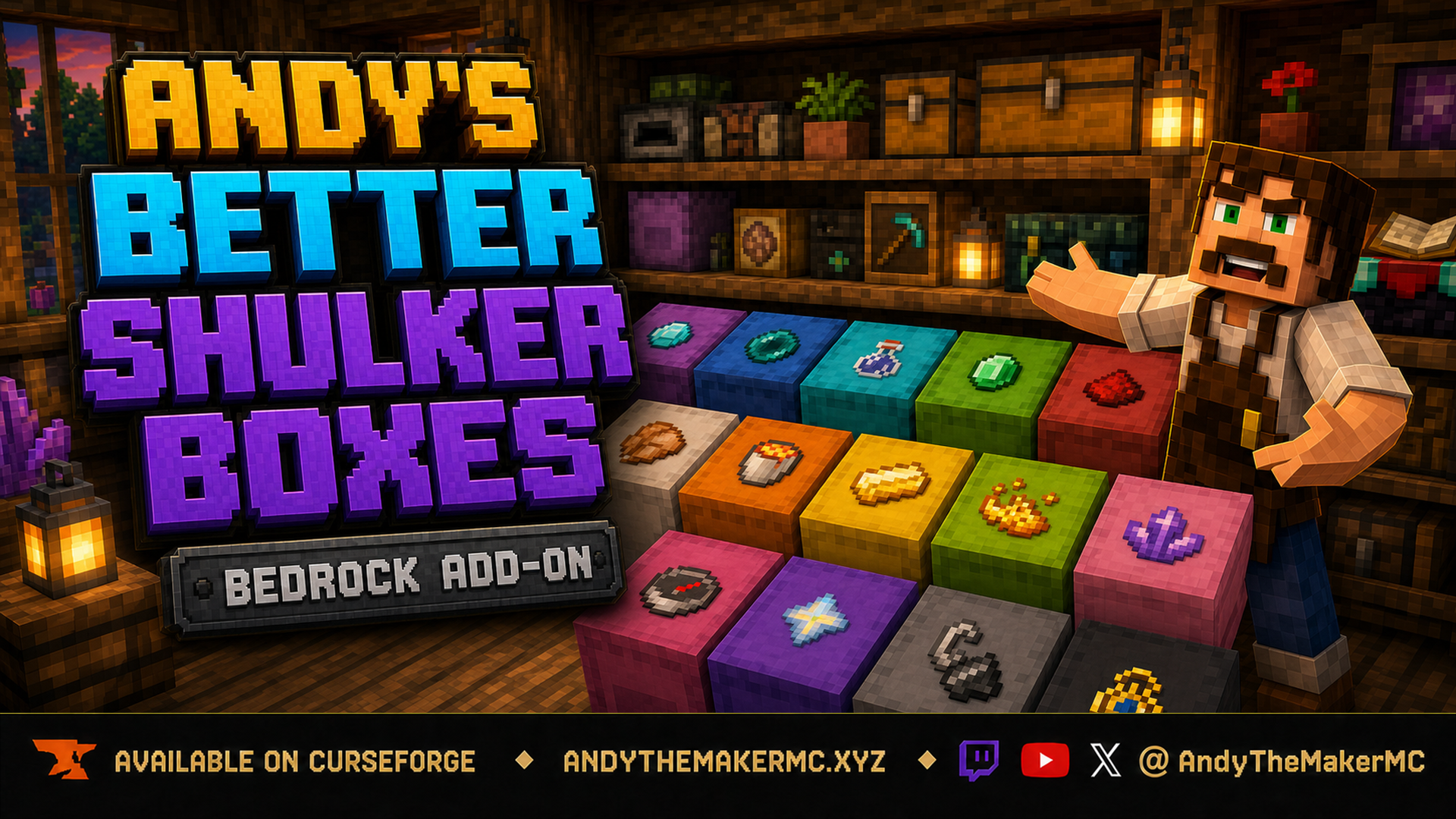
Andy's Better Shulker Boxes
A survival Minecraft Bedrock add-on that adds removable, item-frame-style icon labels to placed shulker boxes — sneak-interact with any item to stamp its vanilla icon on the lid for faster, recognizable storage.
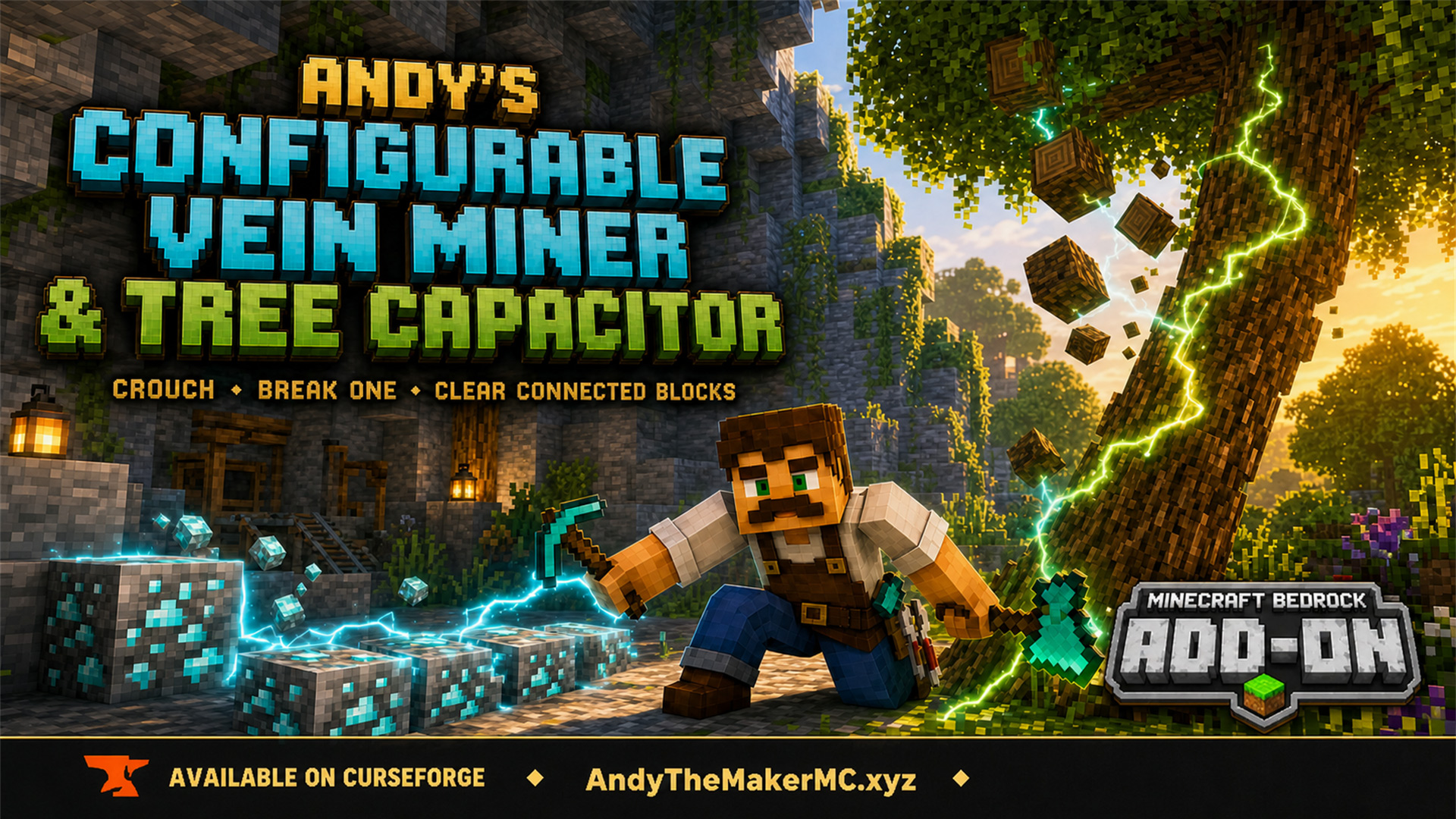
Andy's Configurable Vein Miner and Tree Capacitor
A Minecraft Bedrock add-on that mines connected blocks and fells whole trees when you crouch and break the first block — with 25 switches, all off by default, so the world owner decides exactly what it affects.
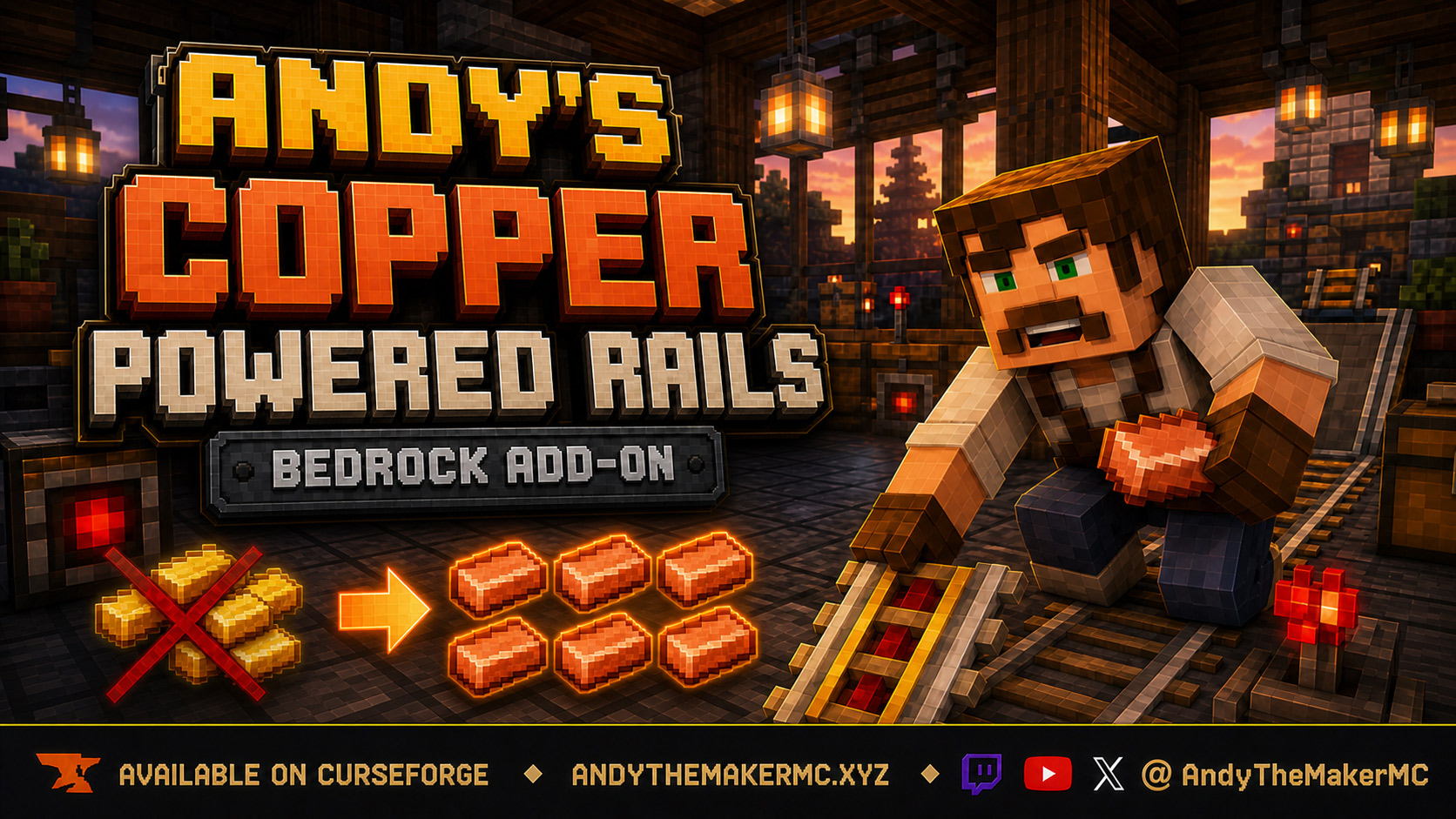
Andy's Copper Powered Rails
An early-game quality-of-life rebalance for Minecraft Bedrock: craft powered rails with copper instead of gold — same recipe shape, six-rail output, and vanilla behavior, without gold mining, Nether trips, or gold farms.