
Andy's Better Shulker Boxes
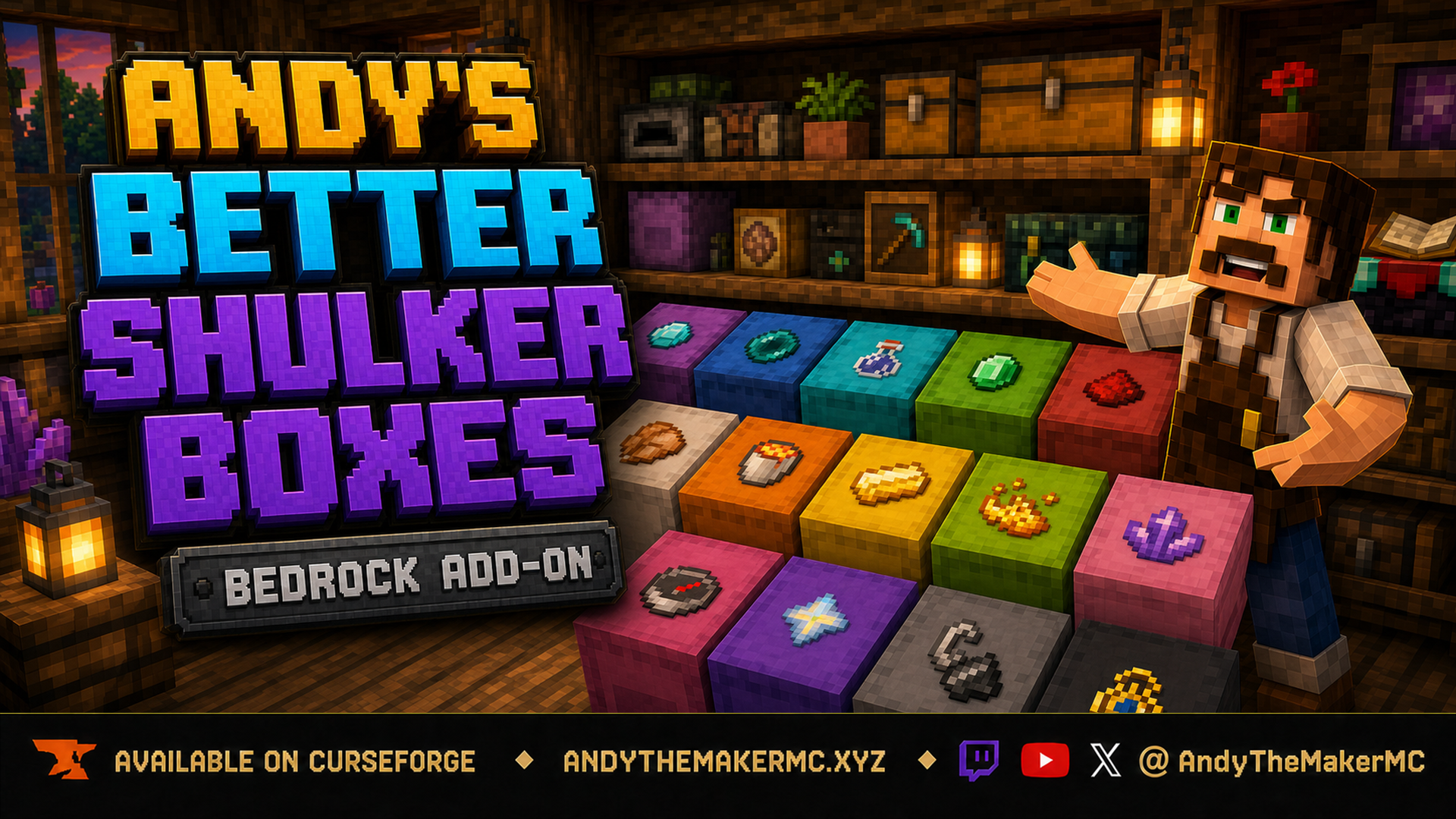
A survival Minecraft Bedrock add-on that adds removable, item-frame-style icon labels to placed shulker boxes — sneak-interact with any item to stamp its vanilla icon on the lid for faster, recognizable storage.
Project Information
- Developer
- Andy The Maker
- Platforms
- Bedrock
- Categories
- Utility, Quality of Life
- License
- All rights reserved
- CurseForge
- View on CurseForge
- Repository
- GitHub
Overview
Andy's Better Shulker Boxes adds clear, removable item labels to placed shulker boxes. Hold the item you want to use as a label, sneak, and interact with the shulker box — one item is placed into the label and its familiar vanilla icon appears flat on the box's upward-facing surface, making ores, food, redstone, tools, building blocks, and other supplies recognizable without opening every container.
It's especially useful in large storage rooms, workshops, mobile bases, multiplayer warehouses, and color-coded sorting systems. A label can be replaced or removed at any time, and the stored label item is safely returned when the label is changed, removed, or the shulker box is broken — an item-frame-like organization system without needing a separate frame around every icon.
Current placement limitation
In this release, labels display only on the surface that faces upward in the game world. Upright shulker boxes work as intended, but a box placed against a wall or hanging from a ceiling does not yet rotate its label onto the actual lid face. For the clearest results, place the shulker box upright with the surface you want to label facing the sky. An update is planned to let labels follow the box's oriented lid face; until that's reliable in every direction, this release deliberately uses the proven upward-facing placement.
The add-on ships a large generated catalog of current vanilla Bedrock item icons, but not every item has been individually tested as a label. If an item appears blank, shows the wrong icon, or falls back to paper, leave a CurseForge comment with the item name, Minecraft version, device, and add-on version so it can be corrected.
Features
- Removable item-icon labels for placed shulker boxes.
- Simple sneak-and-interact controls inspired by vanilla Item Frames.
- Flat, centered labels that stay readable from above.
- Works with undyed shulker boxes and all 16 dyed colors.
- Large generated catalog of current vanilla Bedrock item icons.
- One real item stored per label rather than a free visual copy.
- Automatic return of the previous item when replacing a label.
- Empty-hand removal that returns the label item.
- Safe item recovery when a labeled shulker box is broken.
- Persistent labels across world reloads, with automatic cleanup of orphaned displays.
- Overworld, Nether, and End support.
- Single-player, multiplayer, Realm, and supported Bedrock-server compatibility.
- Standard graphics and Vibrant Visuals compatibility.
- No required dependencies, Cheats, commands, or experimental toggles.
Using labels
Prepare the shulker box — place any normal or dyed shulker box upright, with the surface you want labeled facing the sky, and fill it normally. The label doesn't change storage slots or vanilla opening behavior.
Apply a label — hold an item that represents the contents (a Diamond for valuables, Redstone Dust for components, a Log for wood, Cooked Chicken for food, an Ender Pearl for End supplies, a Potion for brewing), sneak, aim at the box, and interact while continuing to sneak. One item is removed from the held stack and stored in the label, a green Shulker label applied message appears, and the flat icon appears centered on the upward-facing surface. Sneaking prevents the shulker inventory from opening during the label action — interact without sneaking to open and use the shulker normally.
Replace a label — select the new item, then sneak-interact with the already-labeled box. The previous label item is returned to your inventory first, one item from the new stack becomes the replacement, and the icon updates. If your inventory can't accept the returned item, Minecraft places it safely nearby instead of deleting it.
Remove a label — select an empty hotbar slot, sneak, and interact with the box (or directly with the visible lid icon). The icon disappears, a yellow Shulker label removed message appears, and the original item returns to your inventory (or drops safely nearby if it's full).
Move or break a labeled shulker — break it normally; the add-on removes the visual label and returns the stored item, with nothing left floating at the old position. The label is tied to the placed block position, not stored inside the portable shulker-box item, so apply a fresh label after deciding the final location.
Building an efficient storage system
- Match label items to the most important contents rather than the shulker's color alone.
- Use shulker colors for broad groups and item labels for exact contents.
- Keep frequently accessed shulkers upright and visible from common walking paths, with enough light and viewing space above dense rows.
- Use repeated visual rules — e.g. blue boxes for minerals, red for redstone, green for farming supplies.
- In shared worlds, agree on a consistent label system so every player can find supplies quickly.
Installation
Windows, Android, iPhone, and iPad
- Download the latest release from CurseForge and open the
.mcaddonwith Minecraft Bedrock. - Wait for both included packs to import, then create or edit a world.
- Open Behavior Packs → My Packs, select Andy's Better Shulker Boxes BP, and choose Activate.
- Confirm Andy's Better Shulker Boxes RP is active under Resource Packs (Minecraft should activate the linked pack automatically — worth checking first).
- Enter the world and place an upright shulker box to begin labeling.
Xbox, PlayStation, and Nintendo Switch — consoles generally cannot import local .mcaddon files directly. Import and activate on Windows or mobile, upload the prepared world to a Realm, then join that Realm from the console; members receive the required packs through normal world-pack delivery.
Cheats, commands, and experimental toggles are not required. Both included packs must stay active at the same version. Back up an important world before installing or updating; when updating, close the world, import the newer .mcaddon, verify both packs show the newest version, remove obsolete copies, and check one existing label before continuing. CurseForge is the authoritative source for supported versions and files.
Compatibility & technical notes
- Built for current Minecraft Bedrock; works in the Overworld, Nether, and End.
- Standard graphics and Vibrant Visuals supported; no required dependencies, experimental toggles, commands, or Cheats.
- Both included packs must remain active at the same version.
Bedrock does not expose a stable arbitrary ItemStack renderer to custom add-on entities, so the add-on maps vanilla item IDs to their normal Mojang texture paths and renders those familiar icons on a thin label surface. Items from other add-ons use the paper fallback until their texture path is added, and enchantment glint and durability-state visuals are not reproduced on the flat label. The add-on does not alter the inventory, chest, or hotbar icon of a portable shulker box — labels are visible only on shulker boxes placed in the world.
Achievement-friendly design
Andy's Better Shulker Boxes is designed to work without Cheats, Beta APIs, or experimental world toggles, using stable Bedrock Script APIs and the included linked Resource Pack. Minecraft makes the final achievement-eligibility decision for every world — a world that previously enabled Creative, Cheats, Experiments, or an ineligible template may already have achievements disabled, and removing an add-on cannot reverse that history.
Credits & license
Created by Andy The Maker. Copyright © 2026 Andy / AndyTheMakerMC — All Rights Reserved. Players may use an official, unmodified release in personal worlds, multiplayer worlds, Realms, and servers, including normal delivery to players joining an authorized world. Content creators may use, review, and showcase an official, unmodified release in videos, livestreams, screenshots, tutorials, reviews, showcases, articles, guides, social posts, and other original gameplay content, including monetized content — credit to AndyTheMakerMC and a link to the official CurseForge project page are appreciated. No one may offer the add-on file as a separate download or modify, translate, adapt, decompile, reverse engineer, extract, repackage, mirror, rehost, resell, sublicense, redistribute, or reuse any project content without prior written permission.
The promotional artwork is original AI-assisted concept art, not an in-game screenshot. Minecraft is a trademark of Microsoft Corporation. This project is not affiliated with, endorsed by, or sponsored by Microsoft or Mojang Studios.
Get Andy's Better Shulker Boxes
Download the latest version from CurseForge — the authoritative source for supported Minecraft versions and files.
More
Related Addons
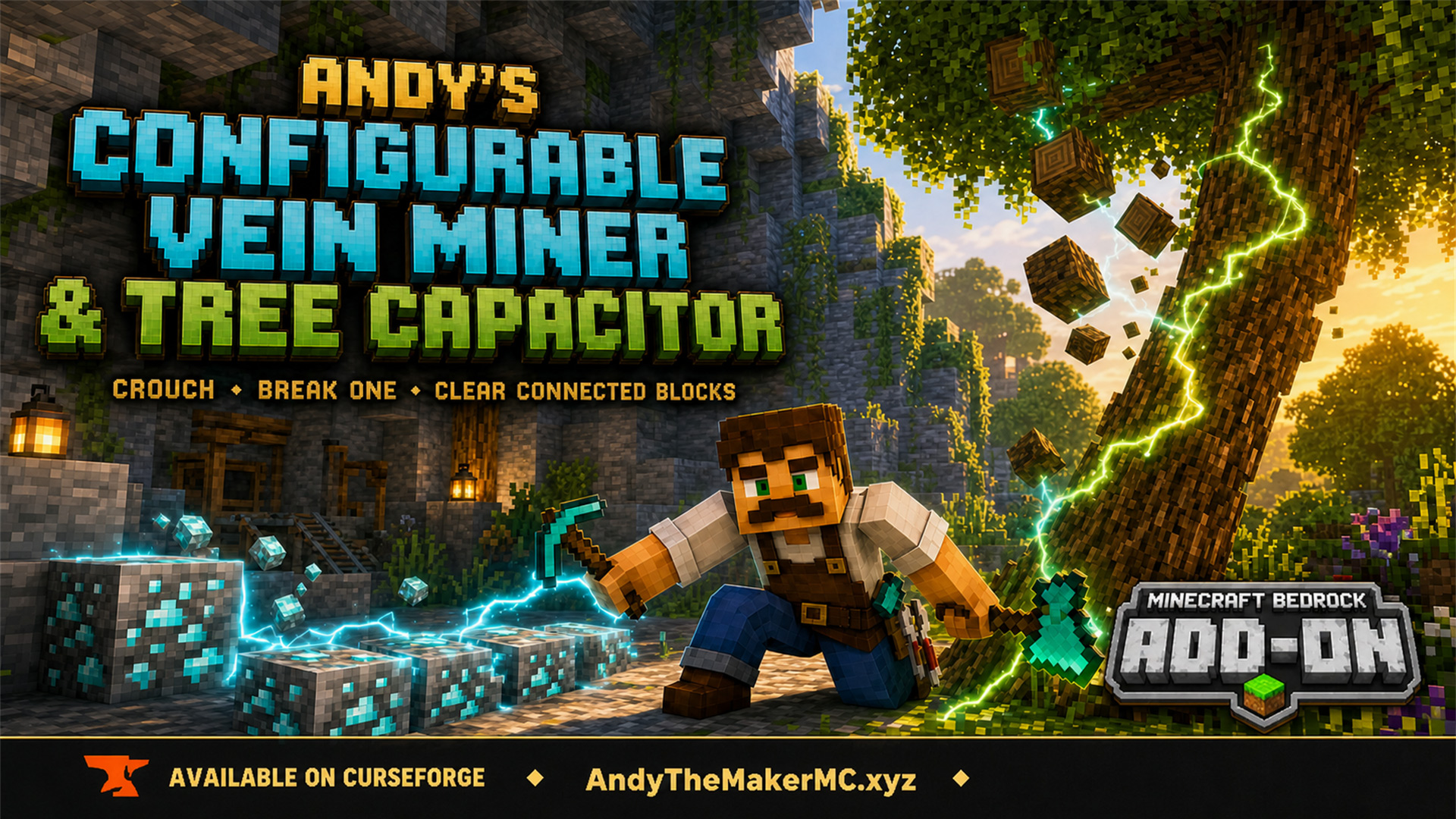
Andy's Configurable Vein Miner and Tree Capacitor
A Minecraft Bedrock add-on that mines connected blocks and fells whole trees when you crouch and break the first block — with 25 switches, all off by default, so the world owner decides exactly what it affects.
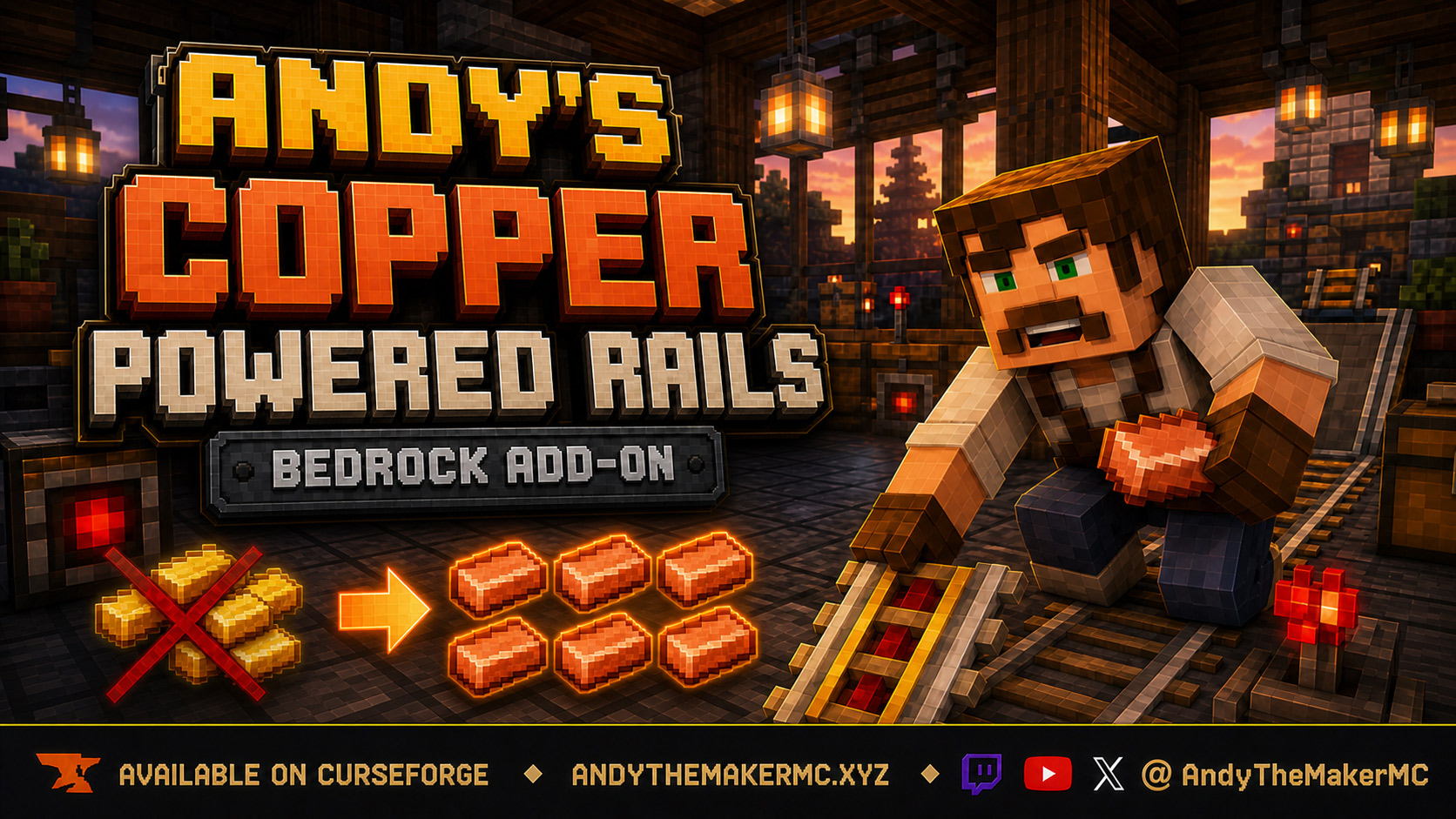
Andy's Copper Powered Rails
An early-game quality-of-life rebalance for Minecraft Bedrock: craft powered rails with copper instead of gold — same recipe shape, six-rail output, and vanilla behavior, without gold mining, Nether trips, or gold farms.
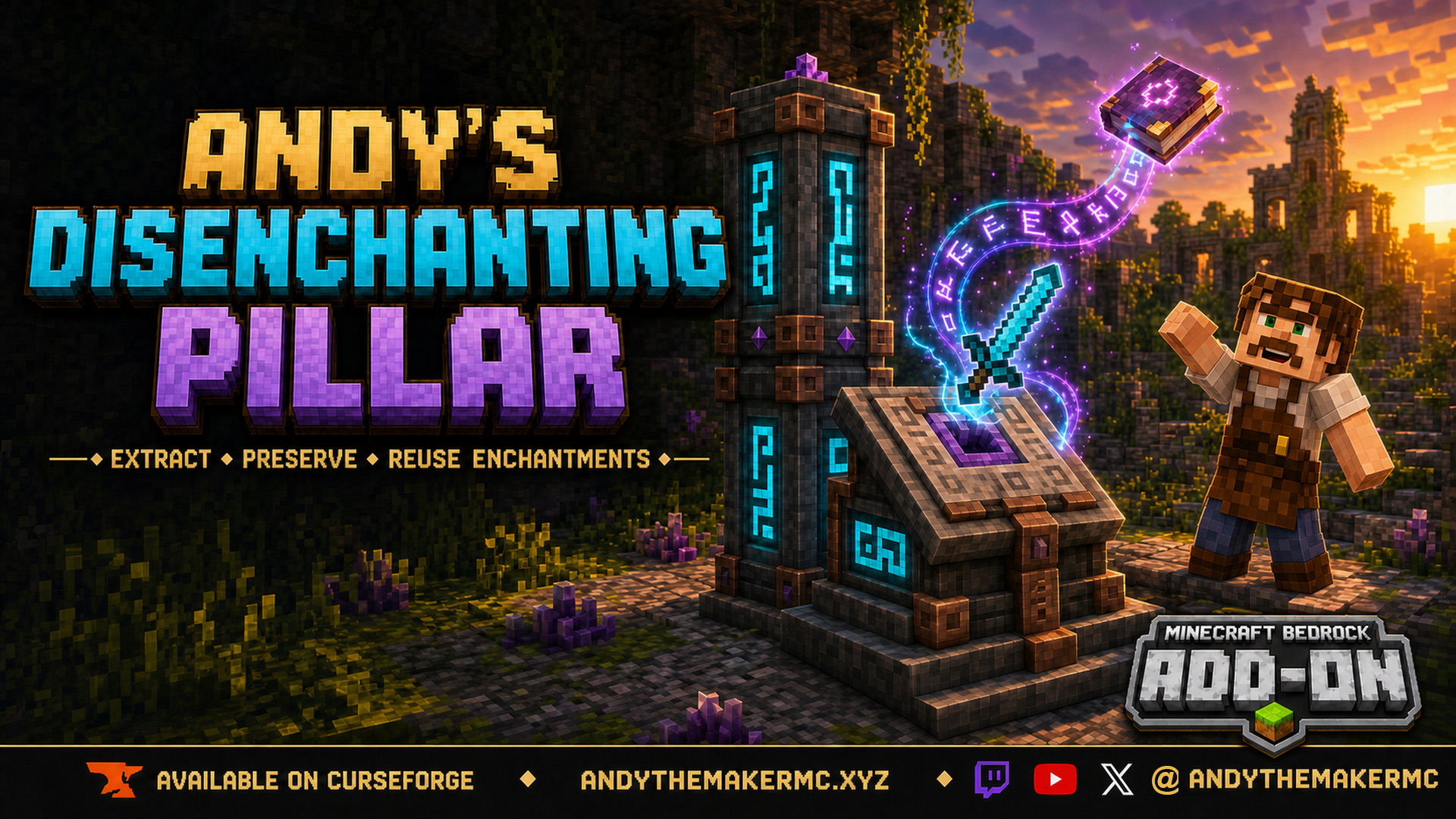
Andy's Disenchanting Pillar
A survival Minecraft Bedrock add-on that removes one chosen enchantment from an item and preserves it on a new book — a reverse enchanting workstation with deliberate, balanced costs.