
Andy's Dyeable Item Frames
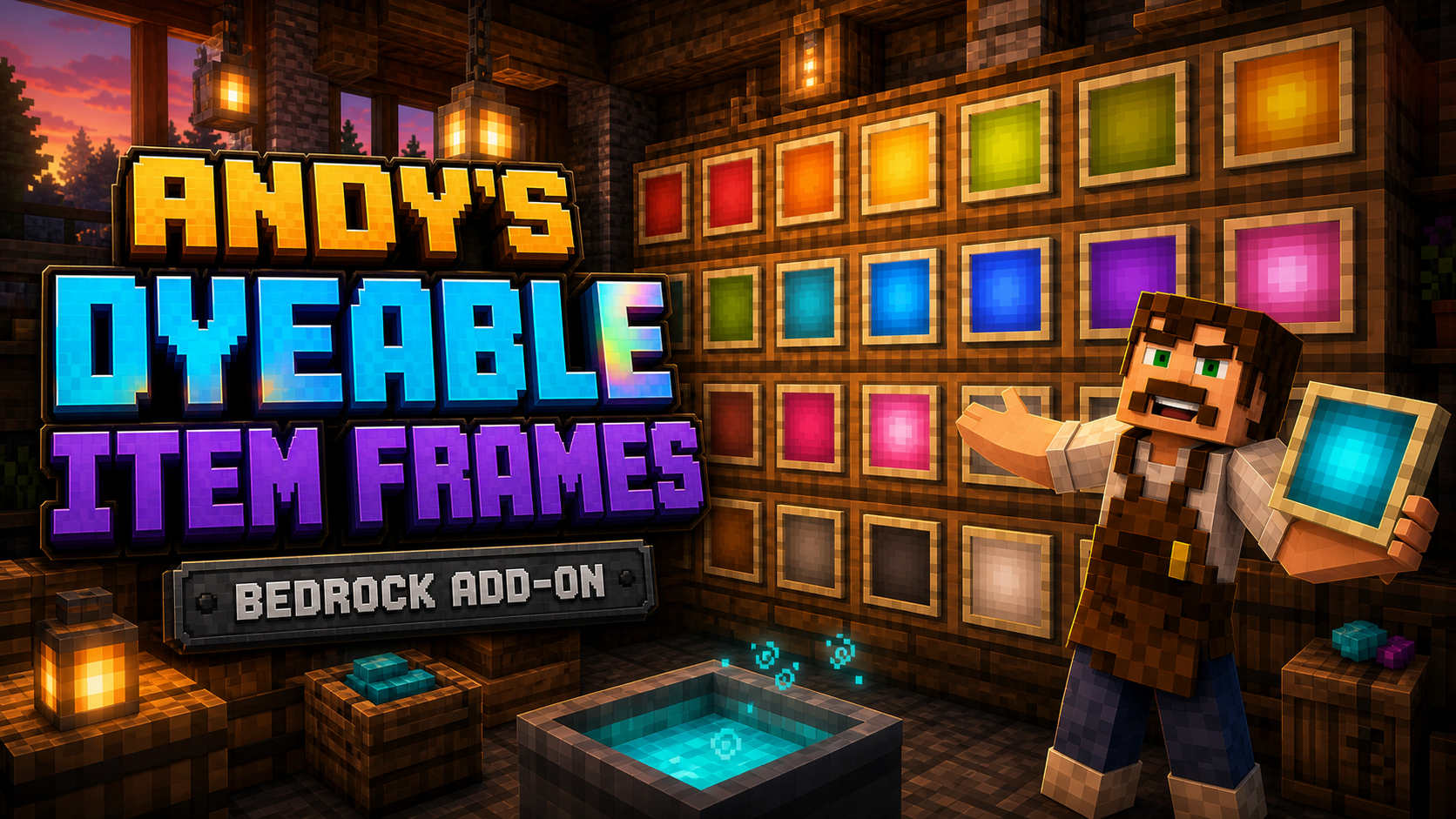
A survival Minecraft Bedrock add-on that adds dyeable Item Frames and Glow Item Frames in all 16 dye colors — using Bedrock's native leather-dye system — for color-coded storage, map walls, and displays.
Project Information
- Developer
- Andy The Maker
- Platforms
- Bedrock
- Categories
- Utility, Quality of Life
- License
- All rights reserved
- CurseForge
- View on CurseForge
Overview
Andy's Dyeable Item Frames adds dyeable versions of both the normal Item Frame and the Glow Item Frame to Minecraft Bedrock. Their leather centers use Bedrock's real minecraft:dyeable item system — the same one used by leather armor — so dyeing a frame feels like a natural part of vanilla gameplay instead of a separate color menu.
Prepare colored water in a cauldron, interact with it while holding your frames, and the whole held stack takes on that dye color. Place the result on a wall, floor, or ceiling and use it like a normal frame. The wooden border keeps its vanilla appearance while only the leather center changes color, and Glow variants keep their brighter, color-matched center and glow effect.
Under the dyed leather, each placed frame is backed by a real Bedrock Item Frame or Glow Item Frame. That means displayed items, maps, normal rotation, comparator output, breaking behavior, and glow-item rendering all remain in Minecraft's hands — the add-on adds color and optional settings without replacing the frame behavior players already know.
Features
- Dyeable Item Frames and Dyeable Glow Item Frames.
- All 16 familiar Minecraft dye colors.
- Uses Bedrock's native leather-item dye component.
- Dye complete held stacks in colored cauldron water.
- Vanilla-colored wooden frame border with a dyed leather center.
- Brighter, color-matched centers on Glow Item Frames.
- Wall, floor, and ceiling placement.
- Native item insertion, removal, rotation, map display, comparator output, and glow rendering.
- Dyed color preserved when the frame is broken and placed again.
- Survival-friendly shapeless recipes, unlocked by obtaining any dye.
DyeFrameSettingsstick for optional rotation locking and frame labels.- Persistent per-frame settings.
- Works in single-player, multiplayer, Realms, and supported Bedrock servers.
- No Cheats or experimental gameplay toggles required.
Crafting
Both recipes are shapeless and use a crafting table. Leather is the added ingredient because the recolorable portion of each frame is its leather center. Obtaining any one of Minecraft's 16 dyes unlocks both recipes in the recipe book.
1 Item Frame      + 1 Leather = 1 Dyeable Item Frame
1 Glow Item Frame + 1 Leather = 1 Dyeable Glow Item Frame
Dyeing frames in a cauldron
The process follows the same Bedrock dye system used for leather armor:
- Place a cauldron and fill it with water.
- Hold the dye color you want and interact with the water to color it.
- Hold a Dyeable Item Frame or Dyeable Glow Item Frame.
- Interact with the dyed cauldron water — the entire held frame stack takes on that color.
- Place the dyed frames wherever you want to display or organize items.
All 16 standard dye colors are supported. If dyes are mixed into a custom shade, the placed frame uses the closest supported vanilla dye color.
Using dyed frames
Place a dyed frame against a wall, floor, or ceiling, interact with it while holding an item to display it, and interact again to rotate the item through the normal frame positions. Break the frame normally to move it — in Survival it drops with its dye state preserved, and Minecraft drops the displayed item as usual. Because the placed frame uses a native Bedrock frame underneath its dyed leather skin, maps, renamed items, Glow Item Frame brightness, comparator output, and the eight rotation positions all behave like vanilla frames.
DyeFrameSettings stick
The settings tool works on normal, glow, vanilla, and dyed frames. To create it, place a normal stick in an anvil and rename it exactly DyeFrameSettings, then hold it and interact directly with any placed frame to open the Item Frame Settings menu for that individual frame. Settings are saved per frame and persist across world reloads.
- Lock displayed-item rotation — prevents use-clicks from changing the displayed item's rotation, ideal for labels, maps, tools, clocks, and decorative displays. Place and angle the item before enabling the lock; if an empty locked frame won't accept an item, temporarily disable the lock. Breaking the frame still works normally.
- Show name while looking at frame — displays the frame's name in the action bar while a player looks directly at it from within eight blocks, then hides it when they look away — keeping storage rooms readable without permanent on-screen labels.
- Display name — sets the text used by the name display (up to 80 characters), such as
Building Blocks,Redstone Parts, orDiamond Tools. If no custom label is supplied, the add-on tries to use the displayed item's name when Bedrock exposes it to scripts. - Save — writes the rotation-lock, name-display, and label settings to that frame. Configuring a vanilla frame does not replace its normal vanilla drop.
Storage-room ideas
- Dye barrel labels by item category — blue frames for ores, green for crops, red for combat supplies.
- Give rare storage sections brighter Glow Item Frames.
- Lock item rotation so visitors can't disturb carefully aligned labels.
- Show container names only while players look at them.
- Build color-coded map walls, workshops, libraries, armories, and sorting systems.
Native frame behavior
The add-on deliberately keeps a real minecraft:frame or minecraft:glow_frame behind every newly placed dyed frame, so Minecraft remains responsible for the displayed-item slot, inserting and removing items, eight-step rotation, map display and state, comparator output, displayed-item drops, and Glow Item Frame rendering. The add-on only stores the dye color and renders a fitted leather-center skin without covering the vanilla wooden border.
Installation
Windows, Android, iPhone, and iPad
- Download the latest release from CurseForge and open the
.mcaddonwith Minecraft Bedrock. - Wait for both included packs to import, then create or edit a world.
- Open Behavior Packs → My Packs and activate Andy's Dyeable Item Frames BP.
- Confirm Andy's Dyeable Item Frames RP is active under Resource Packs (Bedrock may activate the paired pack automatically).
- Enter the world — Cheats and experimental toggles are not required.
Xbox, PlayStation, and Nintendo Switch — consoles generally cannot import local .mcaddon files directly. Import and activate the add-on on Windows or mobile, upload the prepared world to a Realm, then join that Realm from the console; Realm members download the world's required packs on joining.
Both the Behavior Pack and Resource Pack must be active at the same version. Back up an important world before installing or updating, and when updating, close the world, import the newer .mcaddon, confirm both packs show the newest version, remove older copies, and reopen the world. Frames placed by legacy 2.x releases use an older custom-block system — break and replace those once on a current version to receive native displayed-item behavior and DyeFrameSettings support. CurseForge is the authoritative source for supported versions and files.
Achievement-friendly design
Andy's Dyeable Item Frames is designed to preserve normal achievement eligibility: no Cheats, no Beta APIs, no experimental world toggles, stable Script APIs, and no required external add-ons. Minecraft makes the final eligibility decision for every world — a world that previously enabled Creative, Cheats, Experiments, or an ineligible template may already have achievements disabled, and removing an add-on cannot reverse that history.
Compatibility
- Built for current Minecraft Bedrock across Windows, Android, iOS/iPadOS, Xbox, PlayStation, and Nintendo Switch through supported world or Realm delivery.
- Single-player and multiplayer worlds, plus Realms and Bedrock servers that support world Behavior Packs and Resource Packs.
- Standard graphics and Vibrant Visuals; no required dependencies.
Resource packs that replace vanilla Item Frame or Glow Item Frame visuals may change the visible wooden border or conflict with the intended appearance, and add-ons that intercept frame placement, interaction, breaking, or drops may also conflict — test unusual pack combinations in a copied world first.
A dyed frame is slightly heavier than a fully vanilla frame because it pairs the native frame with one lightweight, zero-hitbox visual marker that stores and renders the leather color. Ordinary storage rooms and display walls stay practical, but add very dense displays gradually on lower-powered devices, servers, and Realms, and test them under the expected number of players.
Credits & license
Created by Andy The Maker. Copyright © 2026 Andy / AndyTheMakerMC — All Rights Reserved. You may not redistribute, reupload, rehost, mirror, resell, sublicense, bundle, repackage, modify and publish, translate, adapt, decompile, reverse engineer, extract, or reuse the add-on, its source, documentation, branding, textures, models, or artwork, or create derivative works, without prior written permission. Normal Minecraft delivery of the official, unmodified add-on to players joining an authorized world, Realm, or server is permitted.
Content creators may use an official, unmodified release in worlds, Realms, servers, videos, livestreams, screenshots, tutorials, reviews, showcases, articles, guides, social posts, and other original gameplay content, including monetized content — credit to AndyTheMakerMC and a link to the official CurseForge project page are appreciated. The promotional artwork is original AI-assisted concept art, not an in-game screenshot. Minecraft is a trademark of Microsoft Corporation. This project is not affiliated with, endorsed by, or sponsored by Microsoft or Mojang Studios.
Get Andy's Dyeable Item Frames
Download the latest version from CurseForge — the authoritative source for supported Minecraft versions and files.
More
Related Addons
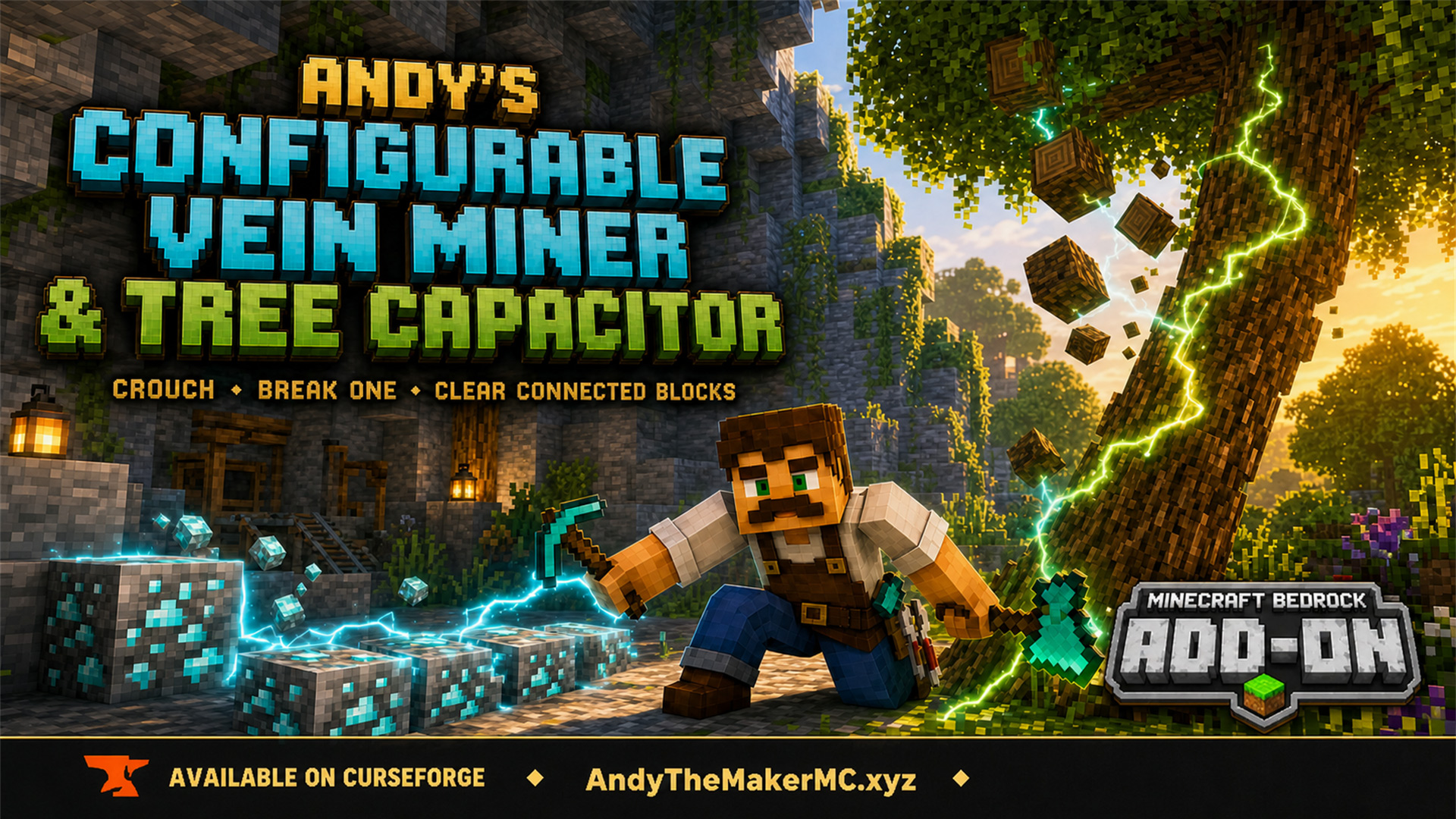
Andy's Configurable Vein Miner and Tree Capacitor
A Minecraft Bedrock add-on that mines connected blocks and fells whole trees when you crouch and break the first block — with 25 switches, all off by default, so the world owner decides exactly what it affects.
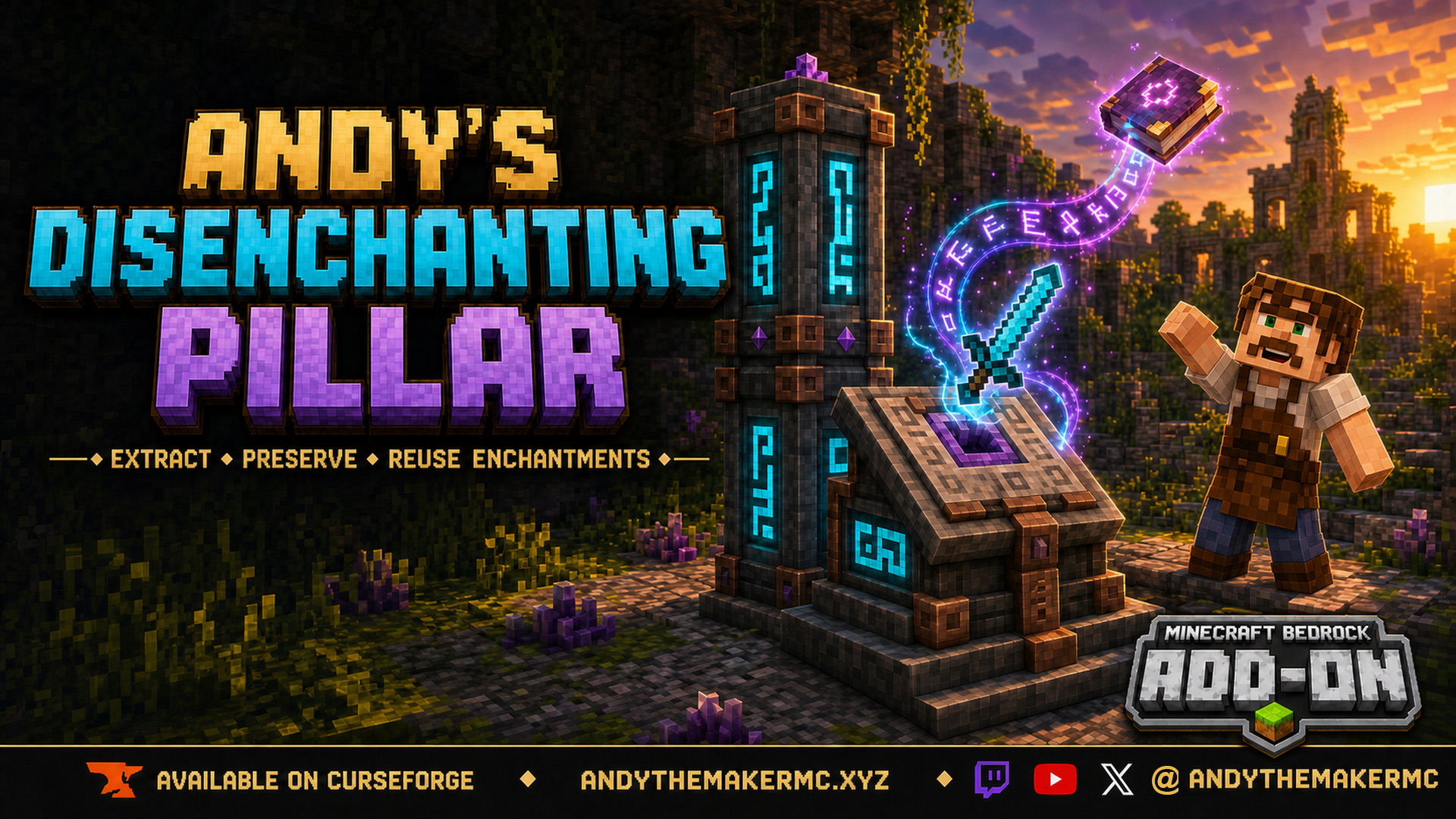
Andy's Disenchanting Pillar
A survival Minecraft Bedrock add-on that removes one chosen enchantment from an item and preserves it on a new book — a reverse enchanting workstation with deliberate, balanced costs.
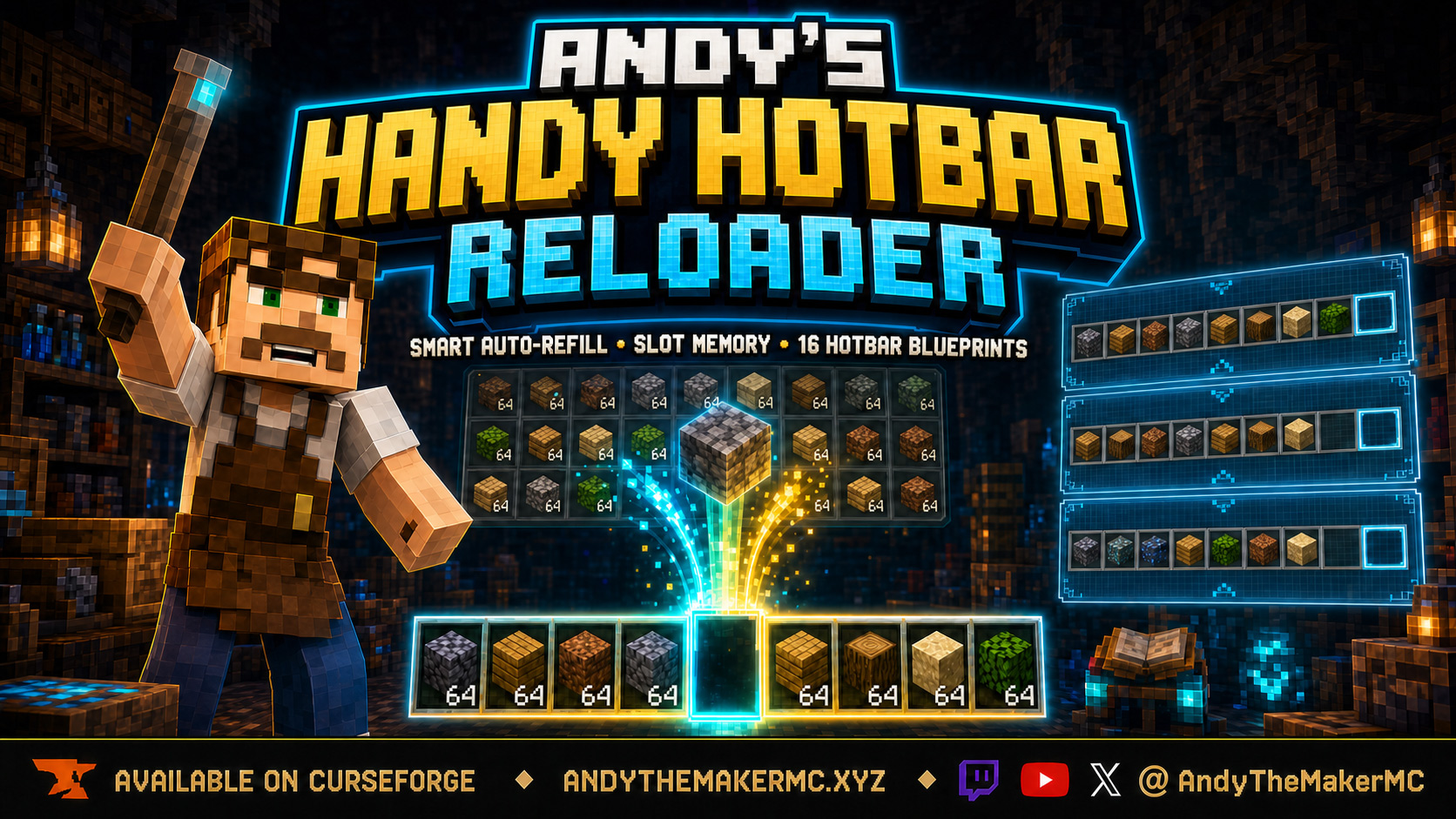
Andy's Handy Hotbar Reloader
A survival Minecraft Bedrock add-on that automatically refills hotbar slots from your own inventory, anchors preferred items to a position, and saves 16 per-player Hotbar Blueprints with visual previews.