
Andy's Better Villager Leads
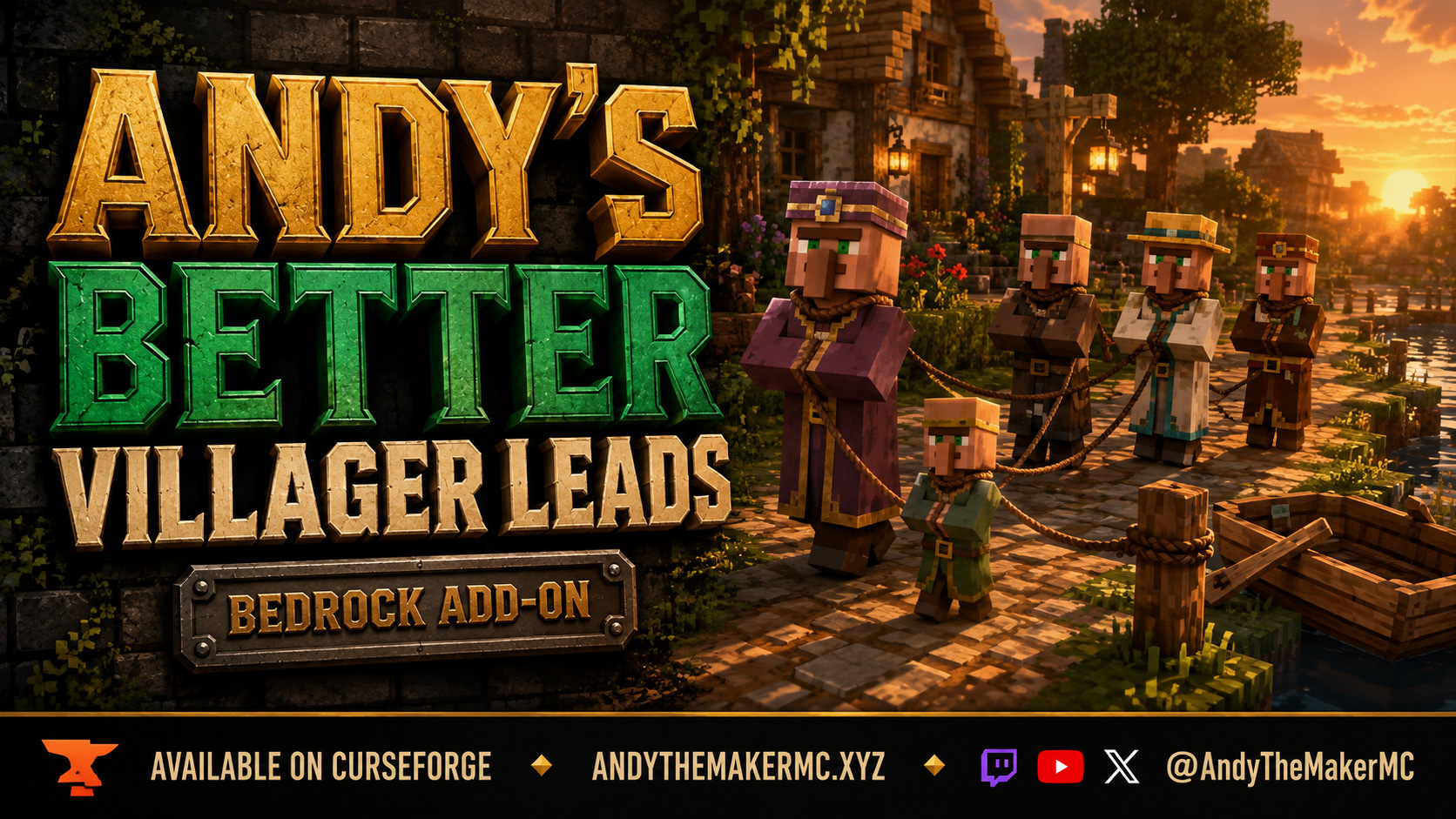
Lead adult villagers, baby villagers, wandering traders, and zombie villagers with ordinary leads — walk them to a trading hall, tether them at a fence, or bring them to a waiting boat or minecart.
Project Information
- Developer
- Andy The Maker
- Platforms
- Bedrock
- Categories
- Utility, Quality of Life, Gameplay
- License
- All rights reserved
- CurseForge
- View on CurseForge
- Repository
- GitHub
- Player Guide
- Wiki
Overview
Moving villagers is one of the least pleasant jobs in survival Minecraft. Boats, rails, water channels, and long fenced corridors all work, but they take more building than the trip is usually worth.
Andy's Better Villager Leads lets you use an ordinary lead. Adult villagers, baby villagers, wandering traders, and zombie villagers can all be leashed and walked. Take the next group toward a trading hall, tether them at a fence while you finish the building, or bring one into contact with an empty boat or minecart for the next leg of the journey.
Vanilla-friendly by design
The add-on keeps normal lead items, villager trades, professions, curing, and vanilla visual assets exactly as they are. It does not add trade rerolls, inventory management, teleportation, or general hostile-mob leashing. Zombie villagers keep their normal dangers, and wandering traders still despawn on schedule.
- No experiments or Beta APIs
- No cheats or operator permissions required for normal play
- Standard graphics and Vibrant Visuals both supported
- No companion add-ons required
Quick start
- Equip a normal lead and interact with a supported mob.
- Walk steadily along a clear route.
- Use a fence to park the mob, or bring it into contact with an empty boat or minecart.
- World owners and operators can adjust which categories are leashable with
/andy_leads:menu.
Longer leads and native pulling
The starting distances are 6 blocks for following, 10 blocks for spring pulling, and 20 blocks for the lead breaking. Native dampened springs give you more room during transport than a vanilla animal lead would.
Corners, obstacles, and vanilla AI can still interrupt progress. There is no guaranteed unsticking and no teleport recovery — if a villager catches on terrain, you walk back for it.
Living-villager convoys
Living adult villagers can hold other leashed entities, which is how you move more than one at a time.
For a two-villager convoy:
- Attach both villagers to yourself with two leads.
- Keep holding a lead, crouch, and interact with the villager you want at the front.
- Bedrock transfers the other player-held villager to it while the front villager stays attached to you.
The result is player → front villager → follower.
Connecting the two villagers to each other first can make Bedrock choose its retrieval interaction when you later use a lead on the holder. If that happens, retrieve or cut that link and rebuild in the order above. Native transfer can affect several mobs currently attached to you at once.
Zombie villagers, babies, and wandering traders are transport targets only — they do not act as convoy holders.
Fence tethering and vehicles
Normal fence knots tether supported mobs the same way they tether animals.
Boats and minecarts keep native boarding behavior: bring the mob into contact with an available seat and keep the lead slack. Pulling more than 10 blocks from a passenger can make it dismount. Terrain and seat availability still matter.
Active leash protection
Other players cannot directly steal a lead attached to you. The add-on also blocks lead, shears, and empty-hand controls on supported members of another player's convoy — so use an emerald or another non-control item when you want to trade with an attached villager.
Protection is not a permanent claim. It does not prevent damage or fence destruction, and fence-ended or unowned convoys are shared.
World settings
Operators open the settings menu with /andy_leads:menu. Each button saves immediately. Every category defaults to enabled:
| Setting | Controls |
|---|---|
adult_villagers | Leashing adult villagers |
baby_villagers | Leashing baby villagers |
wandering_traders | Leashing wandering traders |
zombie_villagers | Leashing zombie villagers, both ages |
convoys | Villagers holding other leashed entities |
Disabling a category releases its leads as loaded entities update and prevents new attachments. Disabling convoys releases villager-held connections without disabling direct player leads. Unloaded entities update when they next load. Settings survive restarts, and babies switch to the adult policy as they grow.
On a dedicated server, the same controls are available from the console without a leading slash:
andy_leads:status
andy_leads:set zombie_villagers false
andy_leads:set convoys true
andy_leads:reset
The console works without a connected player and prints confirmation. Members, visitors, NPCs, and command blocks cannot change the configuration.
Installation
- Download the latest release from CurseForge and open the
.mcaddonwith Minecraft Bedrock. - Wait for both packs to import, then create or edit the target world.
- Activate Andy's Better Villager Leads under Behavior Packs. The Resource Pack activates with it.
- Keep cheats and experiments off.
Android and iOS — download the .mcaddon, open or share it to Minecraft, then activate both packs in your world settings.
Xbox, PlayStation, and Nintendo Switch — consoles generally cannot import local .mcaddon files directly. Import and activate on Windows or mobile, upload the prepared world to a Realm, then join that Realm from the console.
Realms — activate both packs on the uploaded world.
Dedicated servers (BDS) — open the .mcaddon as a ZIP, extract each inner .mcpack into its own server pack directory, and add its manifest UUID and version to the world's behavior and resource pack lists. Leave allow-cheats=false and experiments off.
When updating, back up the world, import the newer build, and make sure both active pack versions match. Keep the existing pack identities so saved configuration stays associated with the add-on.
Compatibility & limitations
- Local worlds, multiplayer, Realms, and BDS on Bedrock 26.30 and newer, including 26.45.
- Native entity definitions are retained from the 26.30 baseline.
- Behavior packs that replace the same villager, trader, or zombie-villager entities may conflict; pack order does not merge their code.
- The resource pack declares PBR and preserves vanilla appearance. Individual clients choose Standard graphics or Vibrant Visuals where their hardware supports it.
- Portal travel, infection, curing, and dimension changes have no custom leash-preservation feature.
- Existing vanilla animal leads are unchanged.
Version 1.0.2 is the current release, correcting an entity load error the 1.0.0 build reported on Bedrock 26.30 and newer.
Troubleshooting
- A villager will not accept a lead — check that its category is enabled, that both packs are active, and that the correct version is loaded. Give newly loaded entities a moment to initialize, and test without other entity-overhaul packs.
- A passenger leaves its boat or minecart — keep the lead below the 10-block hard distance, or detach it once the passenger has boarded. Check for an available seat and a clear approach.
- The menu command is missing or denied — check the behavior pack, your Bedrock version, and the Content Log. Menu access requires world-owner or operator privileges; on BDS, use the direct console commands.
- Leads release after a settings change — this is intended. Disabling a category or convoy holding releases its affected leads; re-enabling allows normal attachment again.
When reporting a problem, include the add-on version, the full Bedrock version, your platform, the world or server type, any other active packs, exact reproduction steps, Content Log errors, and whether cheats and experiments were off.
Credits & license
Created by Andy The Maker. Original add-on work © 2026 AndyTheMakerMC — All Rights Reserved. Players are welcome to use the add-on in personal worlds, Realms, and servers, and to send the included resource pack to connecting players through Minecraft's normal resource-pack mechanism. Content creators are welcome to use, review, stream, and showcase the add-on in videos, livestreams, screenshots, articles, and social posts, including monetized content — credit AndyTheMakerMC and link to the official CurseForge release rather than a mirror. No one may repost, sell, repackage, or redistribute the source or artwork separately without permission.
Official vanilla portions remain © Mojang AB under Minecraft's EULA. Minecraft is a trademark of Microsoft Corporation. This project is not affiliated with, endorsed by, or sponsored by Microsoft or Mojang Studios.
Get Andy's Better Villager Leads
Download the latest version from CurseForge — the authoritative source for supported Minecraft versions and files.
More
Related Addons
Andy's Advanced Hammers, Excavators & More
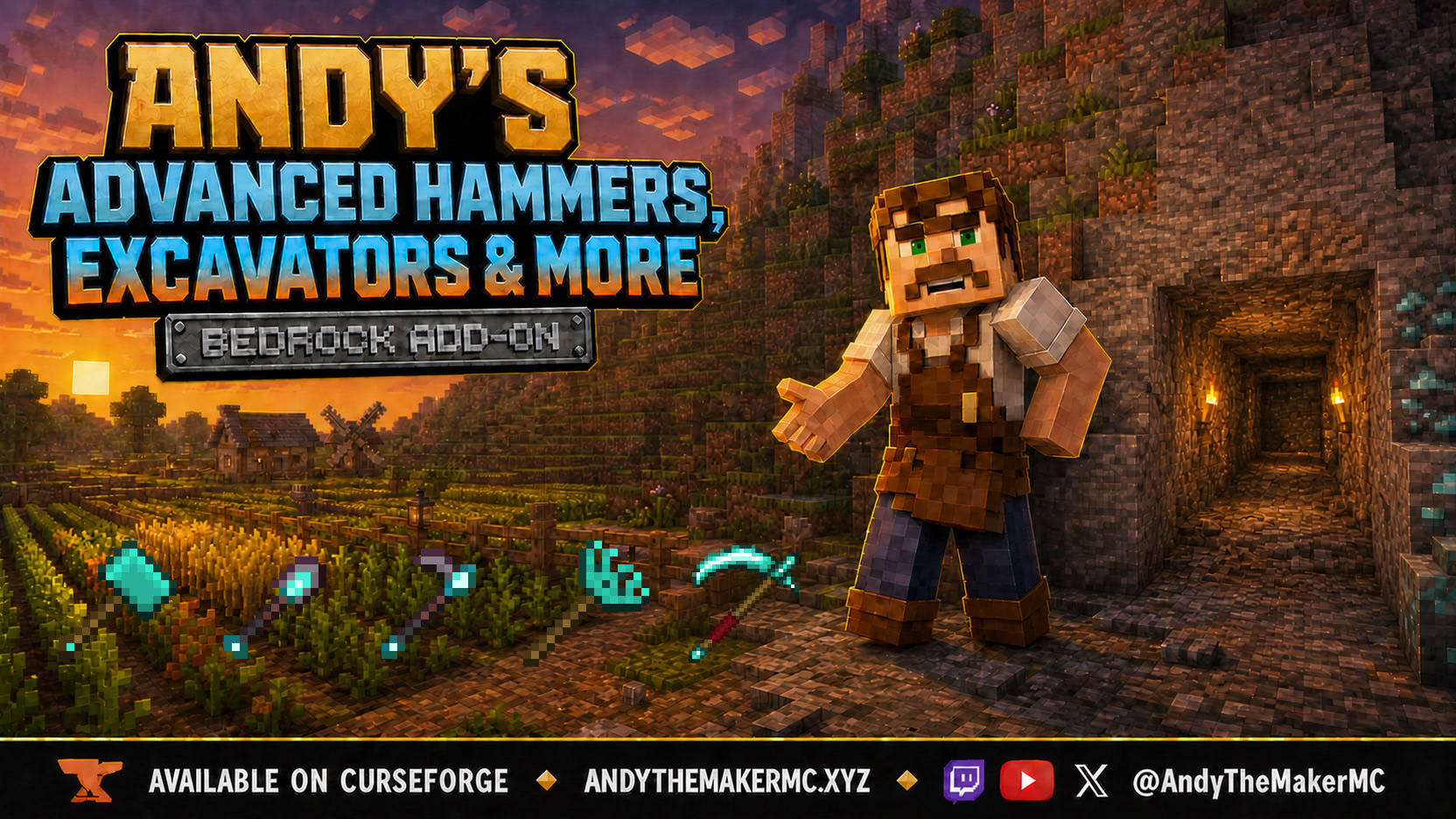
Five tool families across seven tiers — Hammers, Excavators, Tillers, Scythes, and Seeder Rakes — each drawing a wireframe preview of exactly which blocks the next swing will affect before you commit to it.
Andy's Automatic Doors
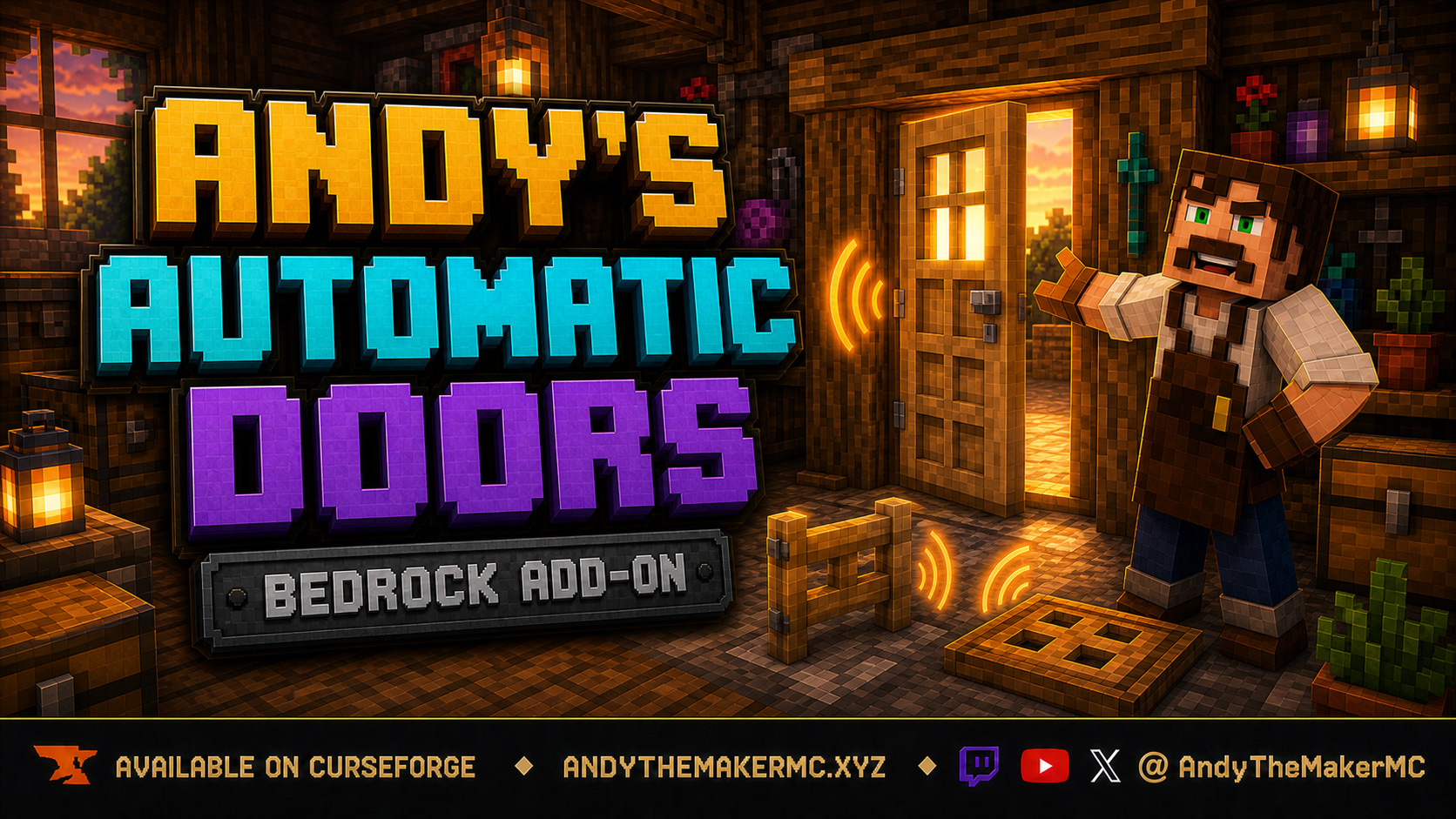
An opt-in proximity toggle for individual vanilla doors, fence gates, and trapdoors — walk up, the entrance opens once, and it closes behind you, with redstone taking precedence and no custom door blocks or experiments required.
Andy's Better Double Doors
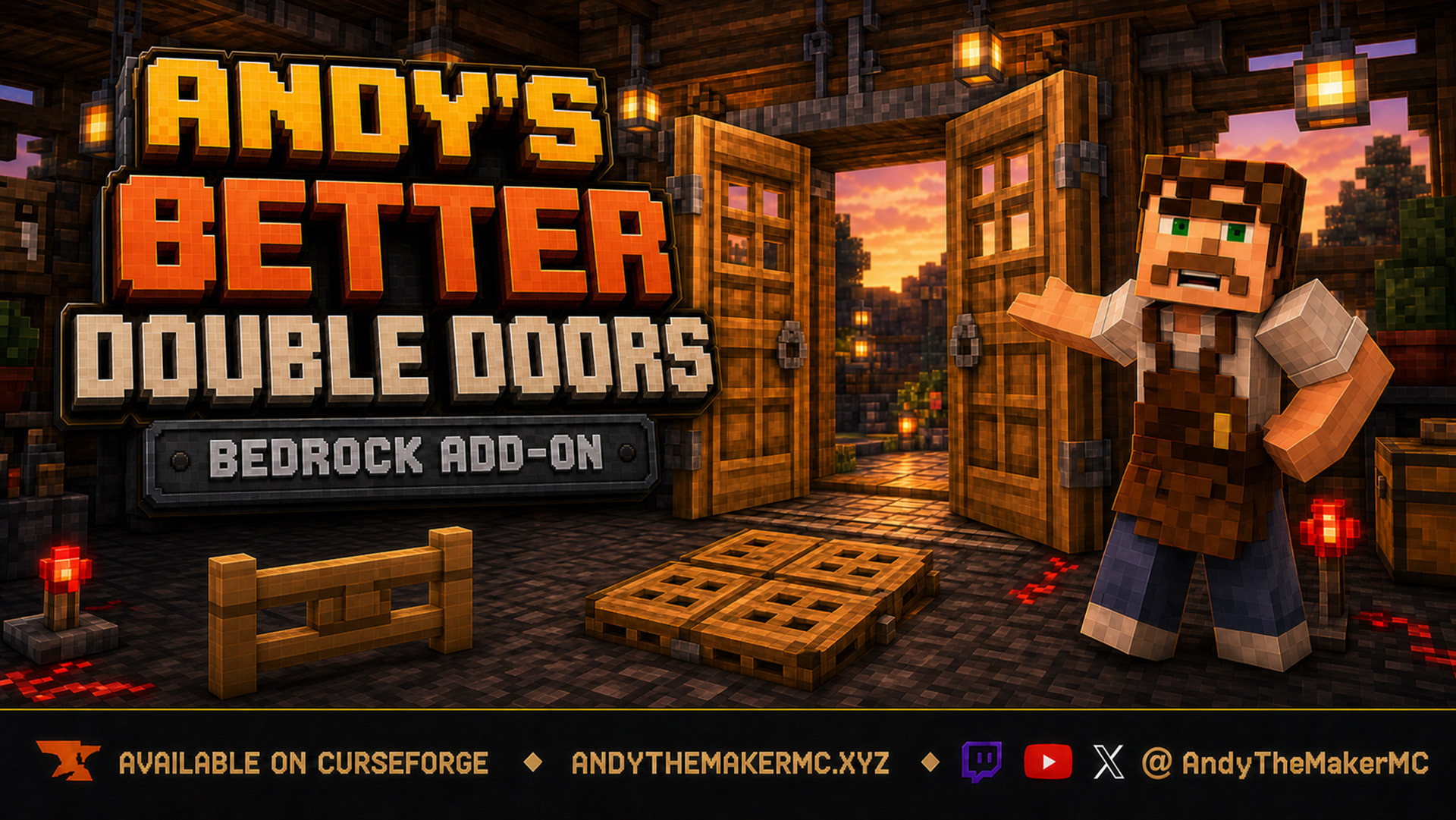
One interaction opens the whole entrance — matching vanilla double doors, double fence gates, double trapdoors, and 2×2 quad trapdoors move together, with optional proximity opening and redstone synchronization and no custom door blocks.