
Andy's Loaded Compass
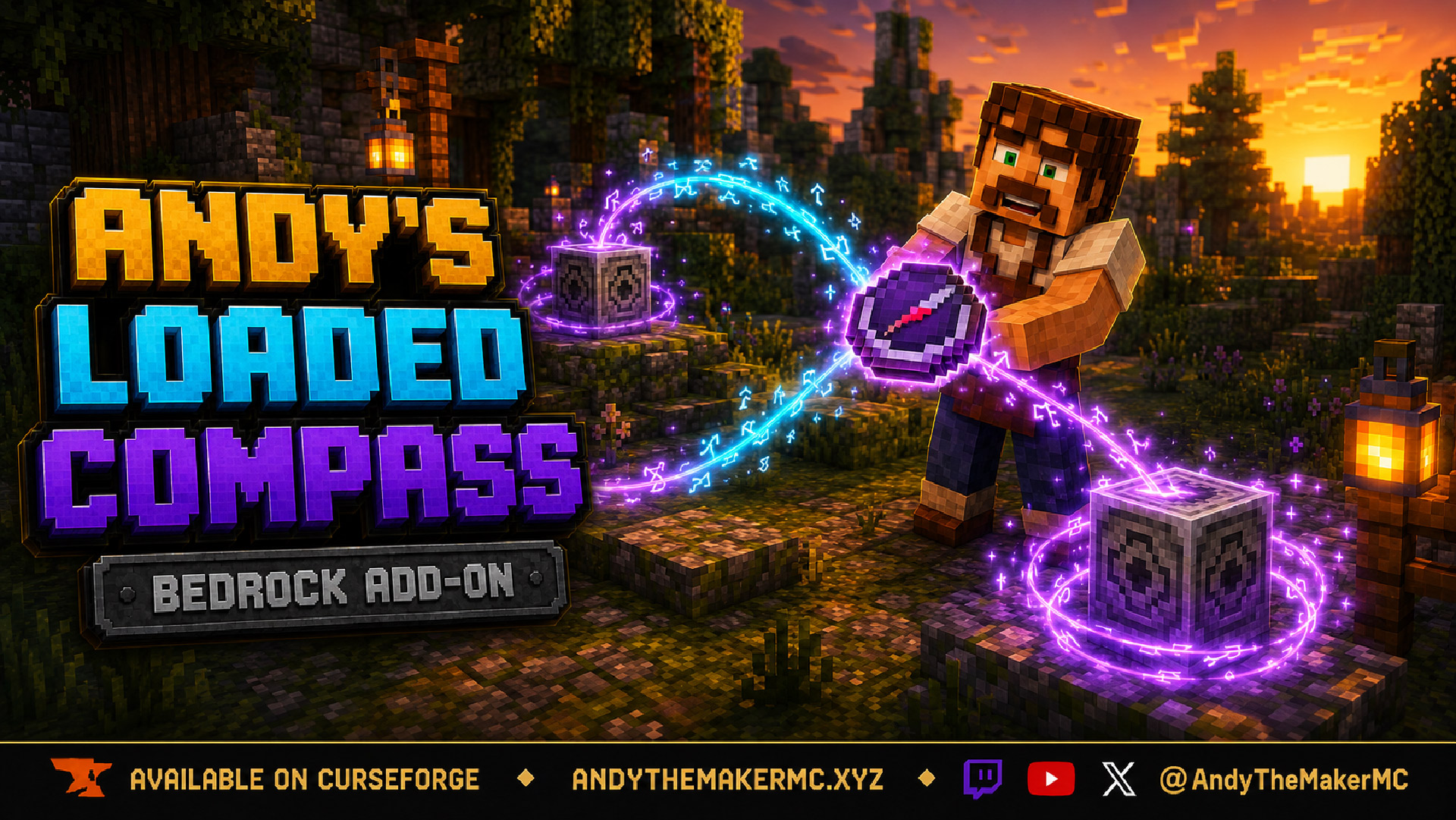
A compass that remembers every lodestone you have ever bound. Name each place, pick from the list whenever you want to change where the needle points, and keep the whole list even if you lose the compass.
Project Information
- Developer
- Andy The Maker
- Platforms
- Bedrock
- Categories
- Exploration, Quality of Life, Utility
- License
- All rights reserved
- CurseForge
- View on CurseForge
- Repository
- GitHub
- Player Guide
- Wiki
Overview
A vanilla compass bound to a lodestone remembers exactly one place. Bind it somewhere else and the first location is gone.
Andy's Loaded Compass keeps all of them. Right-click a lodestone, give the place a name, and it joins a saved list. Open the list whenever you want and tap a different entry to send the needle there instead. The list lives on your player rather than on the item, so losing the compass, dying, or crafting a replacement never costs you a location.
It points. It never teleports you.
Vanilla-friendly by design
The add-on does not replace or alter the vanilla compass, the lodestone, or any vanilla recipe. The Loaded Compass is a separate item with its own recipe. Normal Minecraft navigation is unchanged, and removing the add-on leaves your world intact.
- No experimental toggles
- No cheats or operator permissions
- Works in Standard graphics and with Vibrant Visuals
- No dependencies on other add-ons
- Achievement-friendly
Quick start
- Craft a Loaded Compass.
- Place or find a lodestone.
- Interact with the lodestone while holding the compass.
- Type a name for the place and confirm.
- The needle now points there. Crouch and interact to open your list and switch targets.
Crafting
The recipe unlocks the first time you pick up an iron ingot.
| Redstone Dust | Lodestone | Redstone Dust |
| Lodestone | Compass | Lodestone |
| Redstone Dust | Lodestone | Redstone Dust |
Four Lodestones, four Redstone Dust, and one vanilla Compass, in a Crafting Table.
Four Lodestones and four Redstone Dust around a vanilla Compass.
Binding a location
Hold the Loaded Compass and interact with any lodestone. A prompt asks what to call the place. The name, coordinates, and dimension are saved, and the compass immediately begins pointing there.
Bind as many lodestones as you like — each one is a separate saved entry.
Choosing where the needle points
Crouch and interact to open your saved list. Each entry reads as a name, its coordinates, and a colour-coded dimension letter: O in green for the Overworld, N in red for the Nether, E in purple for the End. Your current target is marked. Tap any entry to switch to it.
Every bound lodestone, named by you. The marked entry is the one the needle is currently following.
Deleting locations
Open the list and choose Delete a location… at the bottom. Deleting lives on its own screen, so a mis-tap in the main list switches targets rather than destroying an entry. Removing an entry only affects your compass — the lodestone itself is untouched.
If a lodestone is broken, its entry is removed from your compass automatically and you are told which one was lost. If you were offline when it was broken, the entry is cleaned up the next time you play.
How the needle behaves
- Points continuously at your selected lodestone, both in your hand and in your inventory.
- With nothing bound yet, it points at world spawn, exactly like an unbound vanilla compass.
- If your selected lodestone is in another dimension, the needle spins idly — the same behaviour vanilla shows when a lodestone cannot be reached.
Your saved locations
The list is stored on your player, not on the item. Losing the compass, dying, or crafting a replacement never costs you a location. In multiplayer every player keeps their own private list; nobody sees or shares anyone else's.
Installation
- Download the latest release from CurseForge and open the
.mcaddonwith Minecraft Bedrock. - Wait for both packs to import, then create or edit the target world.
- Activate Andy's Loaded Compass under Behavior Packs. The Resource Pack activates with it.
- Enter the world and craft the compass.
Android and iOS — download the .mcaddon, open or share it to Minecraft, then activate the behavior pack in your world settings.
Xbox, PlayStation, and Nintendo Switch — consoles generally cannot import local .mcaddon files directly. Import and activate on Windows or mobile, upload the prepared world to a Realm, then join that Realm from the console.
On servers and Realms, upload both packs and enable them on the world. The add-on is fully server-side compatible, and each player keeps their own private location list.
Back up an important world before installing or updating an add-on. CurseForge is the authoritative source for supported versions and files.
Compatibility & limitations
- Single-player, multiplayer, Realms, and dedicated servers.
- Overworld, Nether, and End.
- Standard graphics and Vibrant Visuals.
- No experiments, cheats, or operator permissions required.
- The add-on modifies the player entity definition in order to draw the compass in your hand. Other add-ons that also modify the player entity may conflict; where one is present, load order decides which wins.
Troubleshooting
- The recipe does not appear — pick up an iron ingot at least once. The recipe unlocks on first pickup.
- The needle spins and will not settle — your selected lodestone is in a different dimension. Switch targets, or travel to that dimension.
- A location disappeared — its lodestone was broken. Entries are removed automatically when their lodestone is destroyed.
- A location that should be gone is still listed — if you were offline when the lodestone was broken, the entry is cleaned up the next time you play.
- Nothing happens when I interact with a lodestone — confirm the behavior pack is active on the world, not merely imported.
Credits & license
Created by Andy The Maker. Copyright © Andy — All Rights Reserved. Players are welcome to use Andy's Loaded Compass in personal worlds, multiplayer worlds, Realms, and servers, and content creators are welcome to use, review, stream, and showcase the add-on in videos, livestreams, screenshots, articles, and social posts, including monetized content. No one may redistribute or re-upload the files — link viewers and players to the official CurseForge release.
Minecraft is a trademark of Microsoft Corporation. This project is not affiliated with, endorsed by, or sponsored by Microsoft or Mojang Studios.
Get Andy's Loaded Compass
Download the latest version from CurseForge — the authoritative source for supported Minecraft versions and files.
More
Related Addons
Andy's Advanced Hammers, Excavators & More
Five tool families across seven tiers — Hammers, Excavators, Tillers, Scythes, and Seeder Rakes — each drawing a wireframe preview of exactly which blocks the next swing will affect before you commit to it.
Andy's Automatic Doors
An opt-in proximity toggle for individual vanilla doors, fence gates, and trapdoors — walk up, the entrance opens once, and it closes behind you, with redstone taking precedence and no custom door blocks or experiments required.
Andy's Better Double Doors
One interaction opens the whole entrance — matching vanilla double doors, double fence gates, double trapdoors, and 2×2 quad trapdoors move together, with optional proximity opening and redstone synchronization and no custom door blocks.