
Andy's Comforting Campfires
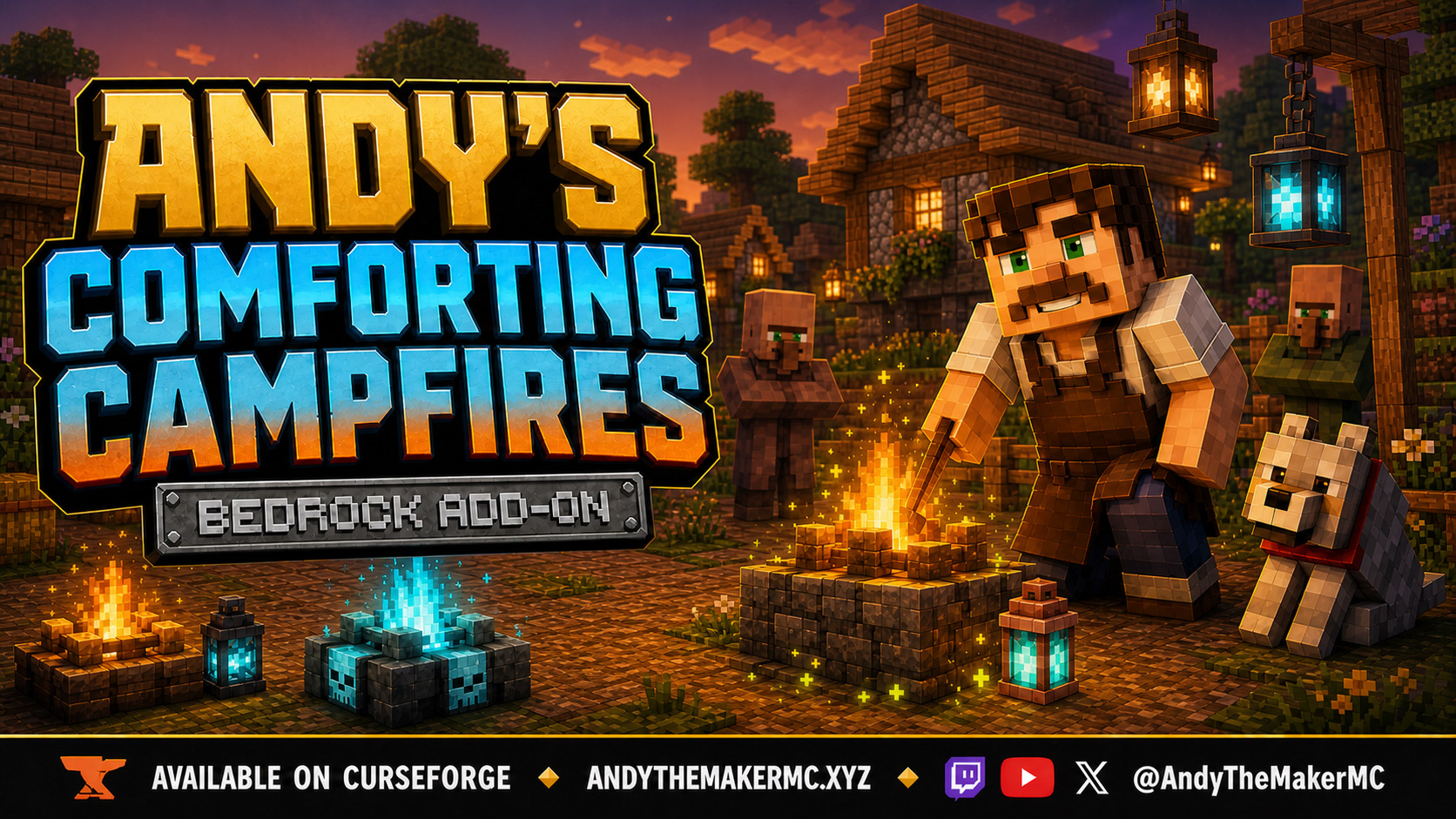
A crafted progression of healing hearths — from a gentle five-block campfire aura to a 64-block Community Comfort — plus restorative Comforting food and rune-lit Comfort Lanterns, all built on ordinary vanilla campfires and lanterns.
Project Information
- Developer
- Andy The Maker
- Platforms
- Bedrock
- Categories
- Gameplay, Quality of Life, Utility
- License
- All rights reserved
- CurseForge
- View on CurseForge
- Repository
- GitHub
- Player Guide
- Wiki
- Related Lore
Overview
Andy's Comforting Campfires turns a simple fire into a place worth gathering around. It adds a survival-crafted progression from a gentle campsite healing aura to a full Hearthfire and finally a Community Comfort capable of supporting a village, shared base, or community dwelling.
The same fires cook restorative Comforting food through Minecraft's familiar placed-on-campfire mechanic, while normal, Soul, and Copper Comfort Lanterns provide small local healing for rooms, paths, and work areas.
Vanilla-friendly by design
The placed blocks remain Minecraft's familiar Campfire, Soul Campfire, Lantern, Soul Lantern, and Copper Lantern variants. The add-on tracks only the custom Comfort items crafted through its recipes, layering healing, persistent tier identity, a menu, inventory shimmer, and floating-rune visuals around the underlying vanilla blocks.
It does not globally replace vanilla block textures, flames, recipes, loot tables, mobs, interfaces, or world generation. Ordinary Campfires, Soul Campfires, and Lanterns stay ordinary. No cheats, commands, experimental gameplay toggles, or additional add-ons are required, and both Standard graphics and Vibrant Visuals are supported.
Feature overview
| Feature | Range | Active behavior |
|---|---|---|
| Comforting Campfire / Soul Campfire | 5 blocks | Intermittent Regeneration I while lit — deliberately gentler than the upgraded tiers |
| Hearthfire / Hearthfire Soul Campfire | 8 blocks | Continuously refreshed Regeneration I while lit |
| Community Comfort / Community Comfort Soul | 64 blocks | Continuously refreshed Regeneration I for friendly life across a four-chunk radius while lit |
| Comfort Lantern | 3 blocks | Minor intermittent Regeneration I; always active while placed |
| Comforting food | Personal | Food-appropriate hunger and saturation plus a short guaranteed Regeneration I |
Healing is measured from the placed block in three-dimensional distance. The add-on does not force chunks to remain loaded.
Crafting the hearth progression
All three steps use shaped Crafting Table recipes, and normal versus Soul identity must stay matched throughout.
Comforting Campfire
| Golden Carrot | Amethyst Shard | Golden Carrot |
| Golden Carrot | Campfire or Soul Campfire | Golden Carrot |
| Golden Carrot | Amethyst Shard | Golden Carrot |
Six Golden Carrots, two Amethyst Shards, and one Campfire or Soul Campfire. The output keeps the normal-or-Soul identity of its center ingredient and gives friendly life intermittent Regeneration I within five blocks while lit.
Hearthfire
| Golden Apple | Amethyst Cluster | Golden Apple |
| Golden Apple | Matching Comforting Campfire | Golden Apple |
| Golden Apple | Amethyst Cluster | Golden Apple |
Six Golden Apples, two fully formed Amethyst Clusters, and the matching Comforting Campfire. Hearthfire continuously refreshes Regeneration I within eight blocks and unlocks Comforting Carrot, Potato, and Beetroot cooking.
Community Comfort
| Emerald Block | Bell | Emerald Block |
| Clock | Matching Hearthfire | Enchanted Golden Apple |
| Comforting Carrot | Comforting Steak | Comforting Potato |
Two Emerald Blocks, a Bell, a Clock, an Enchanted Golden Apple, the matching Hearthfire, and one each of Comforting Carrot, Steak, and Potato. Community Comfort continuously refreshes Regeneration I for friendly life within 64 blocks while lit — a four-chunk radius suited to villages, community halls, server gathering areas, and large shared bases. It does not keep those chunks loaded.
Comfort Lanterns
Comfort Lanterns use one shaped recipe with the center Lantern changed to the desired vanilla variant.
| Comforting Carrot | Amethyst Shard | Comforting Carrot |
| Comforting Steak | Supported Lantern | Comforting Steak |
| Comforting Potato | Amethyst Shard | Comforting Potato |
Supported variants are the Lantern, Soul Lantern, Copper Lantern, its Exposed, Weathered, and Oxidized states, and every waxed Copper Lantern variant.
Each Comfort Lantern provides minor intermittent Regeneration I within three blocks. Lanterns have no upgrade tiers, no menu, and never need relighting. Place the custom item on top of a solid block with a clear space above it, and use Silk Touch when moving one if its Comfort identity must be preserved.
Healing targets
The auras are intended for friendly life rather than hostile mobs. Supported targets include players, villagers, wolves and cats, parrots, horses, donkeys and mules, llamas and trader llamas, and other entities Minecraft exposes as tamed.
A campfire aura operates only while the tracked block is lit. Extinguishing the fire stops both healing and rune emission; relighting resumes both. Breaking, replacing, or moving the expected block removes or suspends its behavior. Lanterns have no extinguished state, so a placed Comfort Lantern stays active whenever its chunk is loaded.
The hearth menu
Crouch + interact with a placed Comforting Campfire, Hearthfire, or Community Comfort to open its information panel, which reports the hearth tier, its healing radius and behavior, and the food that tier can cook into Comforting forms. Normal interaction remains reserved for vanilla campfire cooking. Lanterns intentionally have no menu — every upgrade happens through shaped Crafting Table recipes.
Comforting food
Use the normal campfire mechanic: hold a supported ingredient, interact with a placed Comfort hearth, and wait for the visible food to finish cooking.
Any Comfort tier cooks Raw Beef into Comforting Steak, Raw Porkchop into Comforting Porkchop, Raw Cod or Salmon into Comforting Fish, and Dried Kelp into Comforting Dried Kelp. Hearthfire and Community Comfort additionally cook Carrot, Potato, and Beetroot into their Comforting forms — the base five-block campfire does not.
| Food | Nutrition | Saturation | Regeneration I |
|---|---|---|---|
| Comforting Steak | 8 | 0.8 | 8 seconds |
| Comforting Porkchop | 8 | 0.8 | 8 seconds |
| Comforting Fish | 6 | 0.7 | 6 seconds |
| Comforting Dried Kelp | 2 | 0.5 | 3 seconds |
| Comforting Carrot | 4 | 0.6 | 3 seconds |
| Comforting Potato | 5 | 0.6 | 4 seconds |
| Comforting Beetroot | 2 | 0.6 | 3 seconds |
Every listed food carries a short guaranteed Regeneration I effect and an enchanted-style inventory shimmer. Values stay recognizable relative to vanilla food rather than replacing normal survival preparation. Comforting Carrot, Steak, and Potato are also progression ingredients for Community Comfort and every Comfort Lantern recipe.
Floating runes and shimmer
Active Comfort blocks use eight randomized rune glyphs drawn from the visual language established by Andy's Disenchanting Pillar. Hearth runes emit around the base and surrounding air, then drift upward before fading.
| Comfort family | Rune colors | Scale |
|---|---|---|
| Comforting Campfire | Orange and red | Full hearth field |
| Hearthfire | Blue and green | Full hearth field |
| Community Comfort | Purple and magenta | Full hearth field |
| Comfort Lantern | Orange and pink | Scaled lantern field |
| Comfort Soul Lantern | Blue and purple | Scaled lantern field |
| Copper Comfort Lanterns | Copper and yellow | Scaled lantern field |
All custom campfire items, all ten Comfort Lantern items, and every finished Comforting food shimmer in the inventory. Placed blocks stay vanilla-compatible, so they use the rune field as their in-world distinction instead of applying an item glint to every vanilla block of that type.
Silk Touch, dismantling, and moving
Use a Silk Touch tool when harvesting a tracked Comfort block that should remain a Comfort item. Silk Touch returns the matching placement item and preserves normal-versus-Soul type, hearth tier, and a Lantern's supported vanilla variant. Placing and relighting the returned hearth restores its aura and visuals.
Mining a hearth without Silk Touch dismantles it rather than refunding the expensive food progression: three Oak Logs, one Charcoal, and two Amethyst Shards for a base Comforting Campfire, or two Amethyst Clusters for Hearthfire and Community Comfort. Community Comfort also returns its Bell, Clock, and two Emerald Blocks. Golden Carrots, Golden Apples, the Enchanted Golden Apple, and Comforting food ingredients are not returned — check the held tool before breaking an upgraded hearth.
Persistence and chunk loading
Placed Comfort identity is stored against the block's exact dimension and coordinates, and records are designed to survive world saves, restarts, player travel, and chunk unloading. When a chunk is unavailable the record is preserved and processing pauses; when the player returns and the chunk loads, healing, particles, and menu access resume. If the loaded location contains a different block, the stale record is removed.
Multiplayer, servers, and Realms
Healing can benefit multiple friendly entities at once, and Community Comfort is designed for shared bases, villages, community buildings, and gathering spaces. Placed records belong to the world rather than to one player's client, so any player can receive an eligible aura and read a hearth's information panel. The world owner installs the add-on once; joining players receive the required world packs through Minecraft's normal delivery.
The add-on implements no ownership, access locks, team filters, or per-player configuration — use normal world permissions and trusted-building practices on public servers.
Installation
- Download the latest release from CurseForge and open the
.mcaddonwith Minecraft Bedrock. - Wait for both packs to import, then create or edit the target world.
- Activate Andy's Comforting Campfires [BP] under Behavior Packs, and confirm Andy's Comforting Campfires [RP] is active under Resource Packs.
- Enter the world and begin with the base Comforting Campfire recipe.
Xbox, PlayStation, and Nintendo Switch — consoles generally cannot import local .mcaddon files directly. Import and activate on Windows or mobile, upload the prepared world to a Realm, then join that Realm from the console.
On servers and Realms, install and activate both packs on the world before uploading or starting it; joining players must accept the Resource Pack so custom item names, shimmer, and rune particles display correctly.
Back up an important world before installing or updating an add-on. CurseForge is the authoritative source for supported versions and files.
Compatibility & limitations
- Single-player, multiplayer, Realms, and compatible Bedrock servers.
- Overworld, Nether, and End, wherever the relevant block and entities can exist.
- Both linked packs are required; no experiments, cheats, commands, or dependencies.
- No custom world generation and no global replacement of vanilla Campfire or Lantern textures.
- No forced chunk loading, and no healing for hostile mobs.
- No Lantern upgrade tiers or Lantern menu.
- Custom Lantern placement needs a clear block space above the support surface.
- Third-party Campfire or Lantern blocks are not automatically supported.
If another Resource Pack changes particle materials or overrides shared vanilla visual resources, place Andy's Comforting Campfires above the conflicting pack and test again.
Troubleshooting
- The recipe does not craft — use a Crafting Table, since every Comfort recipe is shaped. Golden Carrots are for the base tier and ordinary Golden Apples for Hearthfire; Hearthfire needs fully formed Amethyst Clusters, and Community Comfort needs an Enchanted Golden Apple. Keep normal and Soul items matched through every tier, and match Copper Lantern oxidation and waxed states exactly.
- The custom item will not place — interact with the top of a solid support block, keep the space directly above clear, and keep the item selected until placement completes.
- There is no healing — confirm both packs are active and that the block was placed from a crafted Comfort item rather than an ordinary vanilla one. Relight an extinguished campfire, move inside the correct radius, and remember hostile mobs are excluded by design.
- The effect appears to pulse — that's intentional for the base Comforting Campfire and Comfort Lanterns, whose Regeneration duration is shorter than the refresh interval.
- Particles are missing — confirm the Resource Pack is active and accepted, check particle and graphics settings, relight the hearth, and test with conflicting visual packs disabled or ranked lower.
- Crouch + interact does not open the menu — the menu exists only on tracked hearths; crouch first, and remember normal interaction is reserved for cooking.
- Food cooks but stays vanilla — confirm it was placed directly on a tracked Comfort hearth, and use Carrot, Potato, or Beetroot only at Hearthfire tier or above.
- Silk Touch did not preserve the item — confirm the tool actually has Silk Touch and that it made the final break action.
Credits & license
Created by Andy The Maker. Copyright © Andy — All Rights Reserved. Players are welcome to use Andy's Comforting Campfires in personal worlds, multiplayer worlds, Realms, and servers, and content creators are welcome to use, review, stream, and showcase the add-on in videos, livestreams, screenshots, articles, and social posts, including monetized content. No one may modify, reverse engineer, extract, repackage, re-upload, sell, mirror, or redistribute the add-on or any of its files without prior written permission — link viewers and players to the official CurseForge release.
The promotional artwork is original AI-assisted concept artwork directed for this project; it is not an in-game screenshot.
Minecraft is a trademark of Microsoft Corporation. This project is not affiliated with, endorsed by, or sponsored by Microsoft or Mojang Studios.
Get Andy's Comforting Campfires
Download the latest version from CurseForge — the authoritative source for supported Minecraft versions and files.
More
Related Addons
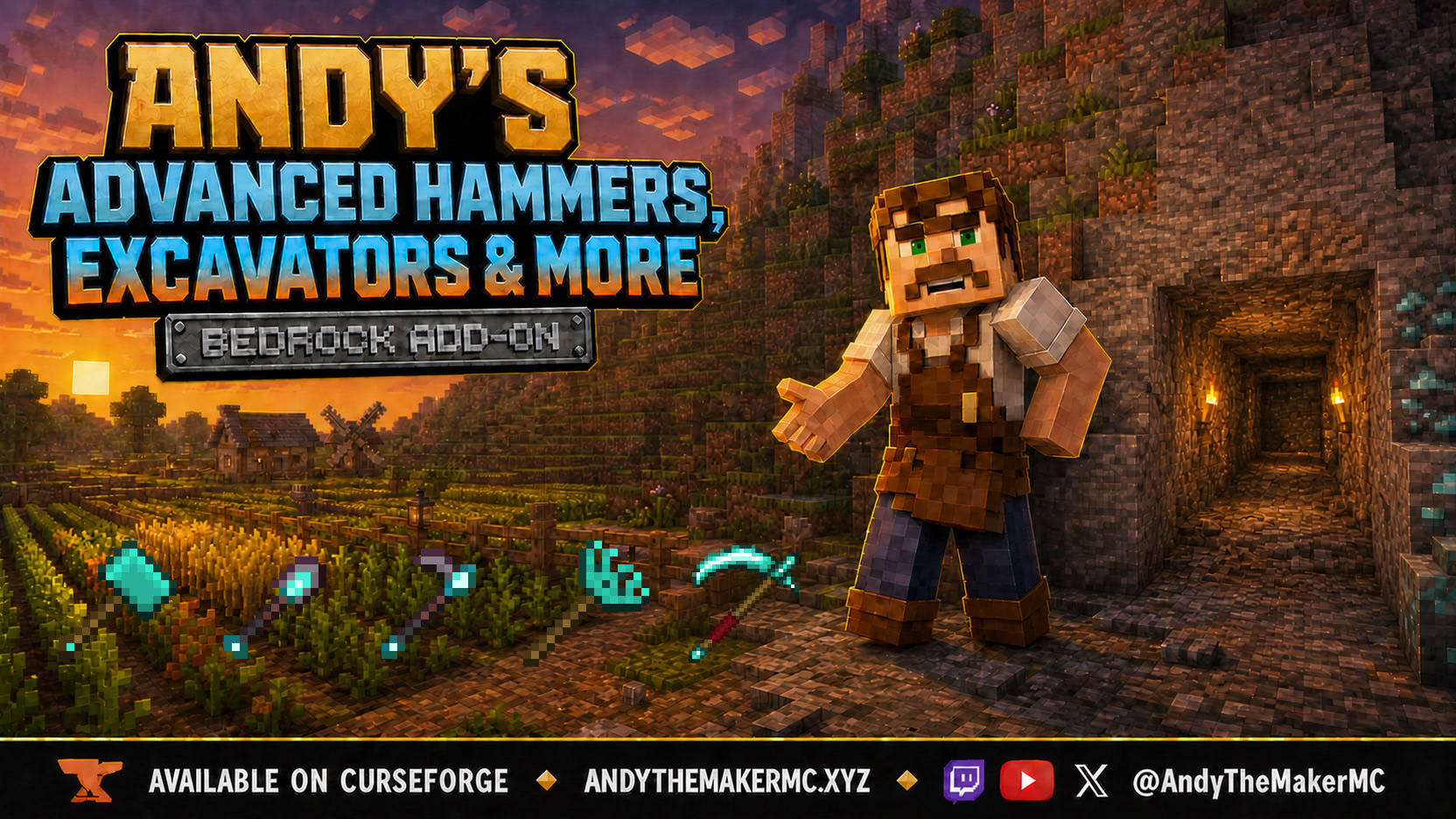
Andy's Advanced Hammers, Excavators & More
Five tool families across seven tiers — Hammers, Excavators, Tillers, Scythes, and Seeder Rakes — each drawing a wireframe preview of exactly which blocks the next swing will affect before you commit to it.
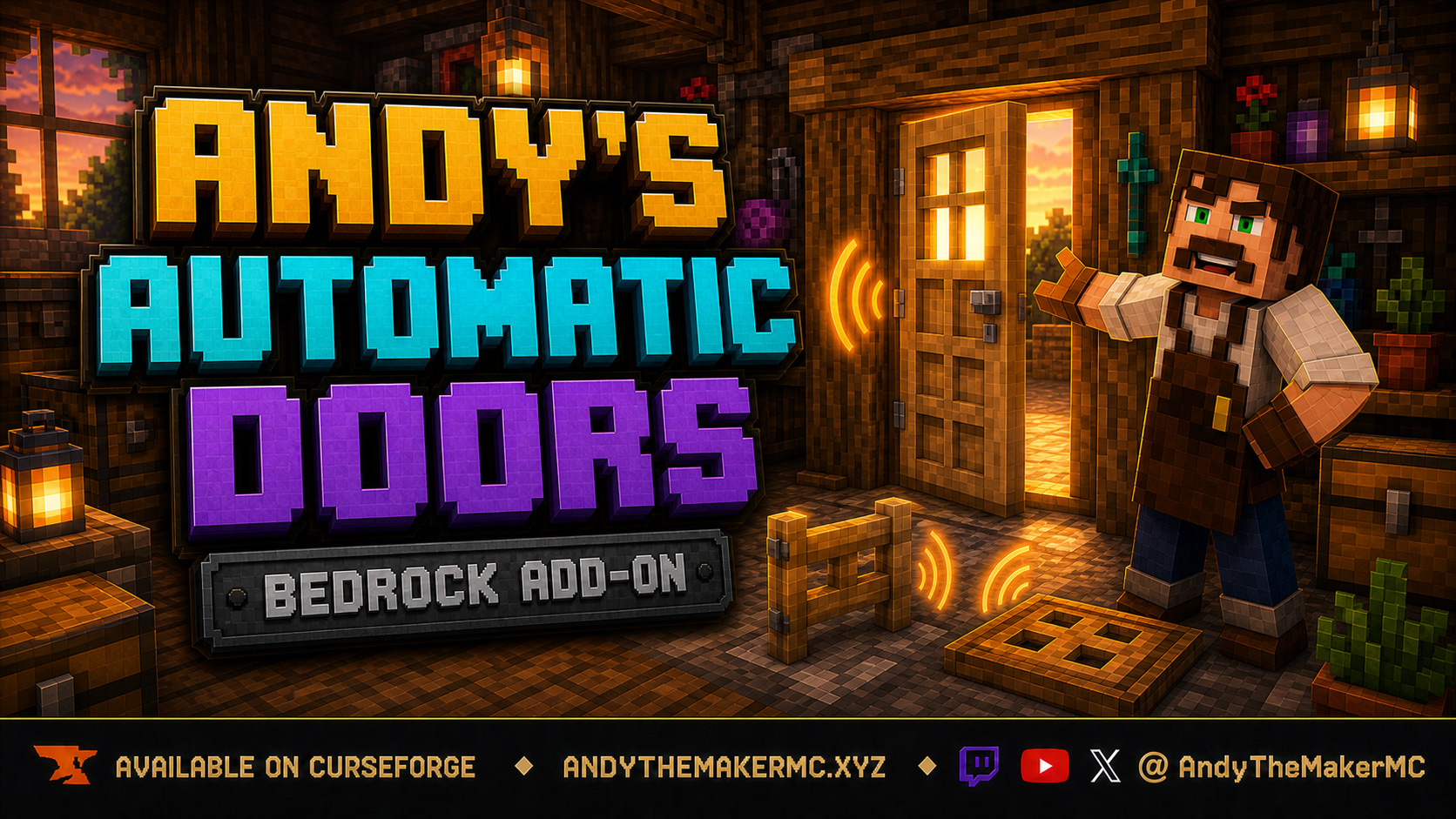
Andy's Automatic Doors
An opt-in proximity toggle for individual vanilla doors, fence gates, and trapdoors — walk up, the entrance opens once, and it closes behind you, with redstone taking precedence and no custom door blocks or experiments required.
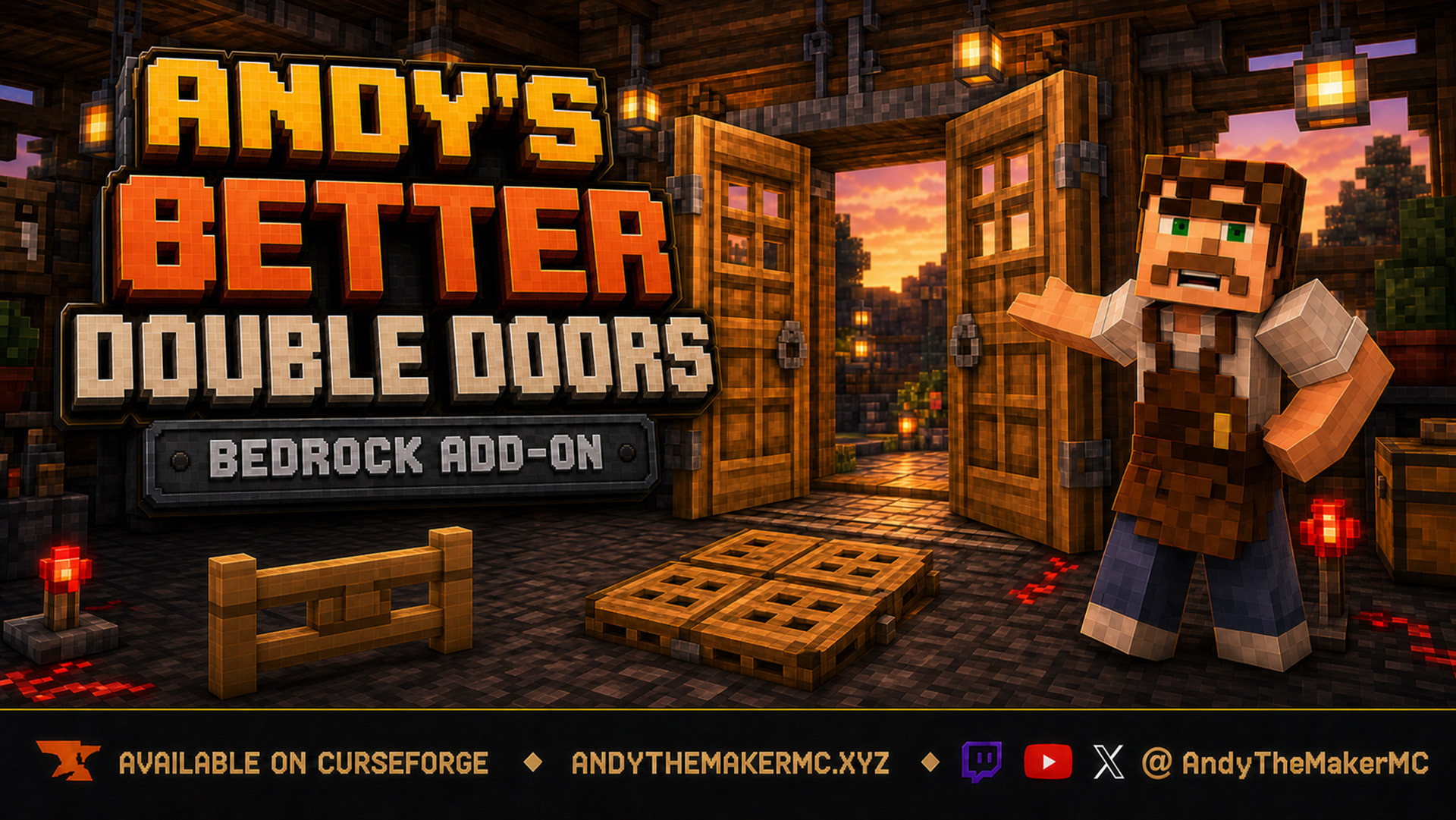
Andy's Better Double Doors
One interaction opens the whole entrance — matching vanilla double doors, double fence gates, double trapdoors, and 2×2 quad trapdoors move together, with optional proximity opening and redstone synchronization and no custom door blocks.